 17% OFF
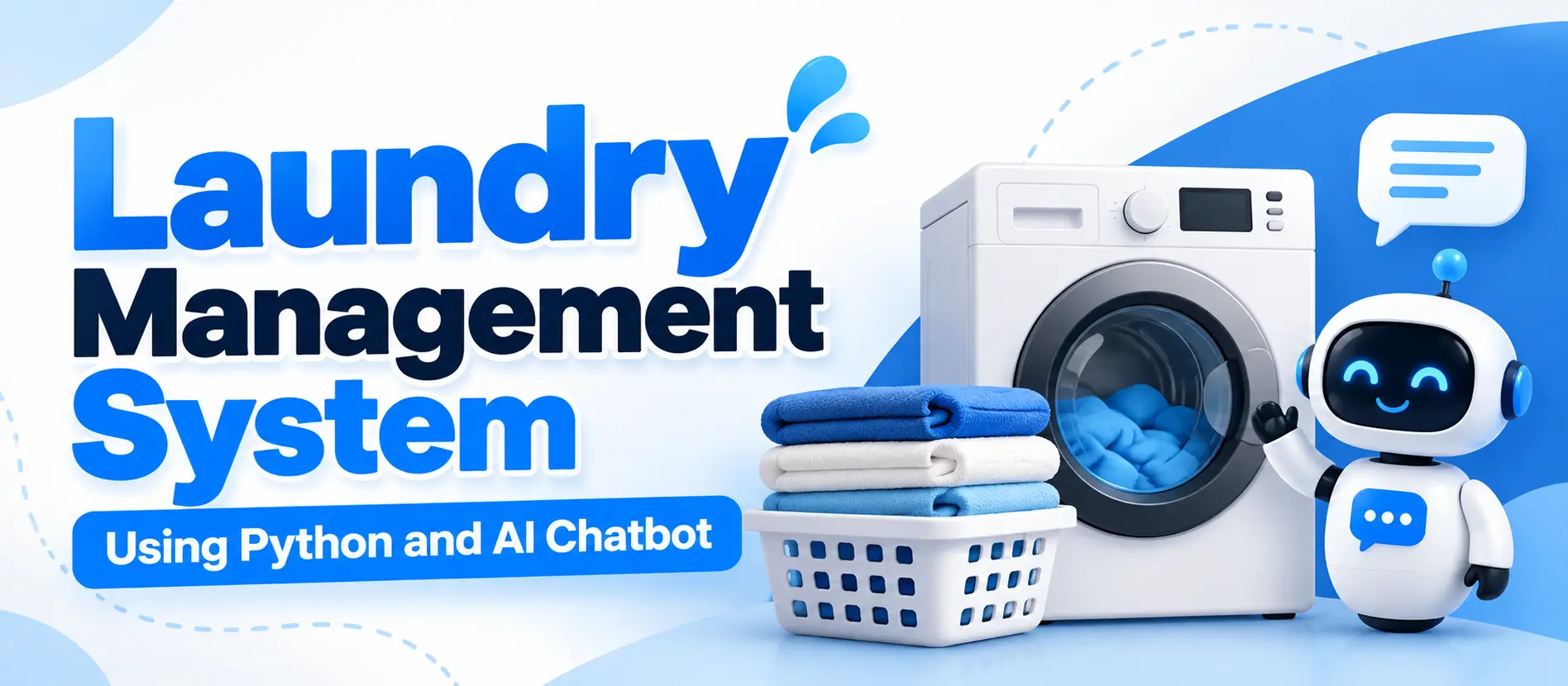
 Laundry Management System Using Python and AI Chatbot
The Laundry Management System Using Python and AI Chatbot is a Django-based web application for managing laundry bookings, customers, garment processing, payments, inventory, pickup and delivery, and order tracking. It provides five role-based panels, custom dashboards, reports, notifications, and a machine-learning chatbot using Scikit-learn, TF-IDF, Logistic Regression, and NLTK. The application uses SQLite as its database.
Read more- Built with
- PythonDjangoMachine LearningBootstrapHTML/CSSJavaScript
- You get
- Source codeDatabaseProject reportPPTSetup guide
- Delivery
- Instant download after payment
Project Overview
The Laundry Management System Using Python and AI Chatbot is a web-based application developed using Python, Django 5, and SQLite. It helps laundry businesses manage customer bookings, order processing, garment tracking, payments, inventory, and delivery operations through a centralized platform.
The application provides separate panels for administrators, managers, customers, employees, and delivery staff. It includes a custom dashboard, reports and analytics, notifications, inventory controls, and a machine-learning chatbot powered by Scikit-learn and NLTK.
Available Features
- Custom Admin Dashboard: Manage orders, customers, staff, inventory, payments, invoices, refunds, expenses, reports, and chatbot settings.
- Manager Panel: Manage routine laundry operations, including orders, deliveries, payments, inventory, customer records, and reports.
- Customer Panel: Book laundry services, specify garment quantities, select available pickup and delivery slots, edit or cancel eligible orders, review invoices, submit reviews and complaints, and view notifications.
- Employee Panel: Process garments through sorting, washing, drying, and ironing; perform quality checks; and report damaged garments.
- Delivery Staff Panel: View assigned pickup and delivery tasks, complete deliveries, record applicable cash collections, and report failed delivery attempts.
- Garment Tracking: Track garment processing stages and return items for further processing when quality checks fail.
- Order Workflow: Manage booking, pickup, processing, quality checks, packing, delivery, and order status notifications.
- Payment Management: Support cash payments, UPI transaction submissions, and a simulated online payment gateway.
- Refund Requests: Submit eligible refund requests for administrative approval.
- Inventory Management: Track detergent and softener consumption and generate low-stock alerts.
- Financial Management: Manage payments, invoices, refunds, and expenses.
- Reports and Analytics: Review operational information through dashboard statistics and charts.
- AI Chatbot: Classify questions using TF-IDF and Logistic Regression with NLTK text processing, and retrieve relevant application data through role-aware handlers.
- Chat History: Store conversation history separately for each user.
- Chatbot Administration: Edit chatbot intents and patterns, retrain the model, and review chatbot analytics.
Which Technologies Are Used in This Project?
- Programming Language: Python
- Framework: Django 5
- Database: SQLite
- Frontend: HTML, CSS, Bootstrap 5, JavaScript
- Charts: Chart.js
- Machine Learning: Scikit-learn, TF-IDF, Logistic Regression
- Natural Language Processing: NLTK
- Development Environment: Visual Studio Code
More Details and Full Documentation
Visit the official UPDATEGADH project page for screenshots, project documentation, demo login credentials, and installation instructions.
- Custom Admin Dashboard
- Manager Panel
- Customer Registration and Account Management
- Laundry Booking Management
- Laundry Order Management
- Garment-Level Tracking
- Pickup Scheduling
- Delivery Scheduling and Management
- Employee Management
- Garment Processing and Quality Checks
- Inventory and Low-Stock Alerts
- Payment Management
- Invoice and Refund Management
- Financial Management
- Reports and Analytics
- Notifications Management
- AI Chatbot
- Chat History Management
- Chatbot Intent Management
- Chatbot Analytics and Model Retraining
Step 1: Install Python 3.10 or later and Visual Studio Code.
Step 2: Extract the project ZIP file and open the project folder in VS Code.
Step 3: Open a PowerShell terminal and create a virtual environment
python -m venv venv
Step 4: Activate the virtual environment
.\venv\Scripts\Activate.ps1
Step 5: Upgrade pip
python -m pip install --upgrade pip
Step 6: Install the required dependencies
pip install -r requirements.txt
Step 7: Generate the database migrations
python manage.py makemigrations accounts laundry chatbot
Step 8: Apply database migrations
python manage.py migrate
Step 9: Load demo data
python manage.py seed_demo
Step 10: Train the AI chatbot
python manage.py train_chatbot
Step 11: Run the automated tests
python manage.py test
Step 12: Start the development server
python manage.py runserver
Step 13: Open the application in your browser
http://127.0.0.1:8000/
Stuck while running it? Chat with us on WhatsApp for free installation help.
No reviews yet. Be the first to review this project.