 40% OFF
 Online Food Ordering System in Python
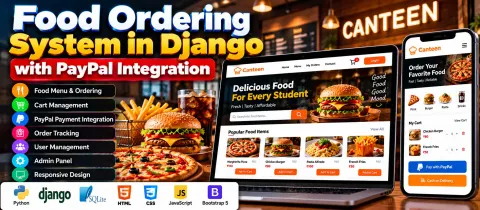
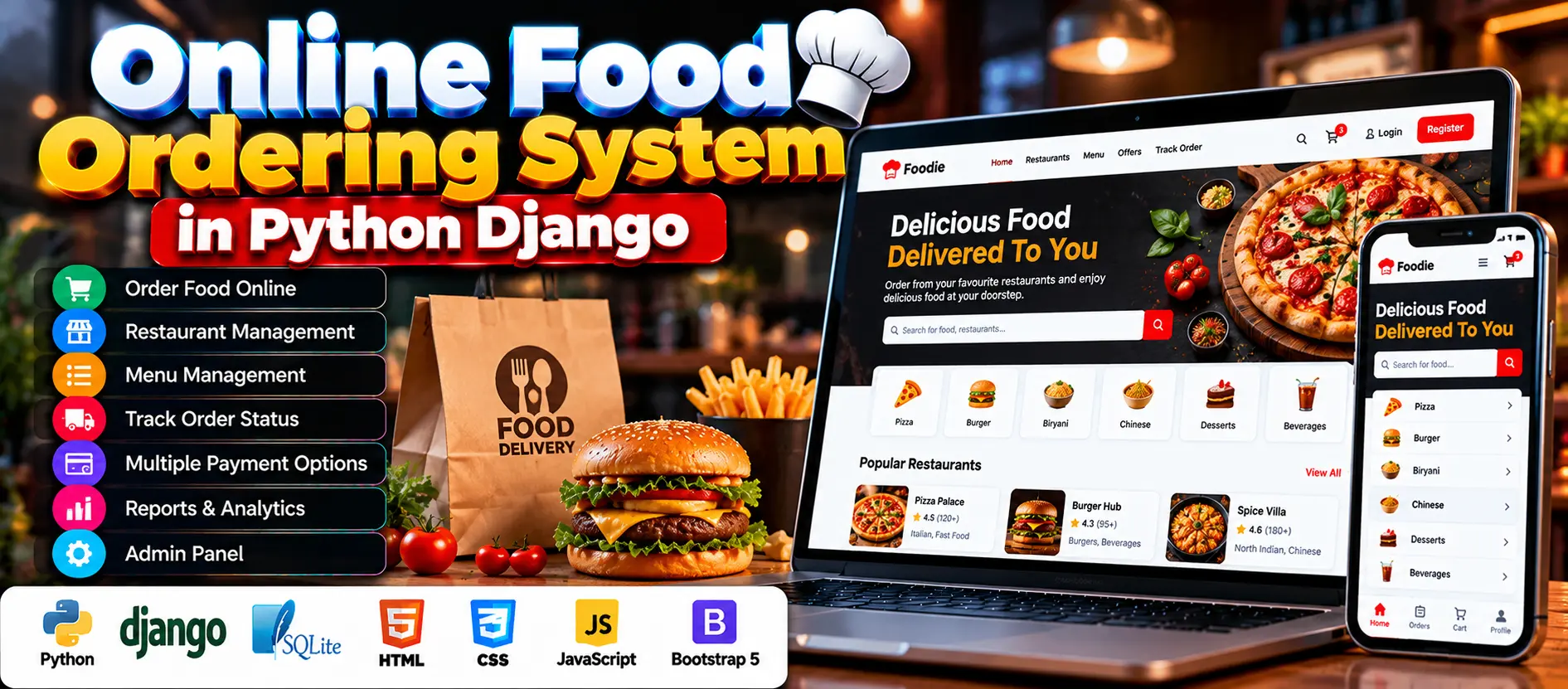
The Online Food Ordering System in Python is a Django-based web application that allows customers to browse food menus and place orders online. It uses SQLite3 to store application data and includes administration features for managing customers, restaurants, food items, payments, reports, and order statuses.
Read more- Built with
- PythonDjangoBootstrapHTML/CSSJavaScript
- You get
- Source codeDatabase
- Delivery
- Instant download after payment
Project Overview
The Online Food Ordering System in Python is a web-based application developed using Python Django. It simplifies food ordering and restaurant order management by allowing customers to browse food menus, select items, and place orders online. Administrators can manage customer accounts, restaurants, food items, payment options, reports, and order statuses through the application's management interface.
The backend uses Python Django, while HTML, CSS, JavaScript, and Bootstrap support the frontend. SQLite3 is used to store application data, including customer information, food items, and order history.
Available Features
- Admin Panel: Manage orders, customers, restaurants, and payment settings.
- Order and Customer Management: View, update, and track orders and customer information.
- Reports: Generate and print reports related to sales, orders, and customers.
- System Settings: Modify system preferences and configurations.
- Payment Option Management: Manage available payment methods.
- User Management: Create, update, and remove user accounts.
- Registration and Login: Provide account access for customers and staff according to their roles.
- Online Food Ordering: Browse menu items, select food, and place orders online.
- Order Status Tracking: Follow order progress from preparation to delivery.
- Restaurant Management: Add restaurants, update details, and assign menus.
- Food Item Management: Add, update, or remove food items and maintain their prices and categories.
- Input Validation: Validate information entered when adding or updating records.
- Order Processing: Process orders and update the system for administrators and restaurant staff.
Which Technologies Are Used in This Project?
- Python: Application programming language.
- Django: Backend framework for application logic and server-side processing.
- HTML: Structures web pages.
- CSS: Styles the interface.
- JavaScript: Supports interactive functionality.
- Bootstrap: Supports frontend layout and styling.
- SQLite3: Stores application data.
More Details and Full Documentation
Visit the official UPDATEGADH project page for more information about the project, its features, screenshots, and installation instructions.
- Admin Panel
- User Registration and Login
- User Management
- Customer Management
- Restaurant Management
- Food Item Management
- Food Categories and Pricing
- Online Order Management
- Order Status Tracking
- Payment Option Management
- Sales, Order, and Customer Reports
- System Settings
- Input Validation
Step 1: Install Python and Visual Studio Code.
Step 2: Extract the project folder named Online Food Ordering System Using Python and open it in VS Code.
Step 3: Open the integrated terminal through Terminal > New Terminal.
Step 4: Create a virtual environment
python -m venv venv
Step 5: Activate the virtual environment on Windows
venv\Scripts\activate
On macOS or Linux
source venv/bin/activate
Step 6: Install project dependencies
pip install -r requirements.txt
Step 7: Apply database migrations
python manage.py migrate
Step 8: Create an administrator account
python manage.py createsuperuser
Follow the terminal prompts to configure the account.
Step 9: Start the Django development server
python manage.py runserver
Step 10: Open the application in your browser
http://127.0.0.1:8000/
Note: The exact application pages and administrator URL depend on the routes configured in the supplied project source code.
Stuck while running it? Chat with us on WhatsApp for free installation help.
No reviews yet. Be the first to review this project.