Demo Video
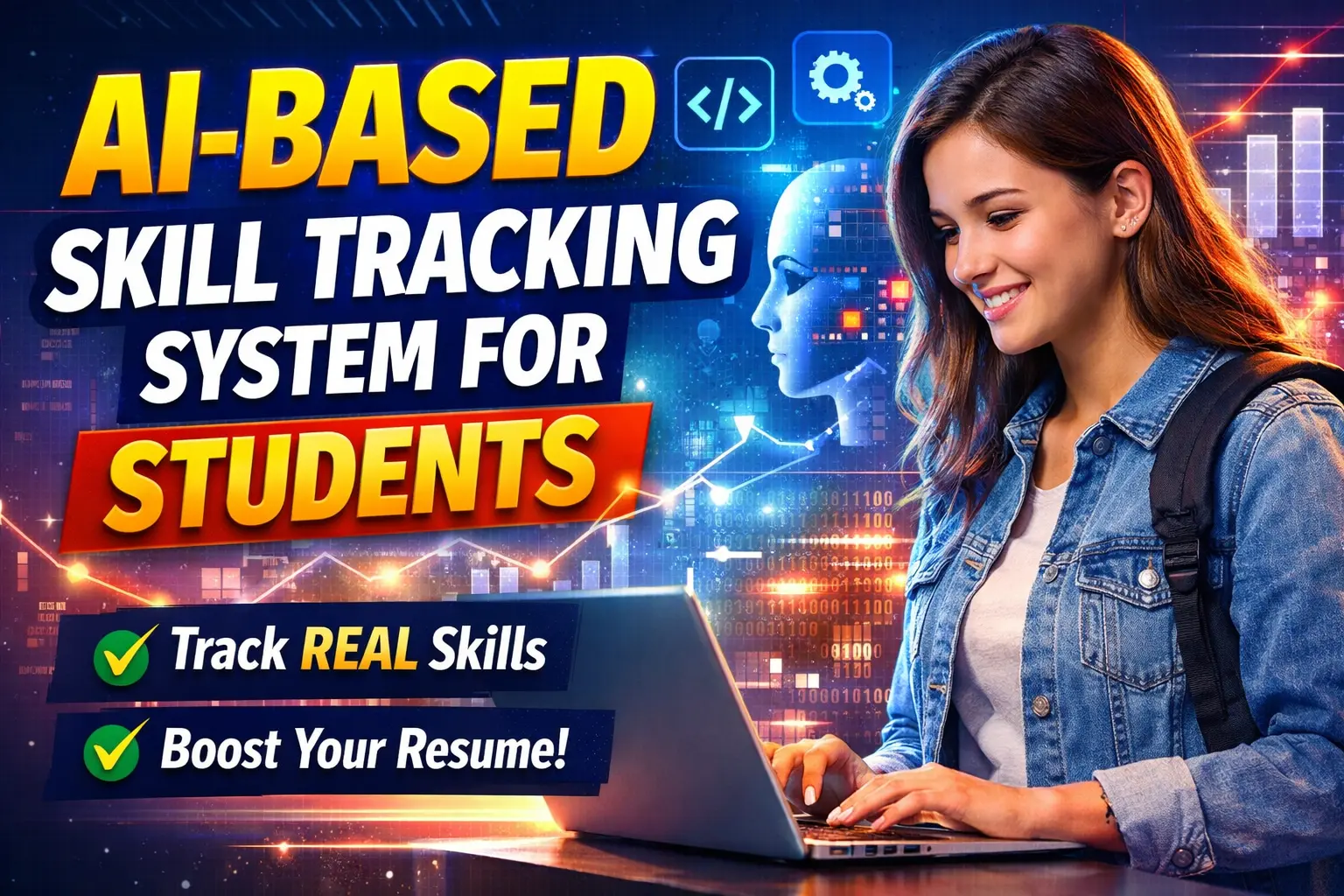
AI-Based Skill Tracking System for Students
AI-Based Skill Tracking System for Students that tracks skill development through practice logs, project evidence, learning consistency, AI-based Skill Confidence Scores, proof-based profiles, and fake skill detection.
What You Will Get
Project Overview
The AI-Based Skill Tracking System for Students is a modern web application designed to track how students develop practical skills over time. Instead of relying only on resumes and certificates, the system uses practice activity, project evidence, skill timelines, and learning consistency to create a more practical representation of a student's skill development.
The system can generate an AI-based Skill Confidence Score based on available learning and practice information. Students can build proof-based skill profiles that include skill cards, timelines, evidence, and generated scores.
Key Features
- Skill timeline tracking
- AI-based Skill Confidence Score
- Proof-based skill profiles
- Practice activity tracking
- Project and skill evidence
- Learning consistency tracking
- Fake skill detection
- Career guidance
- Missing skill identification
- Learning recommendations
- Shareable student skill profile
Skill Timeline Tracking
Each skill can be represented through a timeline that shows the student's learning journey from the beginning of skill development to the current level. This provides a clearer view of progress than a static list of skills.
AI-Based Skill Confidence Score
The system generates a Skill Confidence Score from 0 to 100 using factors such as practice frequency, evidence type, and recent activity. The score is intended to provide an indication of practical skill readiness based on the information tracked by the system.
Proof-Based Skill Profile
Students can create a skill profile containing skill cards, learning timelines, supporting evidence, and AI-generated scores. The profile can be shared through a single link, making it easier to present practical skill development.
Fake Skill Detection
The system can identify potentially unsupported skill claims by analyzing patterns such as skills without practice logs, text-based claims without project evidence, and sudden skill-level increases within a short period.
Career Guidance
The optional career guidance feature can use tracked skills to identify missing skills for a selected job role and suggest areas that the student should learn next. This feature also provides scope for expanding the system for career preparation and skill development.
Who Can Use This System
- Students can track and showcase their real skill development.
- Colleges can monitor student learning activities.
- Recruiters can review practical skill evidence.
- Internship platforms can use skill information for candidate shortlisting.
Technology Stack
- Frontend: HTML, CSS, JavaScript
- Backend: Python with Flask or Django
- Database: SQLite or MySQL
- AI Logic: NLP-based skill extraction and rule-based scoring
Watch Project Demo
Watch AI-Based Skill Tracking System Demo
More Details and Full Documentation
Project Modules
Skill Management Module
Skill Timeline Module
Practice Log Module
Project Evidence Module
Learning Consistency Module
AI Skill Confidence Score Module
Proof-Based Skill Profile Module
Fake Skill Detection Module
Career Guidance Module
Missing Skill Identification Module
Learning Recommendation Module
Shareable Profile Module
Installation Guide
1. Install Python 3 on your computer.
2. Install Visual Studio Code or another Python IDE.
3. Extract the project files.
4. Open the project folder in Visual Studio Code.
5. Open the terminal inside the project folder.
6. Create a virtual environment using: python -m venv venv
7. Activate the virtual environment using Windows command: venv\Scripts\activate
8. Install the required packages using: pip install -r requirements.txt
9. Configure the database according to the project configuration.
10. Start the Flask or Django application according to the project structure.
11. Open the local application URL in your web browser.
12. Create a student profile and add the skills you want to track.
13. Add practice logs and supporting project evidence.
14. Review the Skill Confidence Score and skill timeline.
15. Use the generated profile and career guidance features to review skill development.
FAQ for this project coming soon.
No reviews yet. Be the first to review!
Write a Review
Related Projects
 23% OFF
Featured
23% OFF
Featured
 20% OFF
Featured
20% OFF
Featured
 50% OFF
Featured
50% OFF
Featured
 25% OFF
Featured
25% OFF
Featured