 24% OFF
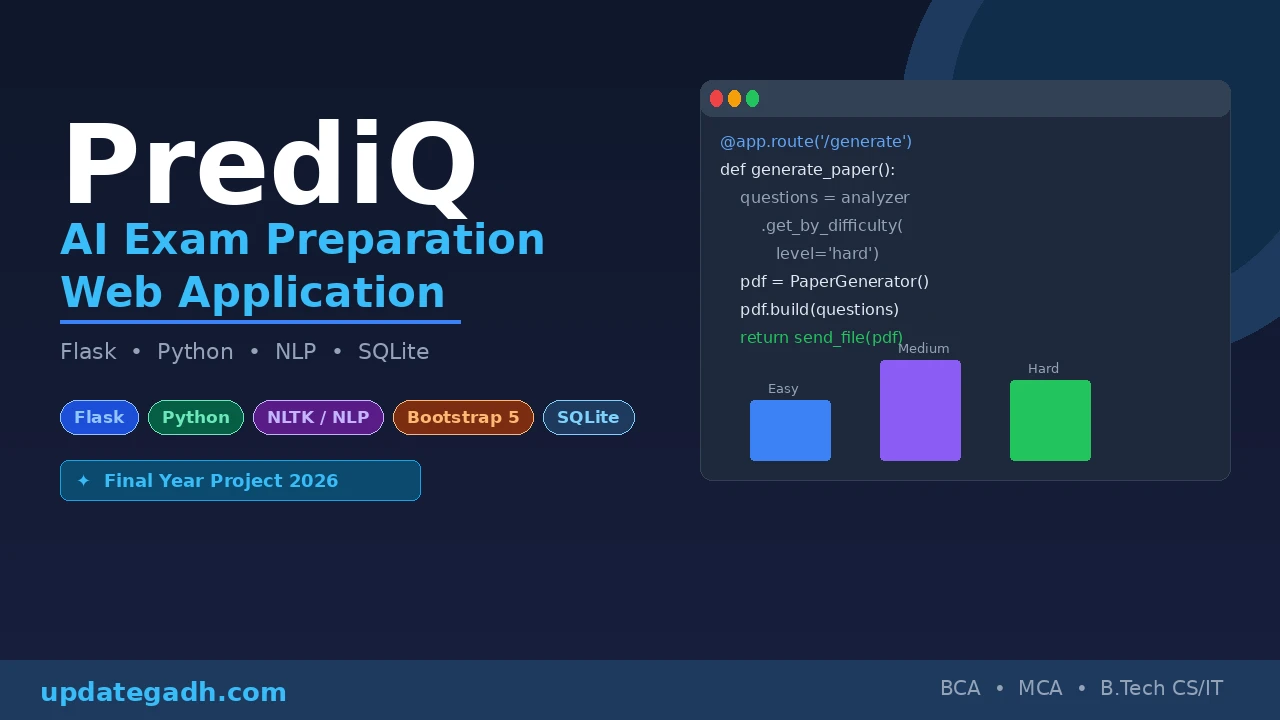
 AI-Powered Exam Preparation Web App Using Flask
AI-Powered Exam Preparation Web App Using Flask, also known as PrediQ, helps students browse previous-year question papers, generate AI-based practice papers, and analyze question difficulty using NLP. Built with Python, Flask, SQLite, NLTK, and scikit-learn, it includes student authentication, PDF generation, download history, a mock payment system, and an admin dashboard.
Read more- Built with
- PythonMachine LearningBootstrapHTML/CSS
- You get
- Source codeDatabaseProject reportPPTViva questionsSetup guide
- Delivery
- Instant download after payment
Project Overview
PrediQ is an AI-Powered Exam Preparation Web App developed using Python and Flask. It helps 10th and 2nd PU students access previous-year question papers, generate custom practice papers, and analyze question difficulty using Natural Language Processing.
Available Features
- AI Practice Paper Generation: Generate custom practice papers with Easy, Medium, and Hard difficulty levels using NLP algorithms.
- Semantic Question Analysis: Use NLTK and TF-IDF vectorization from scikit-learn to analyze question patterns and assign difficulty scores.
- Previous-Year Question Papers: Browse and download papers filtered by year, board, course, and subject.
- Student Authentication: Register and log in using Flask-Login with SHA-256 password hashing.
- Download Credits: Provide each student with two free downloads. Additional downloads use a mock payment system costing 40.
- Admin Dashboard: Upload PDF question papers, track payment transactions, monitor download activity, and view dashboard statistics.
- PDF Practice Papers: Generate downloadable practice papers using ReportLab and FPDF2.
- Download History: Allow students to view their download activity from their personal dashboard.
Technology Stack
- Programming Language: Python 3.8+
- Backend Framework: Flask 3.0.0
- Database: SQLite3
- Authentication: Flask-Login
- Frontend: Bootstrap 5.3.0, HTML, CSS, and JavaScript
- Template Engine: Jinja2
- Natural Language Processing: NLTK and scikit-learn TF-IDF
- PDF Processing: PyPDF2, ReportLab, and FPDF2
- Icons: Font Awesome
More Details and Full Documentation
For complete project details and installation instructions, visit the original UPDATEGADH project page.
More Details and Full Documentation
Watch Project Demo
- Student Registration and Login
- Previous-Year Question Paper Browsing
- Question Paper Download Management
- Download Credits and Mock Payment
- AI Practice Paper Generation
- Semantic Question Analysis
- PDF Practice Paper Generation
- Student Download History
- Admin Dashboard
- Question Paper Upload
- Payment Transaction Tracking
- Download Activity Monitoring
- Install Python 3.8 or later and Visual Studio Code.
- Extract the project ZIP file and open the PrediQ project folder in Visual Studio Code.
- Open the integrated terminal in the project directory.
- Install the project dependencies: pip install -r requirements.txt
- Download the required NLTK data: python -c "import nltk; nltk.download('punkt'); nltk.download('stopwords')"
- Run the Flask application: python app.py
- Open http://localhost:5000 in your browser.
- Sign in to the Admin Dashboard using the documented default credentials: Username: admin, Password: admin123.
- Students can register a new account from the registration page.
- Upload question papers through the Admin Dashboard and use the available student features to browse papers and generate practice papers.
Stuck while running it? Chat with us on WhatsApp for free installation help.
No reviews yet. Be the first to review this project.