 60% OFF
PHP Projects
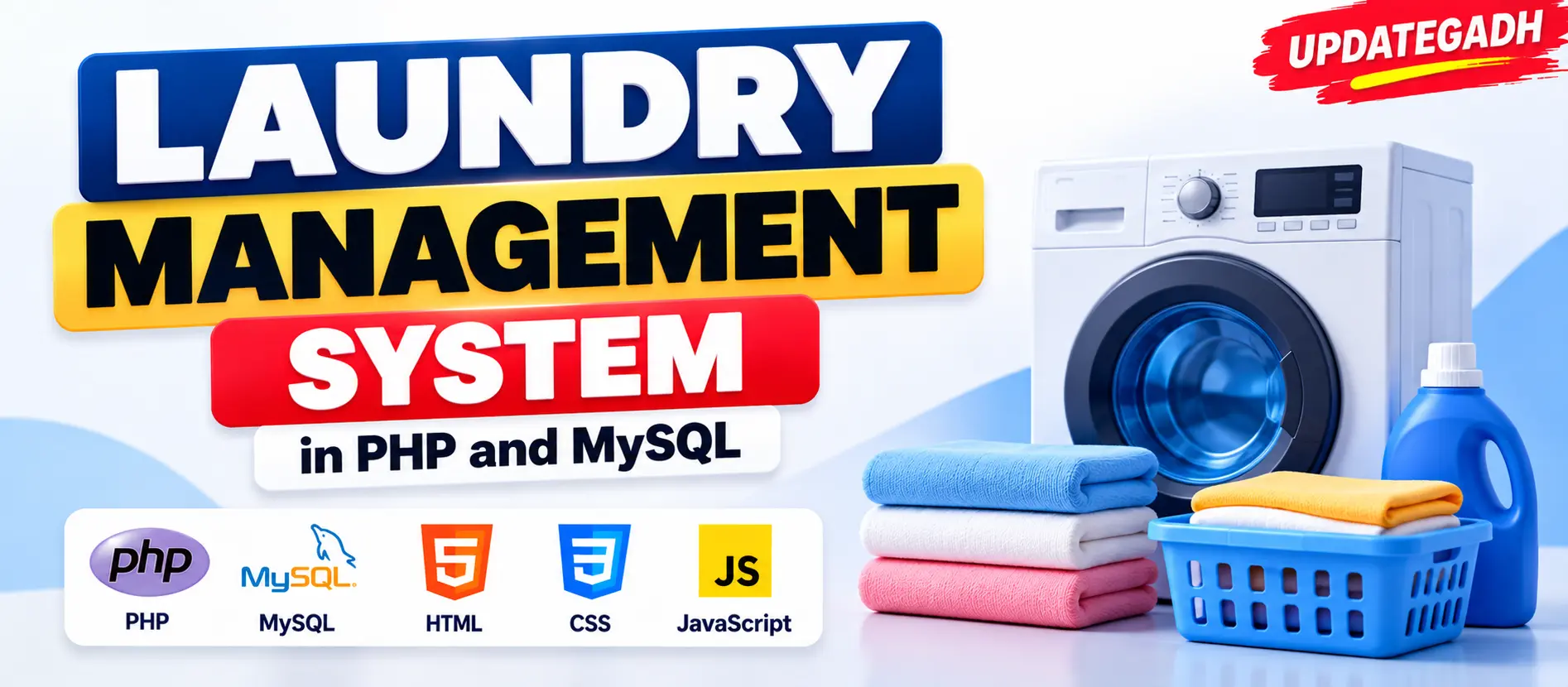
Laundry Management System in PHP and MySQL
Laundry Management System in PHP and MySQL is a web-based application designed to manage laundry services, customer accounts, orders, payments, service categories, and order tracking. It provides separate functionalities for Admin and Customer.
Read more
₹799.00
₹1,999.0060% off
- Built with
- PHPBootstrapHTML/CSSJavaScript
- You get
- Source codeDatabaseProject reportPPTSetup guide
- Delivery
- Instant download after payment
Project Overview
Laundry Management System in PHP and MySQL is a web-based application developed to simplify laundry business operations, including customer registration, laundry order management, service categories, payment records, and order tracking. It is designed as a DBMS mini project with separate functionalities for administrators and customers.
Key Features
- Admin Login: Administrators can log in to manage laundry orders, services, and customer information.
- Customer Management: Manage customer information and records.
- Order Management: Track, update, and delete laundry orders.
- Service Category Management: Add, update, and delete washing, ironing, and dry-cleaning categories.
- Order Status Management: Update order statuses such as Received, In-Process, Completed, and Delivered.
- Price Management: Set and update prices for laundry service categories.
- Payment Management: Store payment details associated with customer orders.
- Customer Registration and Login: Customers can create accounts and log in.
- Create Laundry Orders: Customers can create orders for available laundry services.
- Order Status Tracking: Customers can track their laundry orders.
- Payment History: Customers can view previous payment records.
- Order History: Customers can access previous orders and service details.
Technologies and Libraries Used
- Programming Language: PHP
- Database: MySQL
- Frontend: HTML, CSS, JavaScript
- Web Server: Apache
- Server Environment: XAMPP or WAMP
- Admin Module
- Admin Login
- Customer Management
- Manage Orders
- Service Category Management
- Order Status Management
- Price Management
- Payment Management
- Customer Module
- Customer Registration
- Customer Login
- Create Laundry Orders
- Order Status Tracking
- Payment History
- Order History
- Install XAMPP or WAMP to prepare the local PHP, MySQL, and Apache environment.
- Download the Laundry Management System project files and extract the ZIP file into your local server directory. For XAMPP, use the htdocs folder.
- Open phpMyAdmin and create the required MySQL database. Import the database file supplied with the project.
- Check the database connection settings in the project files and update them according to your local MySQL configuration.
- Start Apache and MySQL from the XAMPP or WAMP control panel.
- Open your browser and navigate to the project folder using your localhost address.
Stuck while running it? Chat with us on WhatsApp for free installation help.
It is a web-based application designed to manage laundry services, customer accounts, orders, payments, and service records.
PHP is used for backend development, while HTML, CSS, and JavaScript are used for the frontend.
MySQL is used to store and manage customer, service, order, and payment information.
The project provides two main roles: Admin and Customer.
No reviews yet. Be the first to review this project.