 30% OFF
 Visitor Management System in PHP
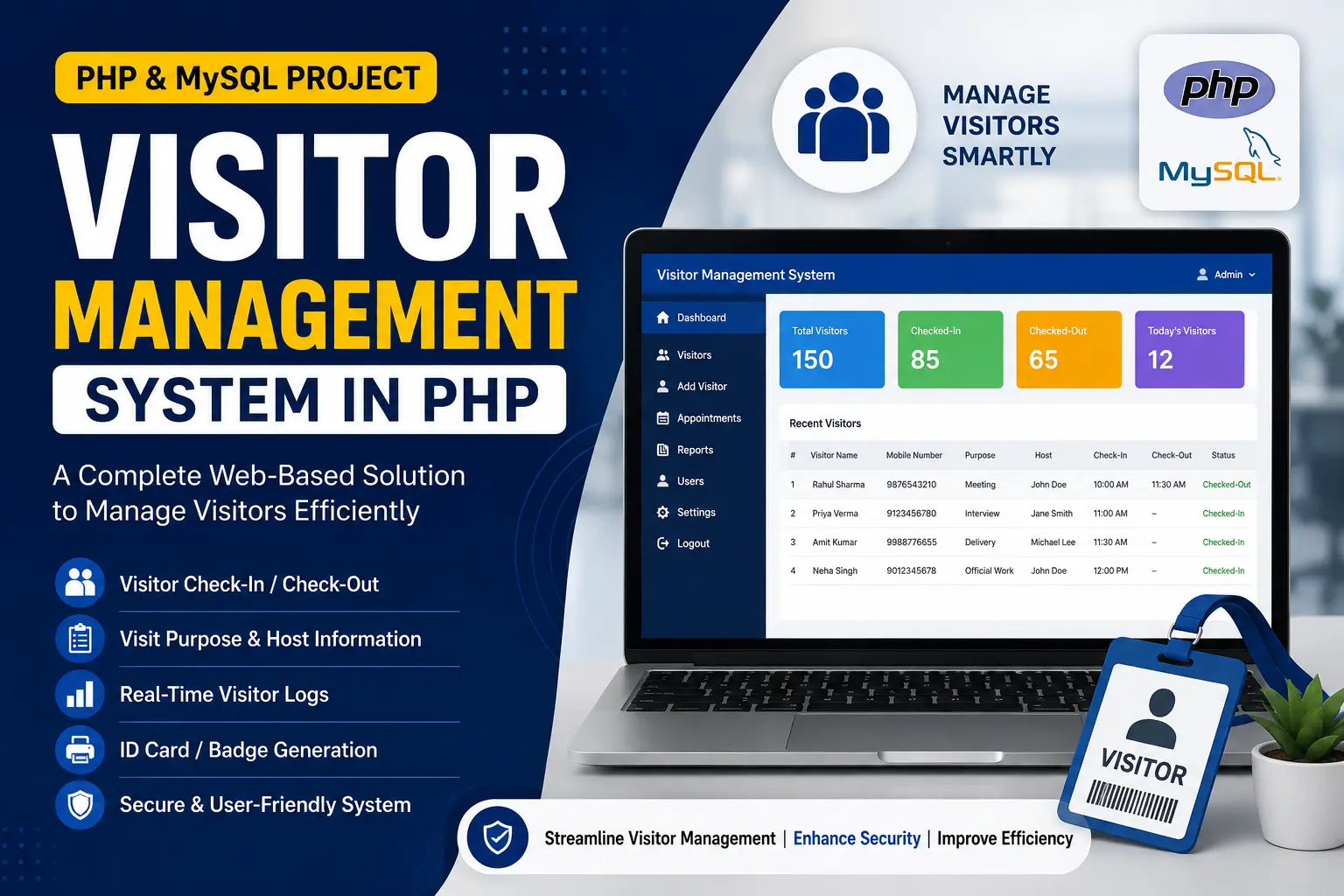
Visitor Management System in PHP — admin and guard portals for employee records, visitor check-in/check-out, and activity reports.
Read more- Built with
- PHPMySQLBootstrapHTML/CSSJavaScript
- You get
- Source codeDatabase
- Delivery
- Instant download after payment
Visitor Management System in PHP is a simple, lightweight web application for organizations that need to keep visitor and employee records organized and secure. Built with PHP and CSS, it replaces paper visitor registers with a structured digital log, split across an Admin panel for oversight and a User (Guard) panel for day-to-day check-in and check-out entry. It's a compact, easy-to-explain project well suited to both academic submission and small-scale real-world use.
Key Features
- User-friendly, intuitive interface that both administrators and guards can operate without training.
- Employee and department management, keeping personnel information organized and current.
- Visitor record management with the ability to view and filter logs by specific dates.
- Report generation for visitor activity, giving admins a clear overview of traffic and footfall.
- User management, letting admins control access for the guards or receptionists entering visitor data.
- Quick visitor check-in and check-out entry from the guard interface, keeping logs accurate in real time.
- Role-based access so only authorized personnel can reach specific functions.
Technology Stack
| Component | Technology |
|---|---|
| Backend | PHP |
| Database | MySQL |
| Frontend | HTML, CSS |
| Local development environment | XAMPP |
System Requirements
- XAMPP (or equivalent) with Apache and MySQL running
- Any modern browser
- Basic knowledge of PHP and MySQL for customization
How It Works
A guard or receptionist logs into the User panel and records each visitor's check-in and check-out time as they arrive and leave, keeping the log current throughout the day. The admin logs in separately to manage employee and department records, review and filter visitor logs by date, generate visitor activity reports, and control which guards or receptionists have access to the system. The split between the two roles keeps day-to-day entry simple for front-desk staff while giving admins full oversight and reporting control.
Perfect For
This project suits BCA, MCA and B.Tech students who want a compact final-year submission with clean role-based access control and straightforward CRUD across employees, departments and visitor logs — enough to explain confidently in a viva without unnecessary complexity. It's also a practical starting point for a small office, school or gated community that wants to move off a paper visitor register.
Future Enhancements
The structure is straightforward to extend with photo capture at check-in, SMS or email notifications to the employee being visited, a printable visitor badge, and dashboard analytics for peak visiting hours.
More Details & Full Documentation
For complete project details and setup guide, visit the official project page.
Admin Module
- Manage employees & departments
- View & filter visitor records by date
- Generate visitor activity reports
- Manage users (guards/receptionists)
User (Guard) Module
- Visitor check-in entry
- Visitor check-out entry
- Install XAMPP and start the Apache and MySQL services
- Extract the project ZIP and copy the "vms" folder into xampp/htdocs
- Create a new database named "vms" in phpMyAdmin
- Import the vms(2).sql file from the project folder via the Import tab
- Open the project in your browser and log in as admin or guard
Stuck while running it? Chat with us on WhatsApp for free installation help.
No reviews yet. Be the first to review this project.