 23% OFF
 Online Hotel Reservation System
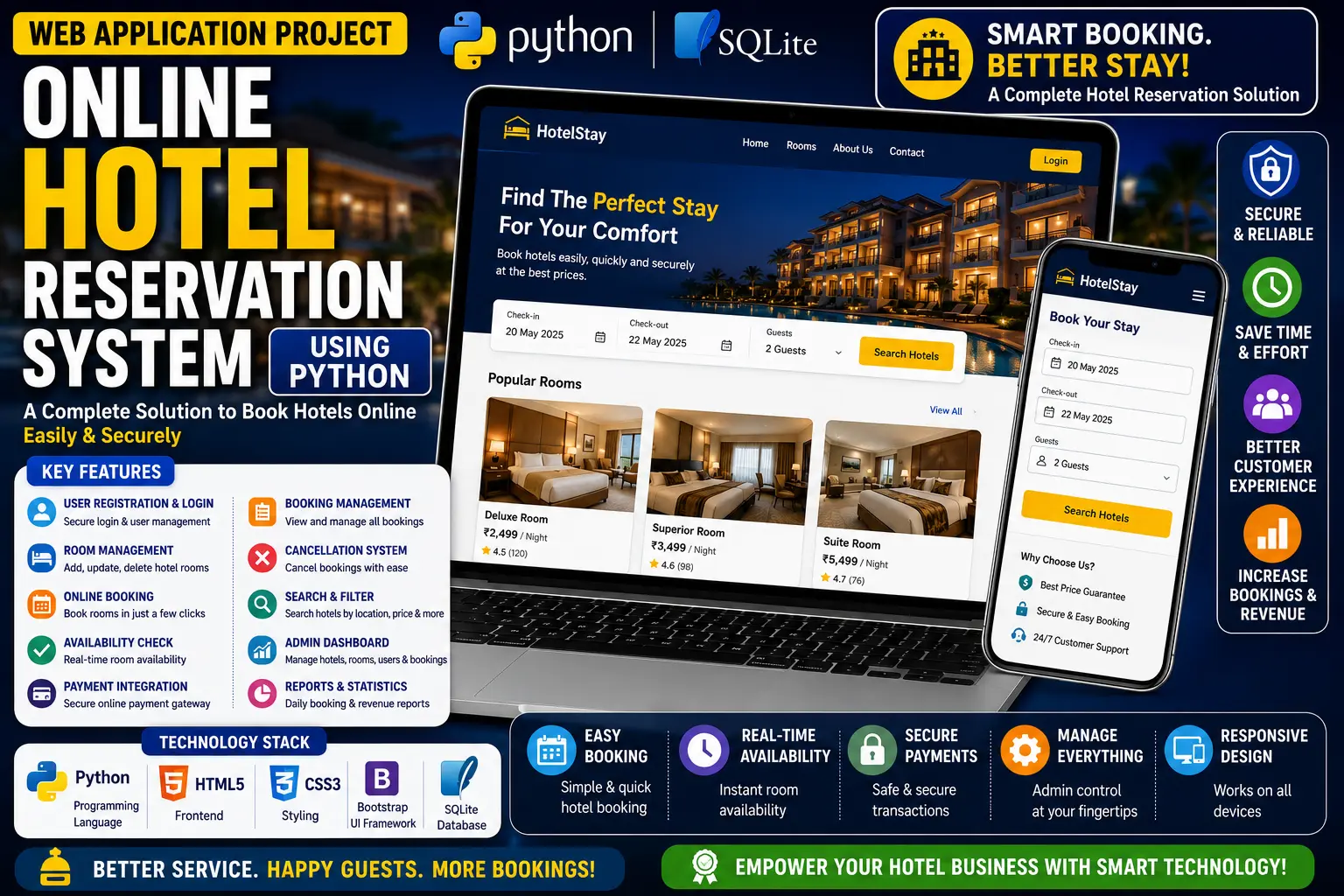
A simple Online Hotel Reservation System built with PHP, MySQL, CSS, Bootstrap, and JavaScript that allows users to browse and reserve rooms while admins manage rooms, reservations, check-ins, check-outs, and users.
Read more- Built with
- PHPMySQLBootstrapHTML/CSSJavaScript
- You get
- Source codeDatabaseProject reportPPTSetup guide
- Delivery
- Instant download after payment
Simple Online Hotel Reservation System in PHP is a web-based application designed to simplify the hotel room booking process. Built using PHP, MySQL, CSS, Bootstrap, and JavaScript, the system provides separate user and admin interfaces for managing hotel reservations efficiently.
Users can browse available rooms, view room details, provide their personal information, and submit reservation requests. The admin panel provides complete control over rooms, reservations, check-ins, check-outs, and user management.
Key Features
- Room Browsing: Users can browse available rooms and view details about different room types.
- Room Reservation: Users can select a room and submit a reservation request.
- Booking Details: Users can provide their name, address, contact number, and check-in date while making a reservation.
- Reservation Approval: New reservation requests remain pending until approved by the admin.
- Hotel Information: Users can access hotel contact information and gallery.
- Room Management: Admins can add, update, and remove room records.
- Room Details: Admins can manage room rate, type, description, and images.
- Reservation Management: Admins can manage reservation approvals and updates.
- Check-in & Check-out Tracking: The system maintains check-in and check-out records.
- User Management: Admins can control and monitor user access.
- Responsive Design: Bootstrap provides a clean and responsive interface for desktop and mobile devices.
Technology Stack
| Technology | Details |
|---|---|
| Programming Language | PHP |
| Database | MySQL |
| Frontend | HTML, CSS, Bootstrap, JavaScript |
| Project Type | Web Application |
System Requirements
- PHP
- MySQL
- XAMPP or another local web server
- Modern Web Browser
How It Works
Users can browse available hotel rooms, view room details, and submit a reservation request by entering their personal information and check-in date. The reservation remains pending until the admin approves it. Admins can manage room records, reservations, check-in and check-out records, and users through the admin panel.
Perfect For
- College Projects
- University Projects
- Final Year Projects
- PHP and MySQL Students
- Hotel Management Projects
- Web Development Learning
Educational Value
This project provides practical experience with CRUD operations, session management, database integration, and user authentication. It demonstrates how PHP and MySQL can be used together to create a dynamic online hotel reservation application.
Watch Project Demo
More Details & Full Documentation
User Module
- Browse available rooms
- View room details
- Select room for reservation
- Enter personal details
- Submit reservation request
- View hotel contact information
- View hotel gallery
Admin Module
- Admin panel
- Room management
- Add rooms
- Update rooms
- Remove rooms
- Manage room rate
- Manage room type
- Manage room description
- Manage room images
- Reservation management
- Approve reservations
- Update reservations
- Check-in tracking
- Check-out tracking
- User management
Prerequisites
- XAMPP or another local virtual server
- PHP
- MySQL
- Web Browser
Step 1: Extract Project Files
Extract the downloaded project ZIP file.
Step 2: Move Project Folder
Copy the complete project folder to
xampp/htdocs/
Step 3: Start XAMPP
Open XAMPP and start
- Apache
- MySQL
Step 4: Create Database
Open phpMyAdmin in your browser.
Create a new database named
db_hor
Step 5: Import Database
Open the newly created db_hor database.
Go to the Import tab and select
DATABASE/db_hor.sql
Click Go to import the database tables.
Step 6: Run User Side
Open the project in your browser using your local XAMPP URL.
Step 7: Access Admin Panel
Open the admin panel using the admin URL provided by the project files.
Stuck while running it? Chat with us on WhatsApp for free installation help.
No reviews yet. Be the first to review this project.