 20% OFF
 Pharmacy Management System in PHP
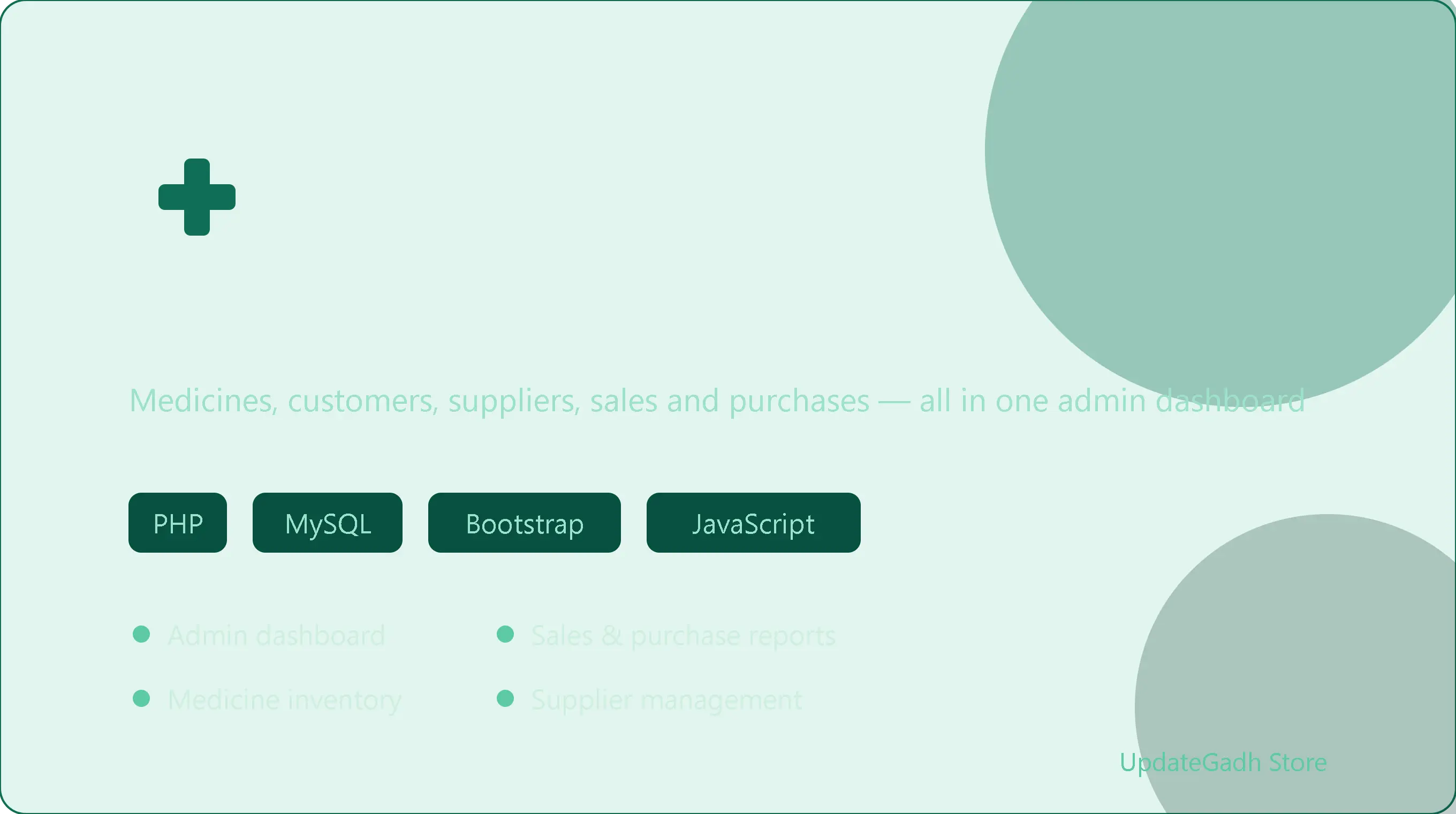
Pharmacy Management System in PHP and MySQL — admin dashboard for medicines, customers, suppliers, sales, purchases and reports.
Read more- Built with
- PHPMySQLBootstrapHTML/CSSJavaScript
- You get
- Source codeDatabaseProject reportPPTSetup guide
- Delivery
- Instant download after payment
Pharmacy Management System using PHP and MySQL automates the core day-to-day operations of running a pharmacy — customers, medicines, suppliers, sales and purchases — from a single, secure admin dashboard. Built with PHP, JavaScript, Bootstrap and CSS, it favors a simple, intuitive interface over unnecessary complexity, so full CRUD control over every part of the pharmacy's inventory and transactions stays just a few clicks away. Access is gated behind sign-in, keeping the dashboard restricted to authorized users only.
Key Features
- Admin dashboard giving a clear overview of pharmacy activity at a glance.
- Customer management — view, add, edit and delete customer details.
- Medicine management — view, add, update and delete medicine records.
- Supplier management for adding, editing and deleting supplier information.
- Sales and purchases management with the ability to record, edit and delete transaction entries.
- Reports module for viewing detailed sales and purchase reports to support business decisions.
- Secure sign-in required before accessing the admin dashboard.
Technology Stack
| Component | Technology |
|---|---|
| Backend | PHP |
| Database | MySQL |
| Frontend | HTML, CSS, JavaScript, Bootstrap |
| Local development environment | XAMPP |
System Requirements
- A system with XAMPP installed
- A modern web browser
- Basic knowledge of PHP and MySQL for customization
How It Works
After signing in, the admin lands on a dashboard summarizing pharmacy activity, then moves into the relevant module to manage medicines, customers or suppliers as needed. Sales and purchases are logged as they happen, with full edit and delete control over each entry. The reports module pulls together sales and purchase history into a readable view, helping the admin track performance and make stocking decisions without digging through raw transaction data.
Perfect For
This project suits BCA, MCA and B.Tech students who want a compact final-year submission centered on solid CRUD design across several linked entities — medicines, suppliers, customers and transactions — along with straightforward reporting logic. It's also a practical starting point for a small pharmacy or medical store looking to move off manual registers without adopting an expensive commercial system.
Future Enhancements
The modular structure makes it easy to extend with low-stock and expiry-date alerts, barcode-based medicine lookup, GST/tax-ready invoicing, and a customer-facing order or refill request portal.
More Details & Full Documentation
For complete project details and setup guide, visit the official project page.
Admin Module
- Dashboard overview of pharmacy activity
- Manage customers (add/edit/delete)
- Manage medicines (add/edit/update/delete)
- Manage suppliers (add/edit/delete)
- Record & manage sales and purchases
- View sales & purchase reports
- Install XAMPP and start the Apache and MySQL services
- Extract the project ZIP and copy the folder into xampp/htdocs
- Create a new database named "pharmacy" in phpMyAdmin
- Import the pharmacy.sql file from the project folder via the Import tab
- Open the project in your browser and log in using the provided credentials
Stuck while running it? Chat with us on WhatsApp for free installation help.
No reviews yet. Be the first to review this project.