 50% OFF
 Ticket Booking System in PHP
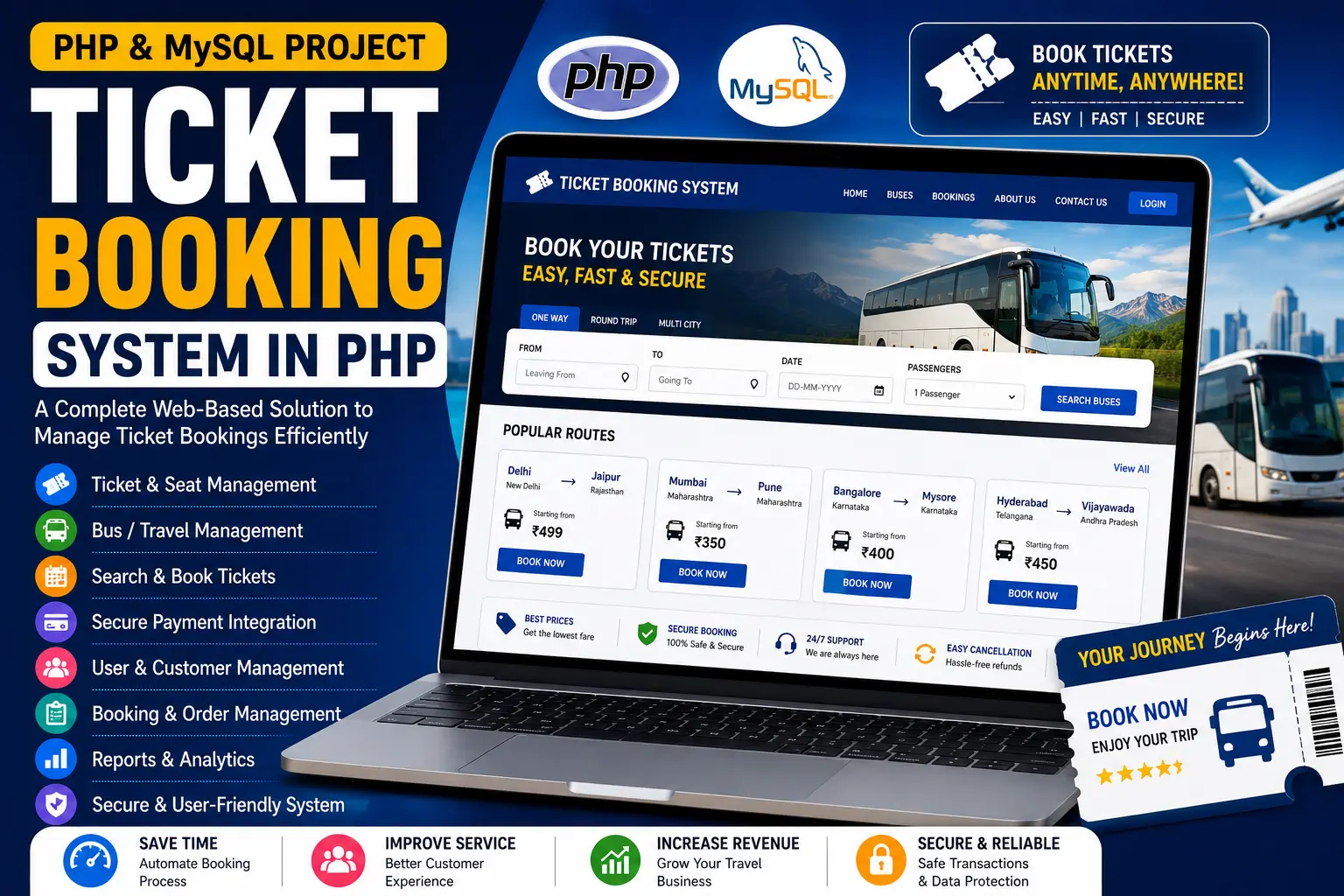
Ticket Booking System in PHP is a web-based bus and train reservation system with admin and user sections for managing schedules, bookings and ticket reservations using PHP, CSS, JavaScript and Bootstrap.
Read more- Built with
- PHPMySQLBootstrapHTML/CSSJavaScript
- You get
- Source codeDatabase
- Delivery
- Instant download after payment
Ticket Booking System in PHP is a web-based reservation system designed to simplify bus and train ticket booking for travelers and travel operators. Developed using PHP, CSS, JavaScript and Bootstrap, the system provides separate admin and user interfaces for managing travel schedules, reservations and ticket bookings.
The platform allows users to search for available tickets between cities, select their preferred travel class and book tickets online. The administrator can manage bus and train schedules, view user bookings and monitor reservation history through the admin section.
Key Features
- Bus and Train Booking: Users can search and reserve tickets for available buses and trains based on their preferred routes.
- Route Search: Users can look for available tickets between different city pairs.
- Class Selection: The system allows users to book tickets according to their preferred class, including economy and first class.
- User Registration: New users can register on the platform before making ticket reservations.
- User Login: Registered users can log in to their accounts to access the ticket booking functionality.
- Schedule Management: Administrators can manage bus and train schedules and keep travel information updated.
- Booking Management: Administrators can view user bookings and monitor reservation history from the admin section.
- Simple Booking Process: The system provides a straightforward reservation process designed to reduce waiting time and make ticket booking more convenient.
- Responsive Interface: CSS and Bootstrap are used to provide a clean and responsive interface for the booking system.
Technology Stack
| Component | Technology |
|---|---|
| Frontend | HTML, CSS, Bootstrap |
| Client Scripting | JavaScript |
| Backend | PHP |
| Database | MySQL |
| Web Server | Apache via XAMPP |
System Requirements
- PHP-supported local server such as XAMPP
- MySQL database
- Apache Web Server
- phpMyAdmin
- Modern web browser such as Chrome, Firefox or Edge
- PHP and MySQL environment configured on the system
How It Works
The Ticket Booking System is divided into two main sections: the Admin Section and the User Section.
In the admin section, administrators can manage bus and train schedules, view all user bookings and monitor reservation history. Keeping the schedules updated helps provide users with current travel information.
In the user section, visitors can search for available tickets between city pairs. Users need to register and log in before booking tickets. After logging in, they can select their preferred travel class, including economy or first class, and complete the ticket reservation process.
The system provides a simple booking workflow that makes it easier for travelers to search for available routes and reserve tickets while helping travel operators manage schedules and reservations.
Perfect For
This project is suitable for BCA, MCA, B.Tech CS/IT students, developers and educators who want to learn how to build a PHP-based ticket reservation system using PHP, MySQL, CSS, JavaScript and Bootstrap.
It can be used for academic submissions, portfolio projects, learning purposes and understanding how admin and user modules work together in a database-driven transportation booking application.
Watch Project Demo
Watch the project walkthrough and setup tutorial on our YouTube channel.
▶ Watch on YouTube – Decode It
More Details & Full Documentation
For complete project details, source code and setup information, visit the official project page.
Admin Module
- Manage bus schedules
- Manage train schedules
- View user bookings
- Monitor reservation history
- Keep travel schedules updated
User Module
- Search tickets between city pairs
- View available routes
- User registration
- User login
- Select travel class
- Book economy class tickets
- Book first class tickets
- Install XAMPP
- Extract the project ZIP file
- Copy the project folder into C:\xampp\htdocs
- Open phpMyAdmin
- Create a database named train
- Import train.sql into the train database
- Start Apache and MySQL from XAMPP
- Open the project using localhost
- Access the Ticket Booking System
Stuck while running it? Chat with us on WhatsApp for free installation help.
No reviews yet. Be the first to review this project.