 40% OFF
 Online Food Ordering and Table Booking Website in PHP and MySQL
The Online Food Ordering and Table Booking Website in PHP and MySQL is a web-based application designed to help customers order food online and reserve restaurant tables. It provides a convenient platform for browsing food items and managing restaurant-related activities. The exact feature set should be confirmed against the original project files.
Read more- Built with
- PHPMySQLBootstrapHTML/CSSJavaScript
- You get
- Source codeDatabase
- Delivery
- Instant download after payment
Project Overview
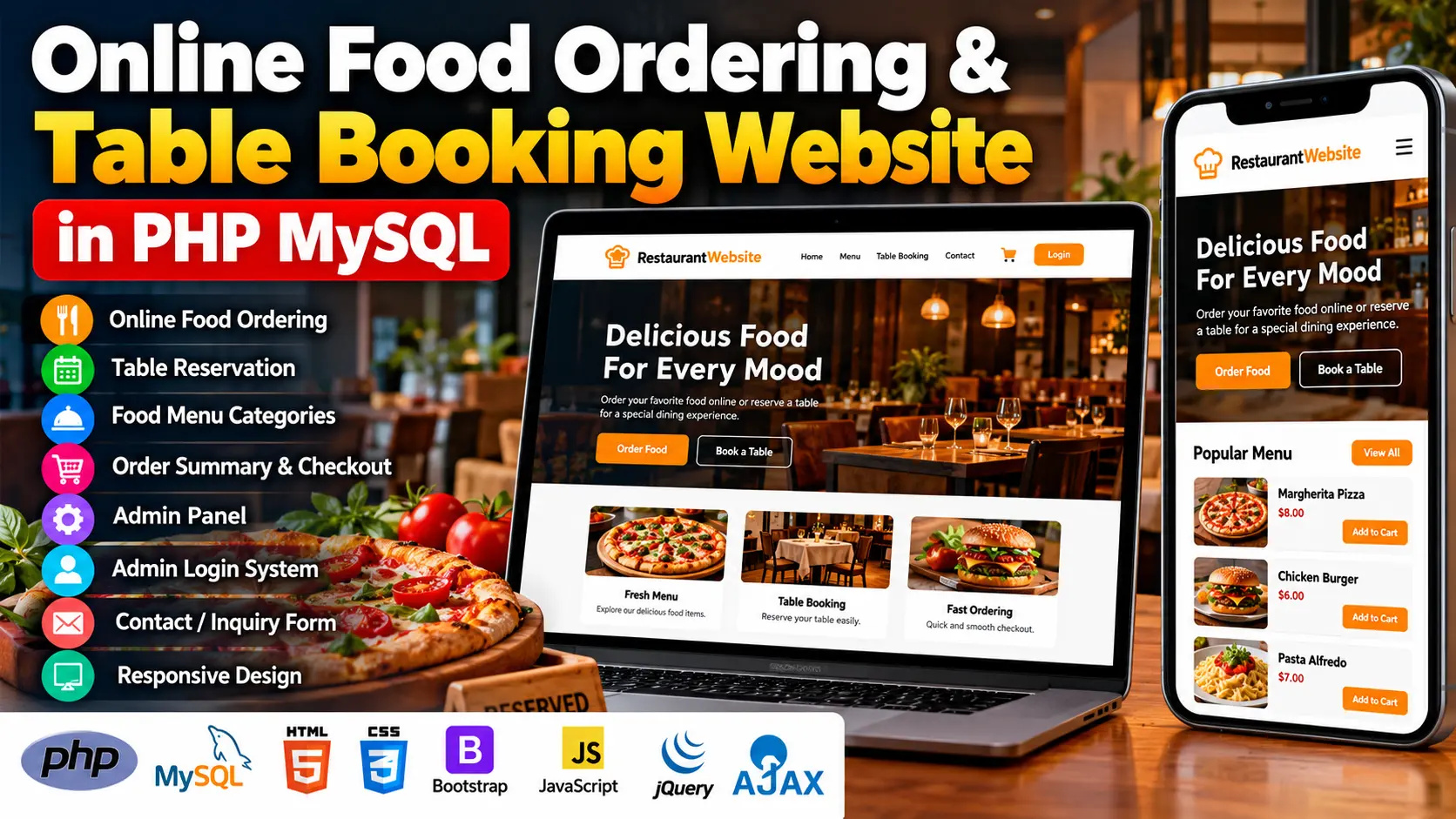
The Online Food Ordering and Table Booking Website in PHP and MySQL is a restaurant web application that allows customers to browse food categories, place online orders, review order summaries, complete checkout, and reserve restaurant tables. It also includes an admin panel for managing food items and reservations.
Available Features
- Online Food Ordering: Customers can select food items and place orders through the website.
- Table Reservation System: Customers can reserve restaurant tables online.
- Food Menu Categories: Organizes food items into categories for convenient browsing.
- Order Summary and Checkout: Allows customers to review selected items and proceed to checkout.
- Admin Panel: Provides administrative tools for managing food items and reservations.
- Admin Login: Restricts administrative access through a login system.
- Contact and Inquiry Form: Allows visitors to send inquiries to the restaurant.
- Interactive Interface: Uses Bootstrap, JavaScript, jQuery, and Ajax for website interactions.
Which Technologies Are Used in This Project?
- PHP: Handles server-side application functionality.
- MySQL: Stores application data.
- HTML: Structures website pages.
- CSS: Styles the interface.
- Bootstrap: Supports responsive page layouts.
- JavaScript: Adds client-side interactions.
- jQuery: Simplifies JavaScript operations.
- Ajax: Supports asynchronous communication between the browser and server.
More Details and Full Documentation
For screenshots, project details, and installation instructions, visit Online Food Ordering and Table Booking Website in PHP MySQL on UPDATEGADH.
- Admin Login
- Admin Panel
- Food Menu Management
- Food Menu Categories
- Online Food Ordering
- Order Summary
- Checkout
- Table Reservation
- Reservation Management
- Contact and Inquiry Form
- Install XAMPP and Visual Studio Code.
- Extract the downloaded project ZIP file.
- Copy the project folder into the XAMPP htdocs directory.
- Open the XAMPP Control Panel and start Apache and MySQL.
- Visit http://localhost/phpmyadmin/ in your browser.
- Create the database required by the project.
- Select the database and import the SQL file supplied with the project.
- Open connect.php in Visual Studio Code.
- Configure the database name, username, and password to match your local MySQL setup.
- Save the configuration changes.
- Open the project at http://localhost/your-project-folder/, replacing your-project-folder with the actual extracted folder name.
- Test food menu browsing, ordering, checkout, table reservations, and admin functions.
Stuck while running it? Chat with us on WhatsApp for free installation help.
No reviews yet. Be the first to review this project.