 46% OFF
 Online Quiz System in PHP and MySQL
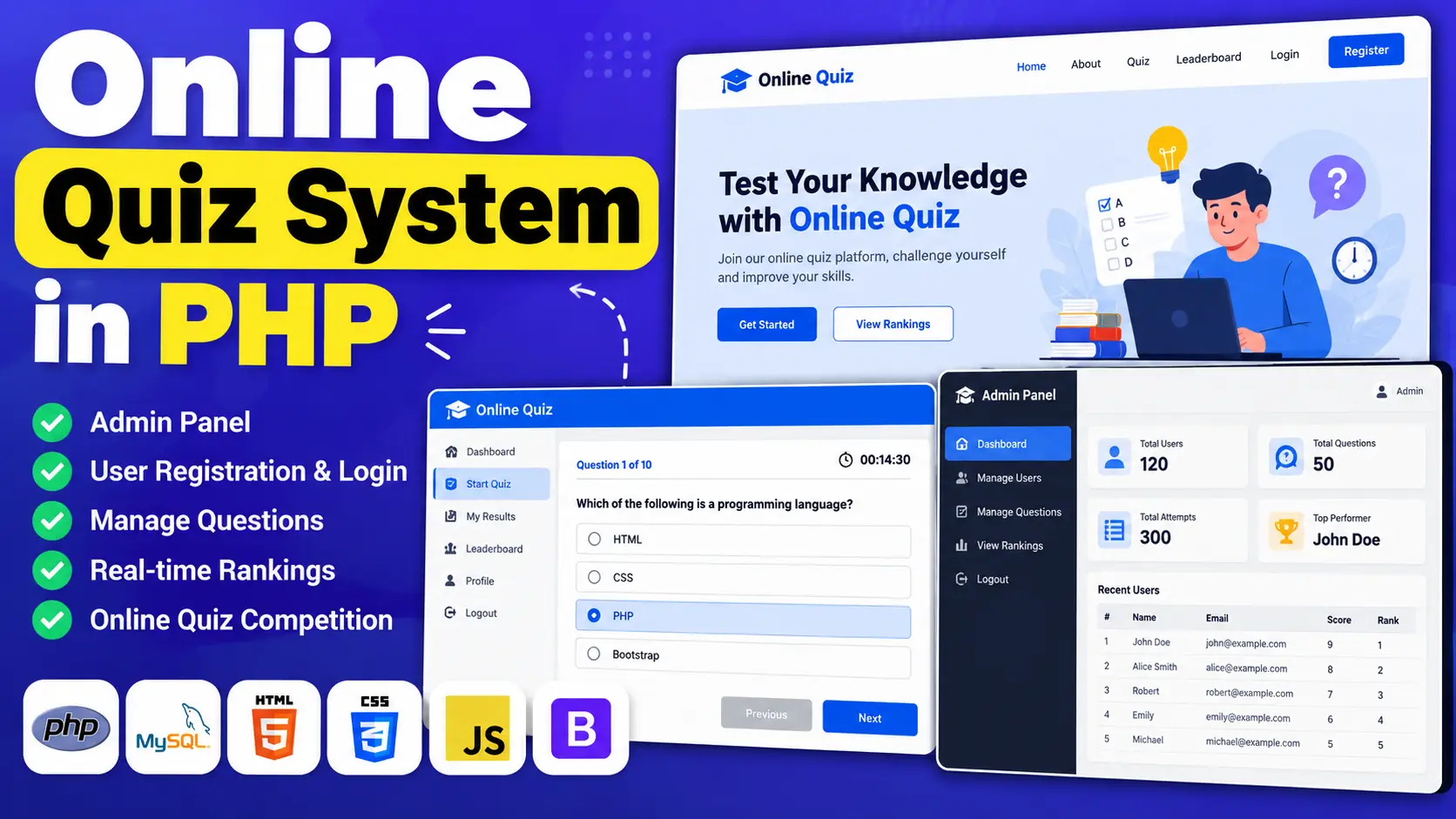
The Online Quiz System in PHP and MySQL is a web-based application that allows students to register, log in, and participate in online quizzes. Administrators can manage registered users, add or update quiz questions, remove questions, and view participant rankings. The system uses PHP, MySQL, HTML, CSS, JavaScript, and Bootstrap.
Read more- Built with
- PHPMySQLBootstrapHTML/CSSJavaScript
- You get
- Source codeDatabaseProject reportPPTViva questionsSetup guide
- Delivery
- Instant download after payment
Project Overview
The Online Quiz System in PHP and MySQL is a web-based application designed to simplify online quizzes and quiz competitions. It provides separate Admin and User panels to manage quiz questions, registered users, quiz participation, and participant rankings. Students can create accounts, log in, and participate in quizzes through a browser.
Available Features
- Admin Panel: Manage registered users, update quiz questions, and view rankings.
- User Panel: Provides students with access to quiz-related activities.
- User Registration: Allows new users to create accounts.
- User Login: Allows registered users to access the application.
- Question Management: Administrators can add, update, and remove questions from the question bank.
- Quiz Participation: Enables students to participate in online quiz competitions.
- Real-Time Rankings: Displays user rankings based on quiz performance.
Which Technologies Are Used in This Project?
- PHP: Handles server-side application functionality.
- MySQL: Stores application data.
- HTML: Structures the web pages.
- CSS: Styles the interface.
- JavaScript: Supports interactive elements.
- Bootstrap: Helps create the user interface.
More Details and Full Documentation
For complete project information and installation instructions, visit Online Quiz System in PHP and MySQL on UPDATEGADH.
- Admin Panel
- User Panel
- User Registration
- User Login
- Registered User Management
- Quiz Question Management
- Add Quiz Questions
- Update Quiz Questions
- Remove Quiz Questions
- Online Quiz Participation
- Participant Rankings
- Install XAMPP and Visual Studio Code.
- Download and extract the project archive.
- Copy the extracted project folder to C:\xampp\htdocs\Online-Quiz\.
- Open the XAMPP Control Panel.
- Start Apache and MySQL.
- Open http://localhost/phpmyadmin/ in your browser.
- Create a database named exam.
- Select the exam database and open the Import tab.
- Import the exam.sql file supplied in the Online-Quiz folder.
- Open the project folder in Visual Studio Code.
- Check the database connection settings in the project files.
- Open http://localhost/Online-Quiz/ in your browser.
- Access the admin panel using the URL and credentials supplied with the project files.
- Test user registration, login, question management, quiz participation, and rankings.
Stuck while running it? Chat with us on WhatsApp for free installation help.
No reviews yet. Be the first to review this project.