 50% OFF
PHP Projects
Daily Expense Tracker Using PHP and MySQL
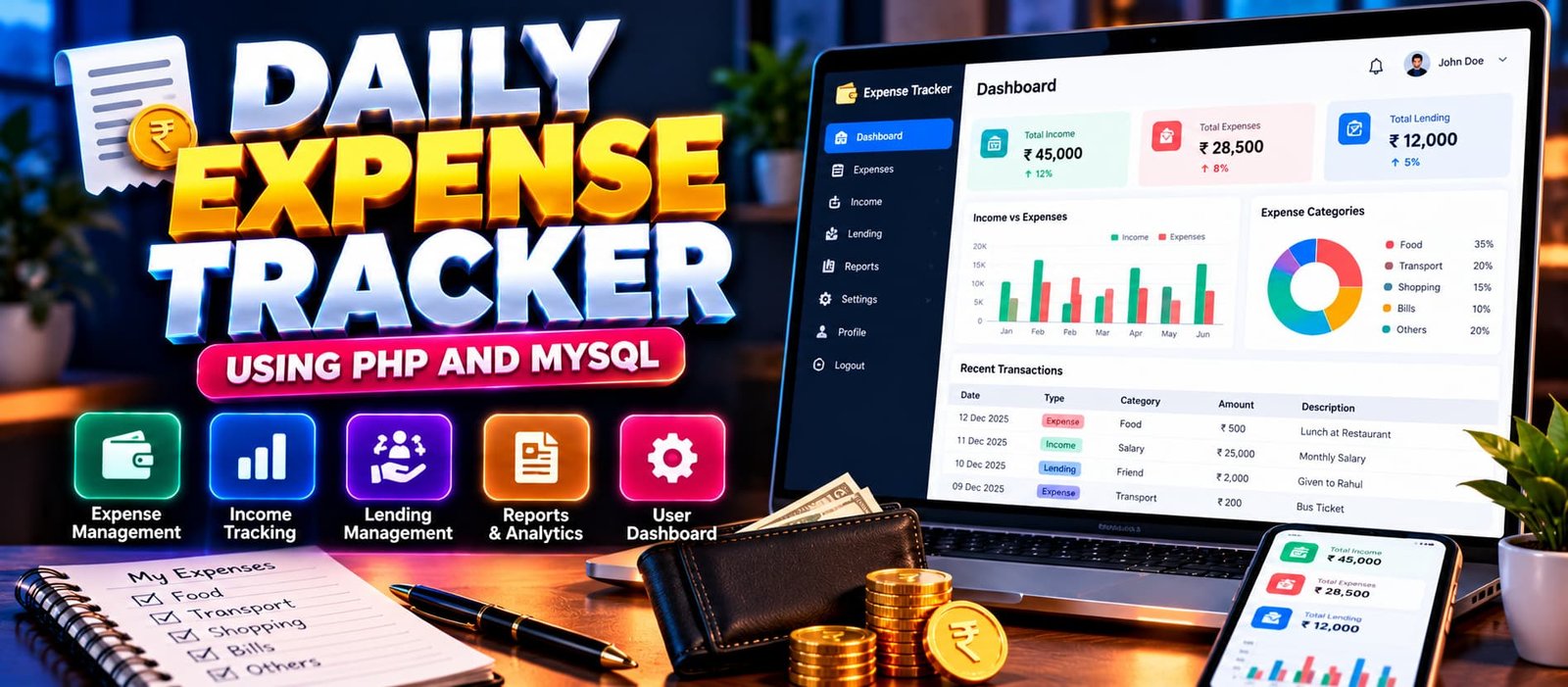
Daily Expense Tracker using PHP and MySQL, a web-based application for recording daily expenses, managing income, organizing financial categories, and reviewing financial records.
Read more
₹999.00
₹1,999.0050% off
- Built with
- PHPMySQLBootstrapHTML/CSSJavaScript
- You get
- Source codeDatabaseProject reportPPTViva questionsSetup guide
- Delivery
- Instant download after payment
Project Overview
The Daily Expense Tracker Using PHP and MySQL is a web-based application intended to help users organize their daily financial records. It focuses on tracking expenses, maintaining financial information, and reviewing spending records through a centralized application.
Available Features
- Daily Expense Recording
- Expense Record Management
- Income Recording
- Income Record Management
- Expense Category Management
- Income Category Management
- Date-Based Record Filtering
- Financial Record Viewing
Which Technologies Are Used in This Project?
- PHP: Handles server-side functionality and transaction management.
- MySQL: Stores user accounts and financial records.
- HTML: Structures the application's web pages.
- CSS: Styles the user interface.
- JavaScript: Supports client-side interactions.
More Details and Full Documentation
For the complete project description, screenshots, verified features, and installation instructions, visit the project page.
- Daily Expense Recording
- Expense Record Management
- Income Recording
- Income Record Management
- Expense Category Management
- Income Category Management
- Date-Based Record Filtering
- Financial Record Viewing
- Install XAMPP and Visual Studio Code.
- Extract the project ZIP file.
- Copy the extracted project folder into the XAMPP htdocs directory.
- Start Apache and MySQL from the XAMPP Control Panel.
- Open phpMyAdmin:
http://localhost/phpmyadmin/
- Check the supplied project files for the required database name and SQL file.
- Import the project's SQL file if one is supplied.
- Open the project folder in Visual Studio Code.
- Configure the database connection according to the project's configuration file.
- Open the application through localhost using the actual project folder name.
Stuck while running it? Chat with us on WhatsApp for free installation help.
It is a web application that helps users record daily expenses, manage income, track lending transactions, and review financial activity.
The project uses PHP, MySQL, HTML, CSS, and JavaScript.
Yes. The application includes separate modules for adding, reviewing, editing, and deleting income and expense records.
Yes. It includes reports based on categories, time periods, or transaction totals, along with graphical representations of income and expenses.
No reviews yet. Be the first to review this project.