 50% OFF
Student Attendance Management System Using PHP and MySQL
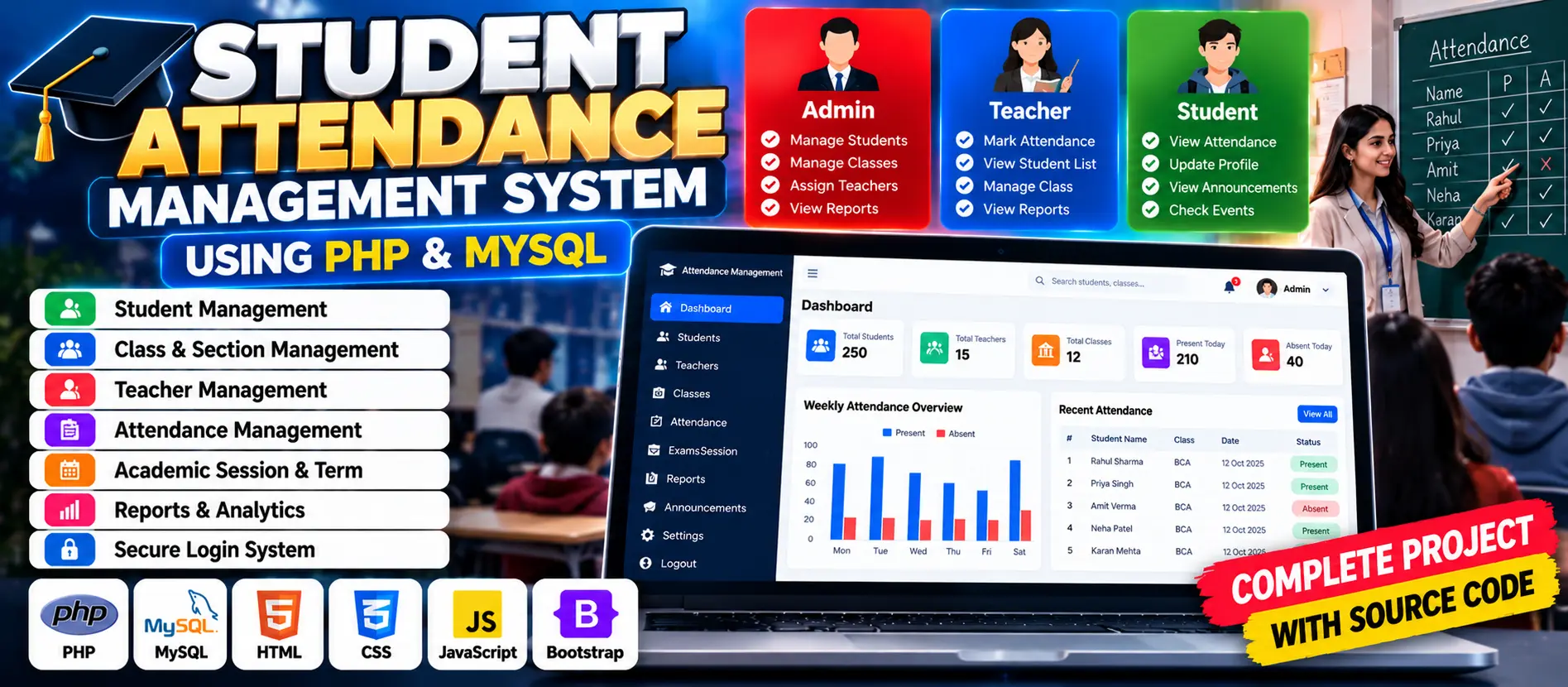
Student Attendance Management System Using PHP and MySQL is a web application for managing students, classes, sections, teachers, academic sessions, and attendance records. It supports attendance reporting through separate administrator and teacher dashboards.
Read more- Built with
- PHPMySQLBootstrapHTML/CSSJavaScript
- You get
- Source codeDatabaseProject reportPPTSetup guide
- Delivery
- Instant download after payment
Project Overview
Student Attendance Management System Using PHP and MySQL is a web-based application designed to simplify student attendance tracking in schools, colleges, and educational institutions. Administrators can manage classes, sections, students, teachers, and academic sessions, while teachers can access assigned classes and record student attendance.
Available Features
- Admin Login
- Teacher Login
- Class and Section Management
- Teacher Assignment
- Student Management
- Academic Session and Term Management
- Attendance Management
- User Management
- Forgot Password
- Role-Based Dashboards
Technology Stack
- Backend: PHP
- Database: MySQL
- Frontend: HTML, CSS, and JavaScript
- Local Server: XAMPP
More Details and Full Documentation
Student Attendance Management System Using PHP and MySQL - UPDATEGADH
- Admin Login
- Teacher Login
- Class and Section Management
- Teacher Assignment
- Student Management
- Academic Session and Term Management
- Attendance Management
- User Management
- Forgot Password
- Role-Based Dashboards
- Install XAMPP and Visual Studio Code.
- Extract the project ZIP file.
- Copy the project folder into C:\xampp\htdocs\student-attendance-management-system.
- Start Apache and MySQL from the XAMPP Control Panel.
- Open http://localhost/phpmyadmin in your browser.
- Create a database named attendancemsystem.
- Import the SQL file provided with the project.
- Locate config.php or the database configuration file inside Admin/includes.
- Configure the database host, name, username, and password.
- Open http://localhost/student-attendance-management-system/ in your browser.
- Log in using the administrator credentials supplied with the project.
Stuck while running it? Chat with us on WhatsApp for free installation help.
No reviews yet. Be the first to review this project.