 20% OFF
 College Alumni System Project in PHP and MySQL
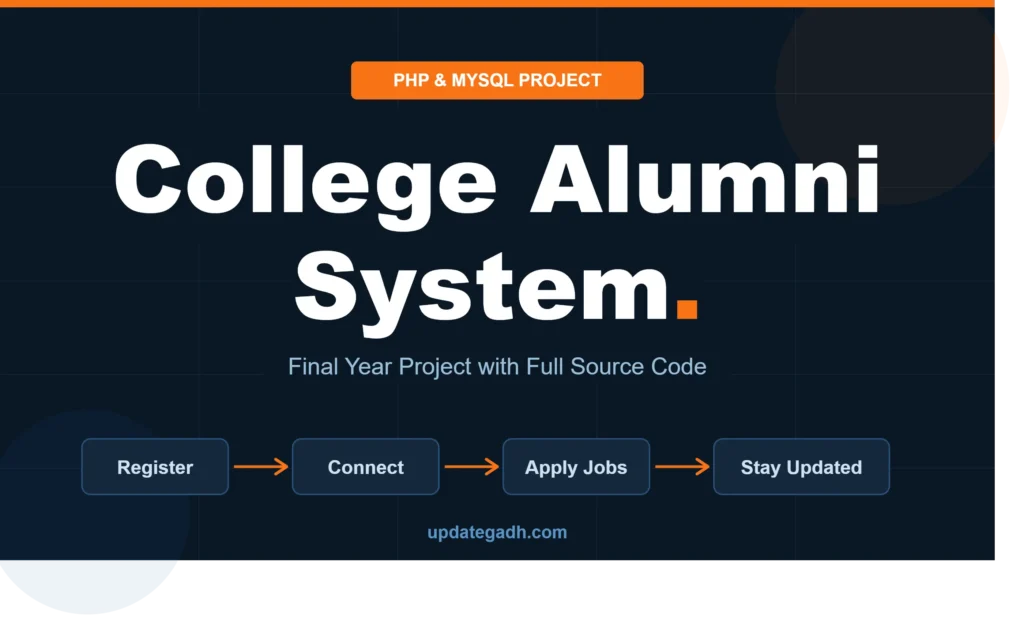
College Alumni System Project in PHP and MySQL is a web-based application that helps colleges manage alumni records, graduate profiles, job opportunities, events, announcements, and feedback. It provides separate Admin and Alumni panels for maintaining alumni information and strengthening connections between former students and their institutions.
Read more- Built with
- PHPMySQLBootstrapHTML/CSSJavaScript
- You get
- Source codeDatabaseProject reportPPTSetup guide
- Delivery
- Instant download after payment
Project Overview
The College Alumni System Project in PHP and MySQL is a web-based platform designed to help colleges and universities maintain alumni records and build lasting connections with former students. Alumni can register, manage their profiles, search for batchmates, explore job opportunities, view events, and submit feedback. Administrators can manage alumni accounts, job postings, announcements, gallery images, and feedback through a centralized dashboard.
Available Features
- Alumni Registration and Login: Alumni can register and access their accounts.
- Admin Dashboard: Manage alumni records, registrations, announcements, and website content.
- Alumni Profile Management: Update professional details, employment information, graduation year, and contact information.
- Batchmate Search: Find alumni using graduation year, department, or city filters.
- Job Portal: Publish job opportunities, browse vacancies, and manage job applications.
- News and Events: Share reunion notices, seminars, announcements, and institutional updates.
- Gallery Management: Upload and manage alumni event photographs.
- Feedback and Testimonials: Submit alumni feedback for administrative review.
- Role-Based Access: Separate access for alumni and administrators.
Which Technologies Are Used in This Project?
- PHP: Handles backend processing and application logic.
- MySQL: Stores alumni records, profiles, jobs, events, and feedback.
- HTML5: Structures the web pages.
- CSS3: Styles the application interface.
- JavaScript: Supports interactive website functionality.
- Bootstrap 5: Helps create a responsive user interface.
- Apache and XAMPP: Provide a local development environment.
More Details and Full Documentation
For project details, screenshots, database information, and installation instructions, visit College Alumni System Project PHP MySQL on UPDATEGADH.
Watch Project Demo
Watch the College Alumni Management System Project Demo on YouTube
- Alumni Registration and Login
- Admin Dashboard
- Alumni Profile Management
- Alumni Record Management
- Batchmate Search
- Job Portal Management
- Job Application Management
- News and Events Management
- Gallery Management
- Feedback and Testimonials
- Announcements Management
- Role-Based Access Control
- Install XAMPP and Visual Studio Code.
- Download and extract the project archive.
- Copy the project folder into C:\xampp\htdocs\.
- Start Apache and MySQL from the XAMPP Control Panel.
- Open http://localhost/phpmyadmin/ in your browser.
- Create a database named aasict_db.
- Import the aasict_db.sql file from the project's db folder.
- Open config.php in Visual Studio Code.
- Configure the database connection:
Server: localhost
Username: root
Password: leave blank if using the default local XAMPP configuration
Database: aasict_db
- Save the configuration.
- Open the project in your browser using:
http://localhost/alumni-management-system/
- If the extracted folder has a different name, replace the folder name in the URL.
- Register an alumni account and test the profile, batchmate search, job portal, events, and feedback modules.
- Access the administrator panel using the credentials supplied with the project files.
Stuck while running it? Chat with us on WhatsApp for free installation help.
No reviews yet. Be the first to review this project.