 20% OFF
 Human Resource Management System Project in PHP and MySQL
The Human Resource Management System Project in PHP and MySQL is a web-based application that helps organizations manage employee records, company events, and notices through a centralized admin panel. It simplifies routine HR tasks and keeps employee information and organizational announcements organized.
Read more- Built with
- PHPMySQLBootstrapHTML/CSSJavaScript
- You get
- Source codeDatabaseProject reportPPTSetup guide
- Delivery
- Instant download after payment
Project Overview
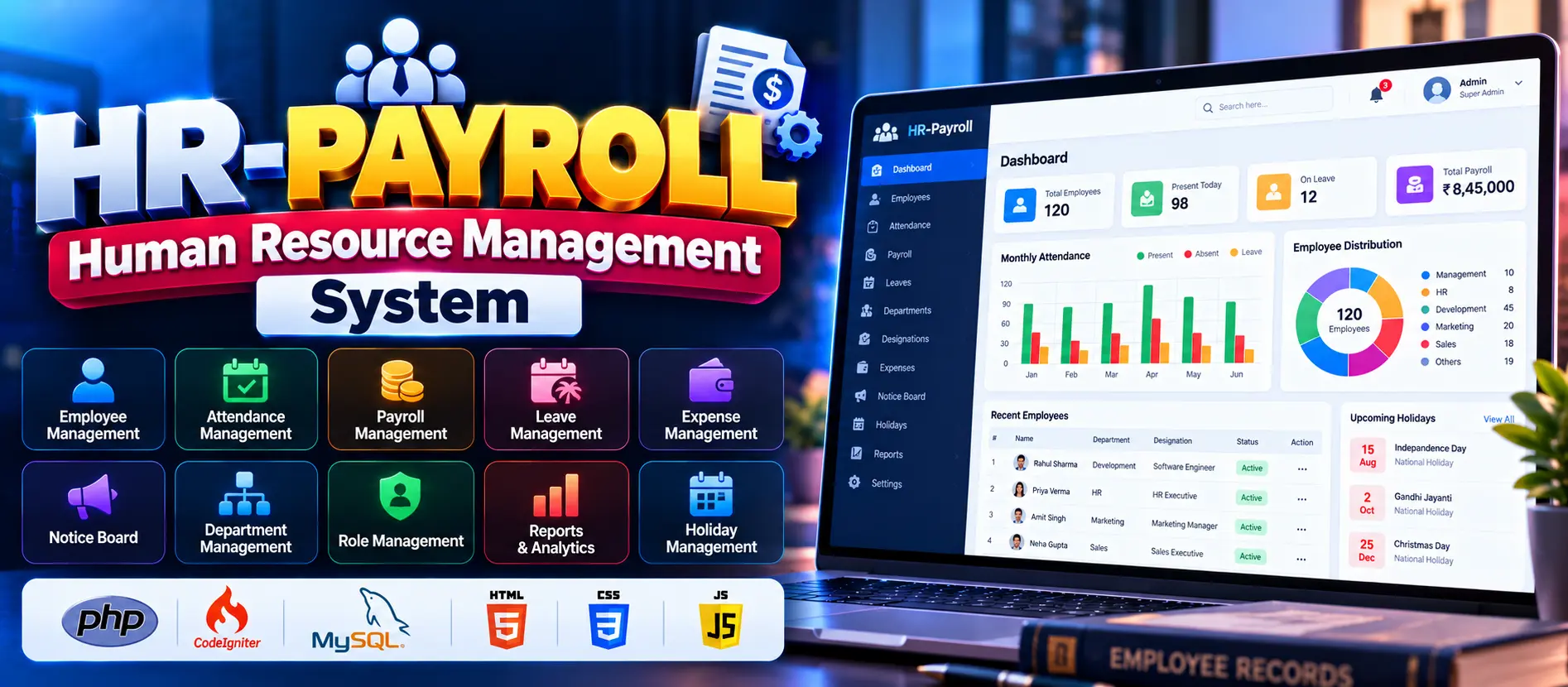
The Human Resource Management System Project in PHP and MySQL is a web-based application designed to organize essential human resource activities. It provides an administrator interface for managing employee records, company events, and notices. The system helps keep employee information updated and makes important organizational announcements easier to manage.
Available Features
- Admin Login: Authorized administrators can log in to access the management panel.
- Employee Management: Add, update, and delete employee records.
- Employee Profiles: Maintain essential employee information, including name, position, and contact details.
- Event Management: Create and manage company meetings, team gatherings, and other organizational events.
- Notice Board: Publish notices and announcements for employees.
- Centralized Administration: Manage employee information, events, and notices from one interface.
- User-Friendly Interface: Use straightforward navigation to access administrative functions.
Which Technologies Are Used in This Project?
- PHP: Handles server-side application logic.
- MySQL: Stores employee, event, and notice records.
- HTML: Structures the web pages.
- CSS: Styles the application interface.
- JavaScript: Supports client-side interactions.
- Apache and XAMPP: Provide the local development environment.
More Details and Full Documentation
For the project details and setup instructions, visit Human Resource Management System Project in PHP on UPDATEGADH.
- Super Admin Panel
- Admin Panel
- Employee Panel
- Employee Management
- Department and Designation Management
- Payroll Management
- Salary Templates
- Bonus and Deduction Management
- Loan and Provident Fund Management
- Attendance Management
- Clock-In and Clock-Out
- Leave Management
- Time Change Requests
- Training and Awards
- Notice Board and Announcements
- Holiday Management
- Expense Management
- Invoice and Billing Management
- Team and Task Management
- Reports and Export
- Dashboard and Authentication
- Install XAMPP and Visual Studio Code.
- Start Apache and MySQL from the XAMPP Control Panel.
- Extract the downloaded project ZIP file.
- Copy the extracted project folder into C:\xampp\htdocs\.
- Open the project folder in Visual Studio Code.
- Open http://localhost/phpmyadmin/ in your browser.
- Create a database named hr_payroll.
- Import the SQL file supplied with the project into the database.
- Locate the database configuration file. For a traditional CodeIgniter project, this may be application/config/database.php.
- Configure the hostname, MySQL username, password, and database name.
- If required, install the project's Composer dependencies.
- Check the CodeIgniter configuration and base URL.
- Open the application at http://localhost/Human-Resource-Management-System/ or use the actual extracted folder name.
- Log in using the credentials supplied with the project files.
- Test employee management, payroll, attendance, leave requests, and reports.
Stuck while running it? Chat with us on WhatsApp for free installation help.
No reviews yet. Be the first to review this project.