 20% OFF
React Project
Quiz Management System Using MERN Stack
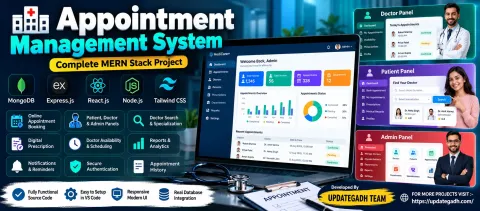
Quiz Management System is a MERN stack web application with admin and user dashboards, quiz and question management, timed quizzes, score tracking, and quiz attempt history.
Read more
₹1,999.00
₹2,499.0020% off
- Built with
- ReactBootstrapJavaScriptNode.jsMongoDB
- You get
- Source codeDatabaseProject reportPPTSetup guide
- Delivery
- Instant download after payment
Project Overview
Quiz Management System is a full-stack quiz web application developed using React.js, Node.js, Express.js, and MongoDB. It provides Admin and User roles for managing quizzes, questions, quiz attempts, and scores.
Available Features
- Admin Login Authentication
- Add, Edit, and Delete Quizzes
- Quiz Title, Description, and Timer
- Add, Edit, and Delete Multiple-Choice Questions
- View Created Quizzes
- View Scores of Users and Specific Quizzes
- Admin Dashboard with Quiz, Question, and Attempt Statistics
- View Available Quizzes
- Attempt Quizzes
- View Quiz Scores
- View Previous Quiz Attempts
- User Dashboard with Attempt Statistics and Performance Summary
- JWT Authentication
Technology Stack
- Frontend: React.js with Vite
- Backend: Node.js and Express.js
- Database: MongoDB
- Authentication: JSON Web Token (JWT)
More Details and Full Documentation
- Admin Login
- Quiz Management
- Question Management
- Admin Dashboard
- User Dashboard
- Available Quizzes
- Quiz Attempts
- Score Management
- Attempt History
- JWT Authentication
- Install Node.js, MongoDB, Visual Studio Code, and a Web Browser.
- Extract the Quiz Management System project.
- Open the extracted project folder in VS Code.
- Open a terminal in the client folder and run:
npm install
- Open another terminal in the server folder and run:
npm install
- Configure the client environment file at client/.env with:
VITE_BASE_URL=http://localhost:5000
- Create server/.env and configure:
MONGO_URI=your_mongodb_connection_string
JWT_SECRET=your_secret_key
PORT=5000
- Start MongoDB if using a local database.
- Start the backend from the server folder:
npm start
- Start the frontend from the client folder:
npm run dev
- Open the frontend URL displayed in the terminal.
Stuck while running it? Chat with us on WhatsApp for free installation help.
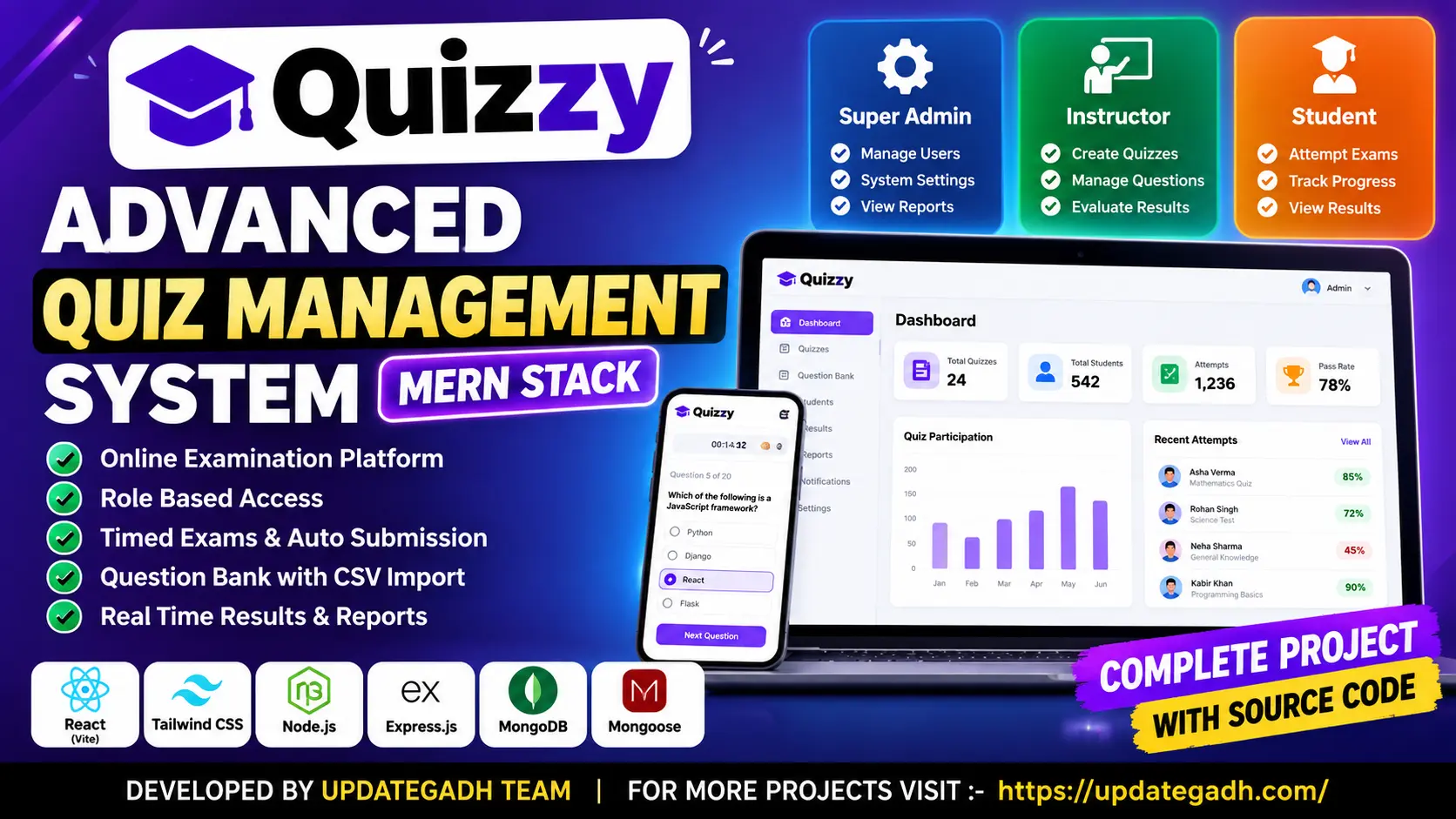
Quiz Management System uses React, Vite, Tailwind CSS, Node.js, Express.js, MongoDB, and Mongoose.
The system supports Super Admin, Instructor, and Student roles.
Yes. The server calculates scores using stored correct answers. Some short answers may require manual evaluation.
Yes. The question bank supports validated CSV imports with row-level error reporting.
Yes. It includes server-controlled timers, automatic submission, attempt limits, autosave, and progress restoration.
No reviews yet. Be the first to review this project.