 10% OFF
 Railway Reservation System in Java
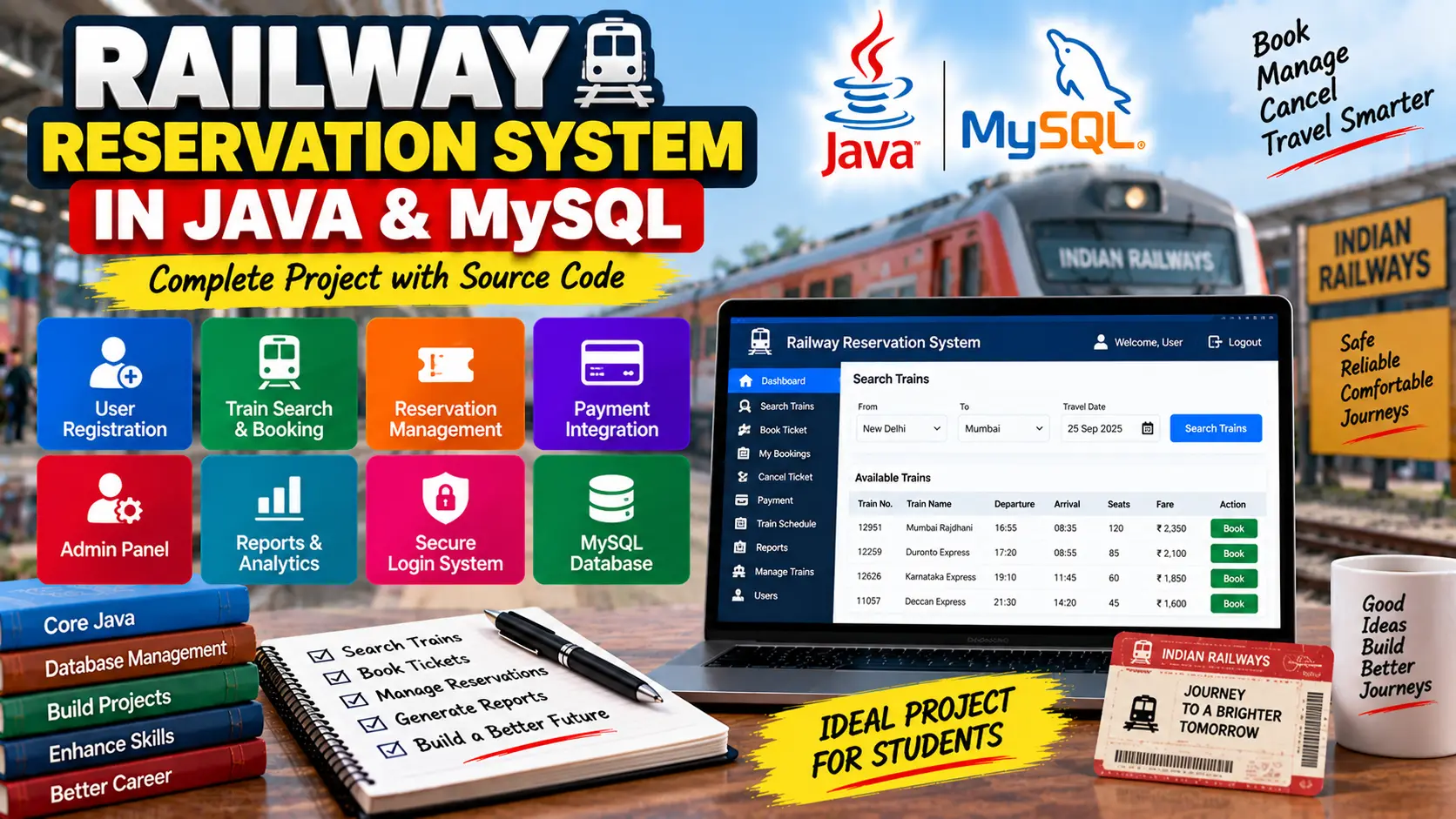
Railway Reservation System in Java and MySQL is a Java-based application for searching trains, checking seat availability, booking and cancelling tickets, managing reservations, processing payments, and managing train schedules through an admin panel.
Read more- Built with
- JavaMySQLHTML/CSSJavaScript
- You get
- Source codeDatabasePPT
- Delivery
- Instant download after payment
Railway Reservation System in Java and MySQL
The Railway Reservation System in Java and MySQL is a Java-based application designed to simplify the process of searching trains, reserving seats, managing railway bookings, and maintaining passenger information. The system provides separate functionality for passengers and administrators, making it suitable for learning real-world Java and database application development.
Project Overview
The system allows passengers to search available trains according to source, destination, and travel date. Users can check train schedules and seat availability, reserve seats, manage existing bookings, and cancel reservations. Administrators can manage train schedules, fares, seat availability, and passenger reservations.
Key Features
- Passenger registration and authentication
- Passenger and administrator login/logout
- Train search by source and destination
- Travel date-based train search
- Train schedule and availability information
- Seat reservation and ticket booking
- Booking and reservation history
- Ticket cancellation and refund handling
- Ticket and receipt printing
- Email support for booking tickets and receipts
- Train schedule management
- Seat availability and fare management
- Passenger reservation management
- Payment processing
- Ticket sales and occupancy reports
Passenger Registration and Authentication
Passengers can create accounts using their personal details and securely log in to access railway reservation features. The system also provides login and logout functionality for administrators.
Train Search and Booking
Passengers can search trains using source and destination stations along with the travel date. Search results provide important train information such as departure time, arrival time, and available seats. After selecting a suitable train, passengers can reserve seats and book their tickets.
Reservation Management
The reservation module allows users to view current bookings and previous reservation history. Passengers can cancel eligible bookings and receive refunds. The system also supports printing and emailing booking tickets and receipts.
Admin Train Management
Administrators can add, update, and delete train schedules. They can also manage seat availability, fare details, and passenger reservations through the administrative functionality.
Payment Gateway
The project includes payment processing for ticket reservations and supports multiple payment methods such as credit card, debit card, and net banking.
Reports and Analytics
The system can generate reports related to daily, weekly, and monthly ticket sales. Administrators can also review train occupancy and booking trends to understand reservation activity.
Java Swing Interface
The graphical user interface is developed using Java Swing, providing an interface through which passengers and administrators can perform reservation and management operations.
MySQL Database Integration
The application uses MySQL to store and retrieve information related to trains, passengers, and reservations. JDBC (Java Database Connectivity) is used to connect the Java application with the database and execute SQL operations.
Error Handling
The system includes error-handling mechanisms for exceptions, invalid inputs, and failed operations. Users receive appropriate messages when an operation cannot be completed successfully.
Technology Stack
- Programming Language: Java
- GUI: Java Swing
- Database: MySQL
- Database Connectivity: JDBC
Software and Tools Required
- Java Development Kit (JDK)
- MySQL Server
- MySQL Workbench or MySQL Command Line
- Eclipse, IntelliJ IDEA, or NetBeans
Watch Project Demo
Watch Railway Reservation System Project Demo
More Details & Full Documentation
- Passenger Registration and Authentication
- Train Search
- Train Schedule Management
- Seat Availability
- Ticket Reservation
- Booking Management
- Reservation History
- Ticket Cancellation and Refund
- Payment Processing
- Admin Train Management
- Passenger Reservation Management
- Ticket and Receipt Management
- Reports and Analytics
- Java Swing Interface
- MySQL Database Management
- Install the Java Development Kit (JDK) on your computer.
- Install MySQL Server and MySQL Workbench or use the MySQL command line.
- Create a new database for the Railway Reservation System.
- Import the SQL script provided with the project to create the required database tables and initial data.
- Open the Java project in Eclipse, IntelliJ IDEA, or NetBeans.
- Locate the database connection configuration in the project.
- Update the MySQL database URL, username, and password according to your local MySQL setup.
- Make sure the required JDBC dependency is available in the project.
- Compile the project and resolve any required dependencies.
- Run the main application class.
- Log in using the provided passenger or administrator credentials.
- Start searching trains, checking availability, booking tickets, managing reservations, and using the available administration features.
Stuck while running it? Chat with us on WhatsApp for free installation help.
No reviews yet. Be the first to review this project.