 29% OFF
 Movie Ticket Booking System Project in Java
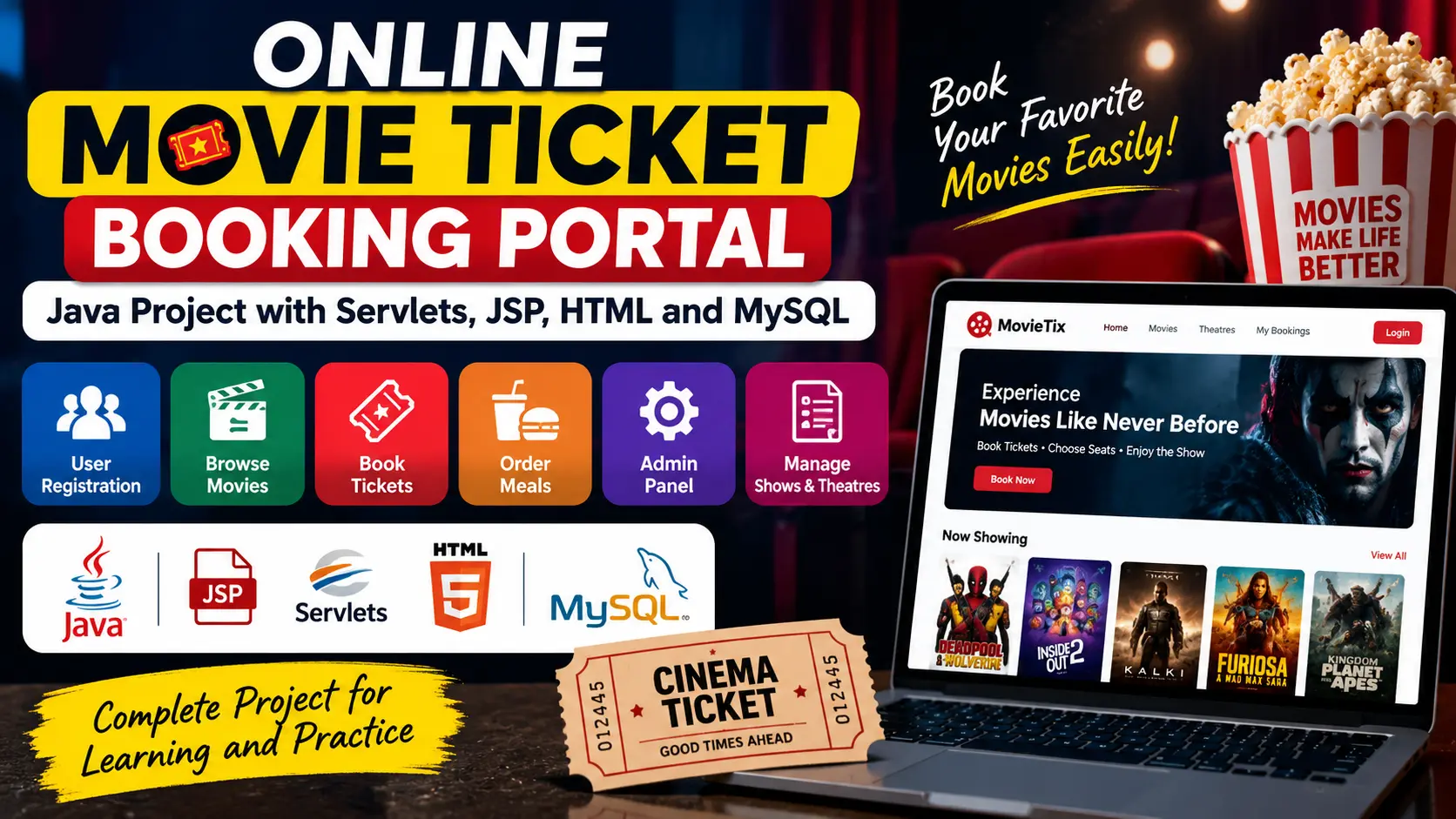
Movie Ticket Booking System Project in Java is a Java-based application for browsing movies and showtimes, checking seat availability, selecting seats, booking tickets, managing reservations, and handling movie and schedule management through an admin panel.
Read more- Built with
- JavaMySQLBootstrapHTML/CSS
- You get
- Source codeDatabaseProject reportPPTSetup guide
- Delivery
- Instant download after payment
Movie Ticket Booking System Project in Java
Project Overview
The Movie Ticket Booking System is a Java-based application designed to simplify the process of browsing movies, checking showtimes, selecting seats, and booking movie tickets. The system provides a practical solution for managing movie reservations while maintaining user, movie, showtime, seat, and booking information using MySQL.
This project is suitable for students and developers who want to learn Java application development, MySQL database integration, JDBC, GUI development, authentication, seat management, and booking workflows.
Key Features
- User registration and secure login
- Movie listing and showtime management
- Movie duration, genre, and language information
- Movie filtering based on genres and showtimes
- Seat availability checking
- Visual seat selection interface
- Booked, available, and premium seat status
- Movie ticket booking and reservation management
- Booking confirmation
- Payment confirmation workflow
- Admin panel for movie and schedule management
- Ticket sales and booking management
- User management through the admin dashboard
Technology Stack
- Programming Language: Java
- Database: MySQL
- Database Connectivity: JDBC
- GUI: Java Swing
- IDE: Eclipse or IntelliJ IDEA
Software and Tools Required
- Java Development Kit (JDK)
- Eclipse or IntelliJ IDEA
- MySQL Server
- MySQL Workbench
- JDBC/MySQL database driver
Watch Project Demo
Watch Movie Ticket Booking System Project Demo
More Details & Full Documentation
- User Registration and Login
- Movie Management
- Showtime Management
- Movie Listing
- Seat Availability Management
- Seat Selection
- Ticket Booking
- Booking Confirmation
- Payment Confirmation
- Admin Login
- Admin Dashboard
- User Management
- Ticket Sales Management
- Booking Management
- MySQL Database Management
- Install JDK on your system.
- Install Eclipse or IntelliJ IDEA.
- Install MySQL Server and MySQL Workbench.
- Create a new MySQL database for the project.
- Import the provided SQL database file into MySQL.
- Configure the database connection details in the Java project's database connection/JDBC configuration.
- Set the MySQL username, password, database name, and connection URL.
- Open the project in Eclipse or IntelliJ IDEA.
- Add or resolve the required MySQL JDBC driver/dependencies.
- Clean and compile the project.
- Run the main Java application.
- Register/login as a user and test movie, showtime, seat selection, and booking functionality.
- Use the admin login to manage movies, schedules, users, and booking information.
Stuck while running it? Chat with us on WhatsApp for free installation help.
No reviews yet. Be the first to review this project.