 31% OFF
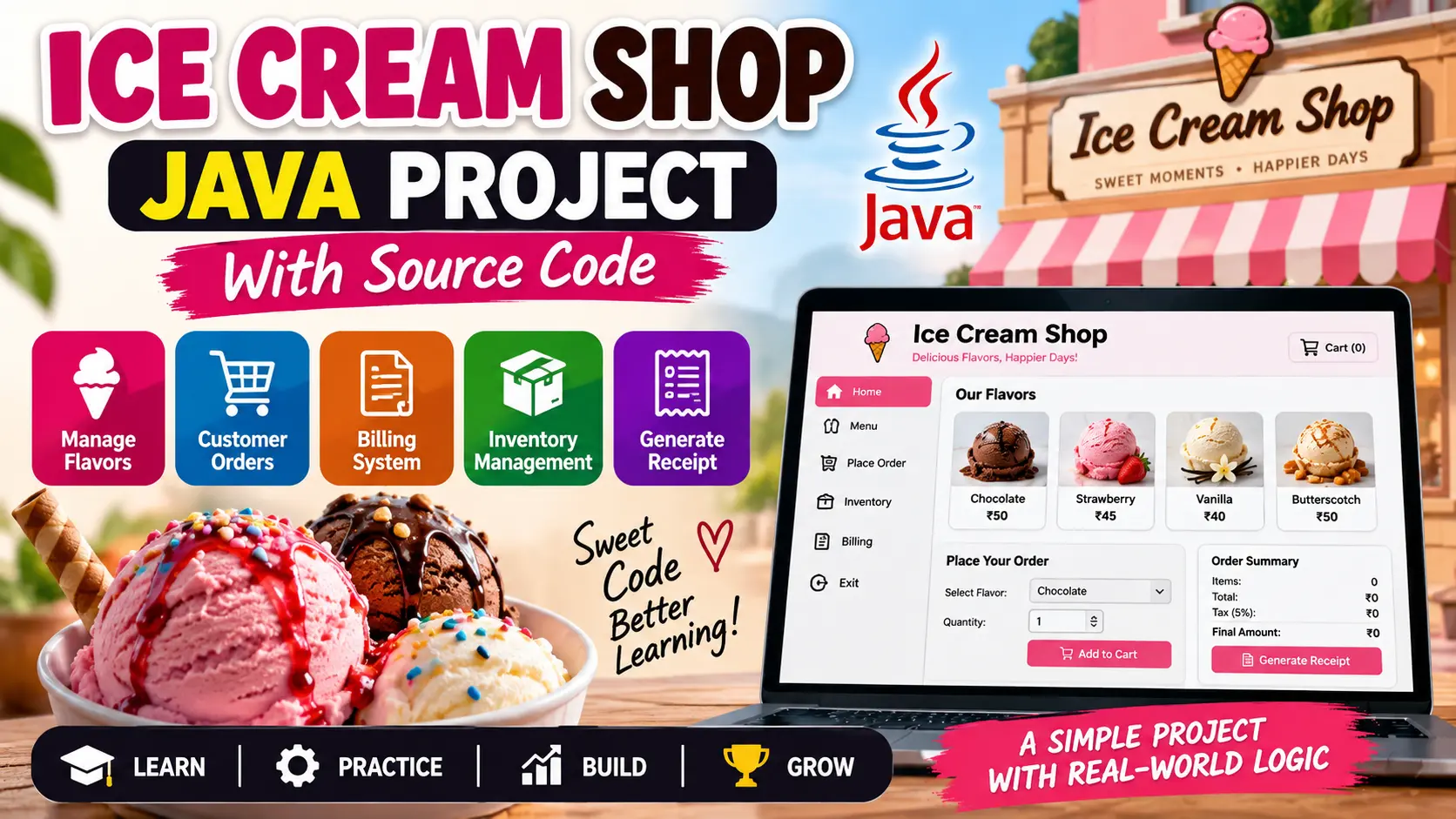
 Ice Cream Shop Java Project With Source Code
Ice Cream Shop Java Project is a Java-based application that simulates an ice cream shop with customer order management, inventory tracking, billing, tax calculation, and receipt generation.
Read more- Built with
- JavaMySQLBootstrapHTML/CSS
- You get
- Source codeDatabaseProject reportPPTSetup guide
- Delivery
- Instant download after payment
Ice Cream Shop Java Project
Project Overview
The Ice Cream Shop Java Project is a Java-based application designed to simulate the core operations of a small ice cream shop. The project focuses on managing ice cream inventory, handling customer orders, calculating bills, and generating receipts.
This project is useful for understanding Java object-oriented programming concepts such as classes, objects, methods, lists, business logic, and user interaction through a simple console-based interface.
Key Features
- Customer order management
- Ice cream flavor management
- Inventory and stock tracking
- Stock availability checking
- Order quantity management
- Order total calculation
- Tax calculation
- Receipt generation
- Interactive console-based menu
Technology Stack
- Programming Language: Java
- Application Type: Console-Based Application
- Programming Concepts: Object-Oriented Programming, Classes, Objects, Methods, Data Structures
Software and Tools Required
- Java Development Kit (JDK)
- IntelliJ IDEA or Eclipse
- Java Runtime Environment
Project Modules
- Inventory Management
- Ice Cream Flavor Management
- Customer Order Management
- Order Processing
- Billing System
- Tax Calculation
- Receipt Generation
- Console Menu
Watch Project Demo
Watch Ice Cream Shop Java Project Demo
More Details & Full Documentation
- Ice Cream Flavor Management
- Inventory Management
- Stock Availability
- Customer Order Management
- Order Processing
- Order Validation
- Billing System
- Tax Calculation
- Receipt Generation
- Console Menu
- Install the Java Development Kit (JDK).
- Install IntelliJ IDEA or Eclipse.
- Create or open the Ice Cream Shop Java project.
- Configure the installed JDK in your IDE.
- Make sure all Java source files and project packages are available.
- Compile the project.
- Resolve any compilation issues if required.
- Run the main Java class.
- Use the console menu to view the ice cream menu.
- Select flavors and quantities to place an order.
- Confirm the order and verify the calculated tax and total.
- Check the generated receipt and inventory updates.
Stuck while running it? Chat with us on WhatsApp for free installation help.
No reviews yet. Be the first to review this project.