 31% OFF
 Bank Management System in Java
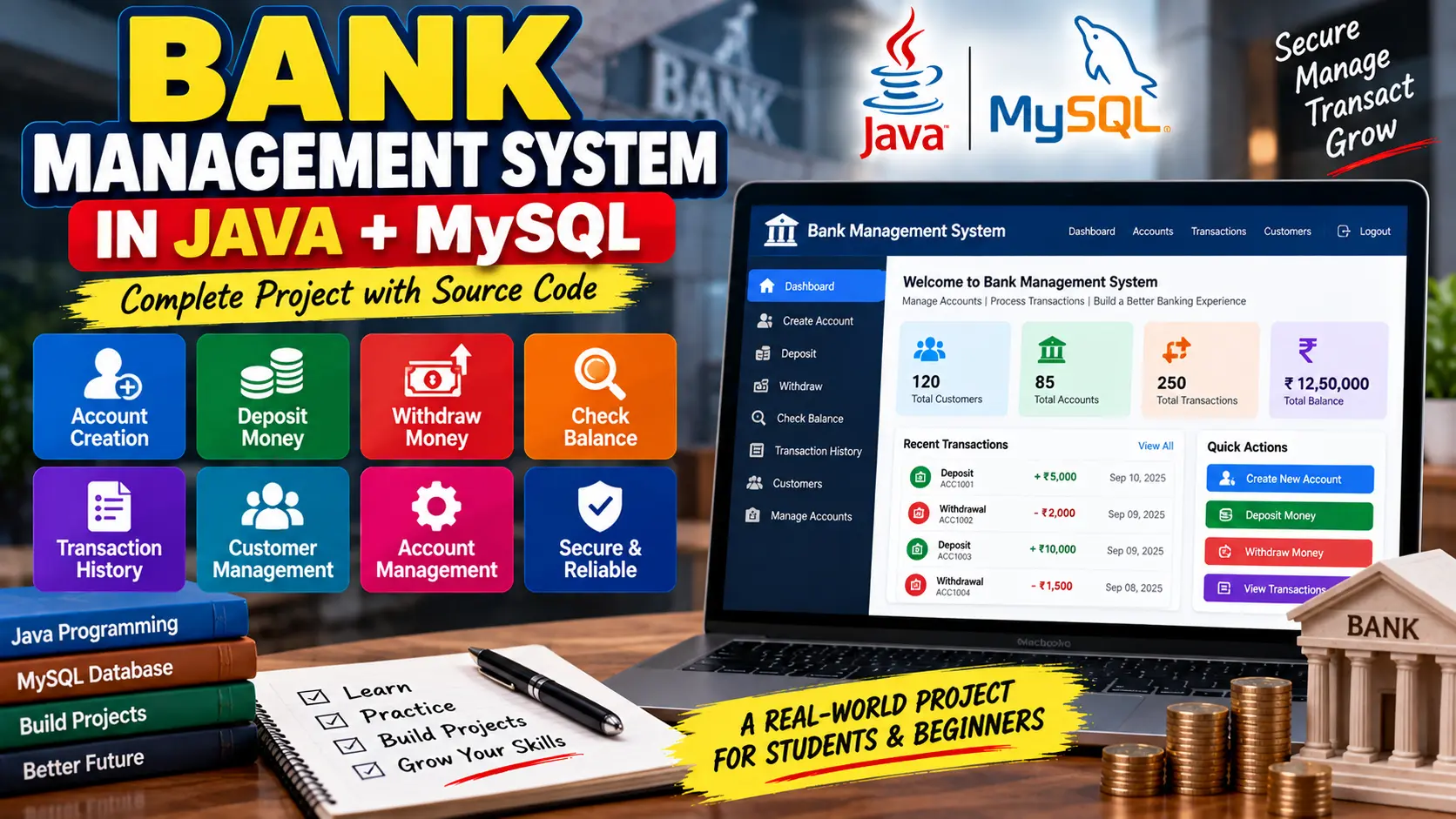
Bank Management System in Java + MySQL is a banking application for managing customer accounts, checking balances, deposits, withdrawals, account information, and transaction history using Java, JDBC, and MySQL.
Read more- Built with
- JavaMySQLHTML/CSS
- You get
- Source codeDatabaseProject reportPPTSetup guide
- Delivery
- Instant download after payment
Bank Management System in Java + MySQL
Project Overview
The Bank Management System in Java + MySQL is a Java-based project designed to demonstrate common banking operations such as customer account creation, balance inquiry, deposits, withdrawals, account management, and transaction history.
The application uses Java for the main programming logic and MySQL for storing customer, account, and transaction information. JDBC is used to connect the Java application with the MySQL database.
Core Features
- Customer account creation
- Customer information management
- Balance inquiry
- Money deposit
- Money withdrawal
- Automatic balance updates
- Transaction history
- Transaction date and amount tracking
- Account information management
- Low-balance validation during withdrawal
Account Creation
New customers can create bank accounts by providing personal information such as their name, contact details, and address. The customer information is stored in the Customer table, while the associated account information is maintained in the Account table.
Balance Inquiry
Account holders can check their current account balance by providing their account information. The system retrieves the balance stored in the Account table and displays it to the user.
Deposit and Withdrawal
The deposit feature allows customers to add money to their accounts and automatically updates the account balance. Withdrawals first check whether sufficient funds are available before deducting the requested amount.
Both deposits and withdrawals are recorded in the transaction history so that account activity can be tracked.
Account Management
Customer and account information can be reviewed and updated when required. The system maintains the relationship between customer records and their corresponding bank accounts.
Transaction History
The transaction history module maintains records of deposits, withdrawals, and transfers. Customers can view transaction details such as transaction type, amount, and date for a specific account.
Database Design
MySQL is used to store the main banking information. The project uses a BankDB database containing the core customer, account, and transaction records.
- Customer Table: Stores customer name, contact information, and address.
- Account Table: Stores account IDs, customer IDs, and account balances.
- Transaction History Table: Stores deposits, withdrawals, transfers, transaction amounts, types, and dates.
Java and MySQL Connectivity
JDBC (Java Database Connectivity) allows the Java application to communicate with MySQL. The JDBC connection is configured using the database URL, username, and password, allowing the application to perform database operations.
User Interface
The project can be implemented with a simple console-based menu containing options such as creating an account, depositing money, withdrawing money, checking balance, and viewing transactions. The interface can also be enhanced with Java Swing or JavaFX for a graphical user interface.
Technology Stack
- Programming Language: Java
- Database: MySQL
- Database Connectivity: JDBC
- GUI Options: Java Swing / JavaFX
- IDE: Eclipse / IntelliJ IDEA
Software and Tools Required
- Java Development Kit (JDK)
- MySQL Server
- MySQL Workbench
- Eclipse or IntelliJ IDEA
- MySQL JDBC Driver
Watch Project Demo
Watch Bank Management System in Java + MySQL Demo
More Details & Full Documentation
- Customer Management
- Account Creation
- Account Management
- Balance Inquiry
- Deposit Management
- Withdrawal Management
- Transaction History
- Transaction Management
- MySQL Database Management
- Install the Java Development Kit (JDK).
- Install MySQL Server and MySQL Workbench.
- Install Eclipse or IntelliJ IDEA.
- Install the MySQL JDBC Driver.
- Create a MySQL database named:
BankDB
- Create/import the Customer, Account, and Transaction History tables.
- Add the JDBC driver to the Java project.
- Configure the MySQL database URL, username, and password in the Java project.
- Open the project in Eclipse or IntelliJ IDEA.
- Compile the project and resolve any required dependencies.
- Run the Java application.
- Test account creation and customer information management.
- Test balance inquiry, deposits, and withdrawals.
- Verify that each transaction updates the balance correctly.
- Check the Transaction History to verify stored transaction details.
Stuck while running it? Chat with us on WhatsApp for free installation help.
No reviews yet. Be the first to review this project.