 23% OFF
 Online Quiz Management System in Java
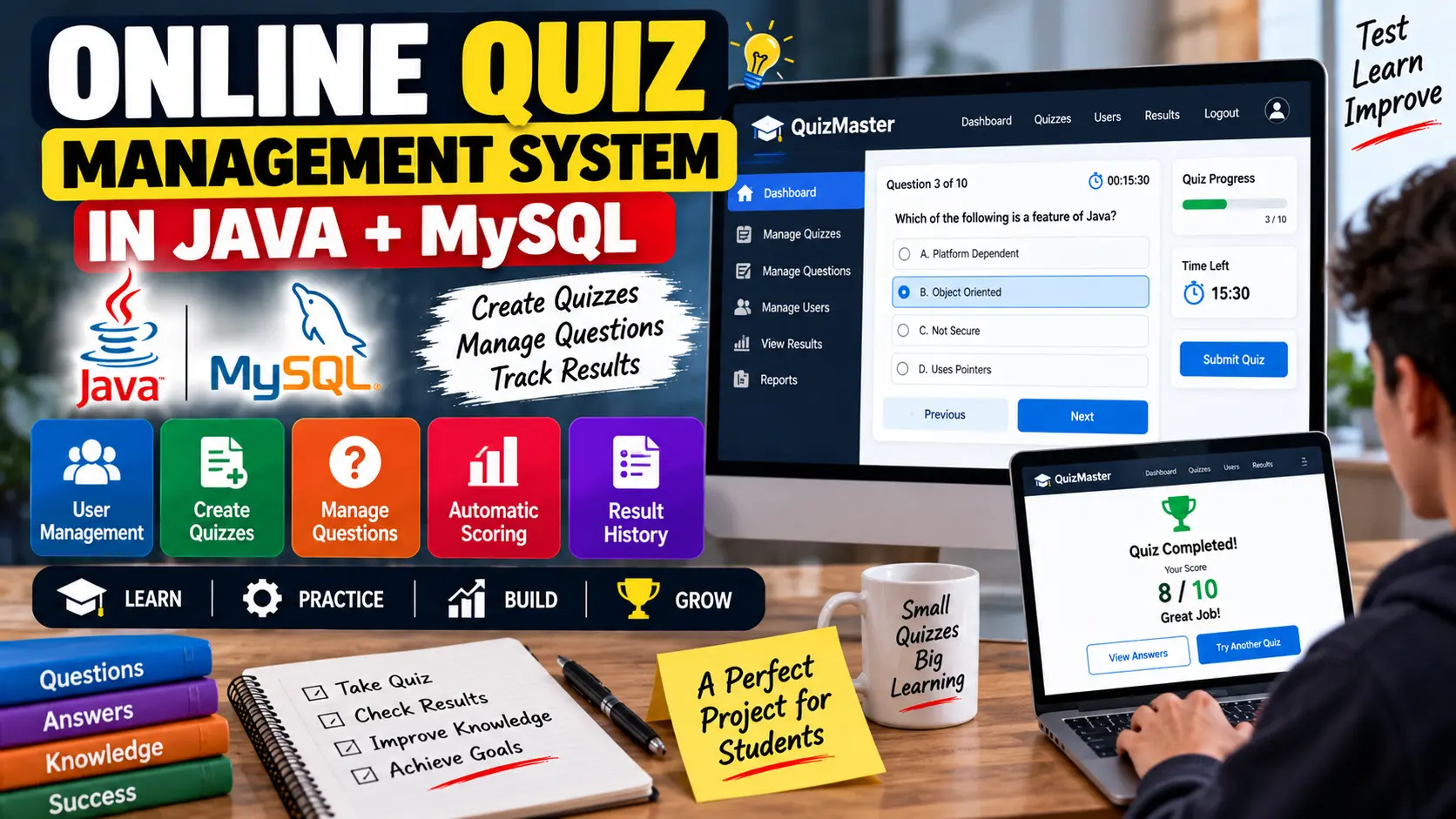
Online Quiz Management System in Java + MySQL is a quiz application that allows users to register, take online quizzes, submit answers, receive automatic scores, and view previous quiz results, while administrators can create quizzes and manage questions.
Read more- Built with
- JavaMySQLBootstrapHTML/CSS
- You get
- Source codeDatabaseProject reportPPTSetup guide
- Delivery
- Instant download after payment
Online Quiz Management System in Java + MySQL
Project Overview
The Online Quiz Management System in Java + MySQL is a Java-based application designed to make online tests easier to create, manage, and conduct. The system allows users to participate in quizzes, submit their answers, receive automatically calculated scores, and view their previous quiz results.
Administrators can create quizzes, add questions, update questions, delete questions, and specify the correct answers. MySQL is used to store user details, quizzes, questions, answers, and results.
Key Features
- User registration and login
- User quiz history
- Quiz creation and management
- Question management
- Correct answer management
- Multiple-choice quiz interface
- Answer selection and tracking
- Automatic score calculation
- Result storage and display
- Past result and quiz history
- Admin result analytics
Technology Stack
- Programming Language: Java
- Database: MySQL
- Database Connectivity: JDBC
- JDK: JDK 8 or higher
- IDE: Eclipse or IntelliJ IDEA
Software and Tools Required
- Java Development Kit (JDK 8 or higher)
- MySQL Server
- MySQL Workbench
- Eclipse or IntelliJ IDEA
- MySQL JDBC Driver
Watch Project Demo
Watch Online Quiz Management System in Java Demo
More Details & Full Documentation
Online Quiz Management System in Java + MySQL, Online Quiz Management System in Java, Quiz Management System in Java, Online Quiz System Java Project, Online Examination System in Java, Quiz Application in Java, Java Quiz Project, Java MySQL Quiz Project, Quiz Management System Source Code, Java JDBC Project, Online Exam Management System, Java Final Year Project, Java Mini Project
- Install JDK 8 or higher.
- Install MySQL Server and MySQL Workbench.
- Install Eclipse or IntelliJ IDEA.
- Create a MySQL database named:
QuizManagement
- Create/import the required database tables for Users, Quizzes, Questions, Answers, and Results.
- Add the MySQL JDBC driver to the Java project.
- Configure the MySQL database connection using your database URL, username, and password.
- Open the project in Eclipse or IntelliJ IDEA.
- Compile the project and resolve any required dependencies.
- Run the Java application.
- Register a user account and log in.
- Create quizzes and questions from the quiz management functionality.
- Take a quiz and submit the selected answers.
- Verify automatic score calculation and result storage.
- Check the user's previous quiz results and quiz history.
Stuck while running it? Chat with us on WhatsApp for free installation help.
No reviews yet. Be the first to review this project.