College Fee Submission Project Java
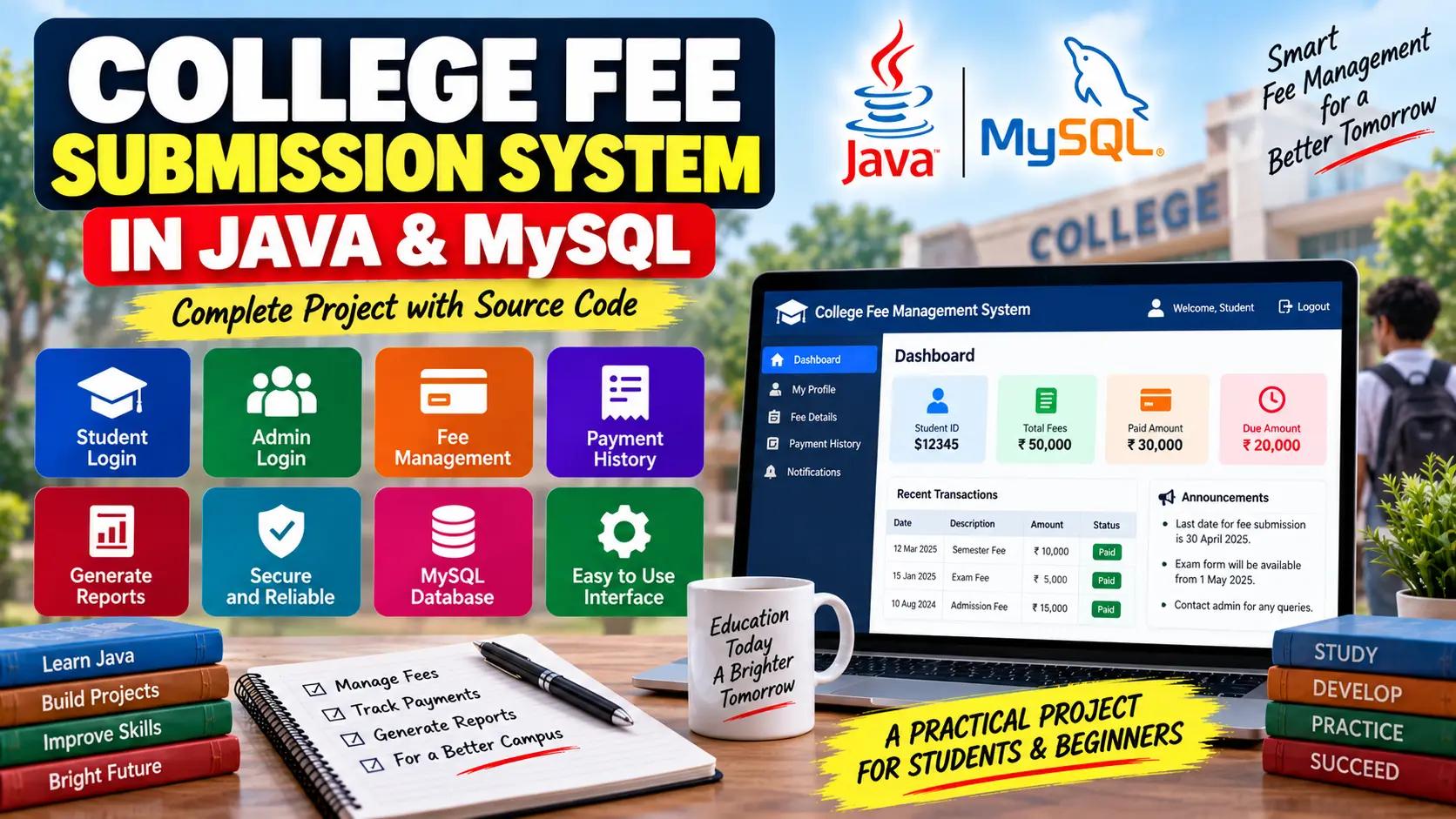
College Fee Submission Project Java and MySQL is a fee management application that allows students to check fee details and payment history, while administrators can manage fee records, update payment status, search students, and generate payment reports.
Read more- Built with
- JavaMySQLHTML/CSSJavaScript
- You get
- Source codeDatabaseProject reportPPTSetup guide
- Delivery
- Instant download after payment
College Fee Submission Project Java and MySQL
Project Overview
The College Fee Submission Project Java and MySQL is a Java-based fee management application designed to manage student fee records and payment information. The system provides separate access for students and administrators, making it easier to check fee status, maintain payment records, and manage college fee information.
Java handles the application logic and user interface, while MySQL is used to store login credentials, student information, fee records, and payment transactions. JDBC provides the connection between the Java application and MySQL database.
Key Features
- Student login
- Admin login
- Student fee status checking
- Payment history
- Fee record management
- Payment status updates
- Student search
- Payment report generation
- Fee summary management
- Transaction management
- Role-based access control
Student Login
Students can log in using their credentials and access their own fee information. The student dashboard displays the total fees due, paid and unpaid balances, and previous payment transactions.
Admin Login
Administrators have access to the broader fee management functionality. Admins can search for students, add new fee records, update fee payment status, generate payment reports, and view transaction information.
Fee Management
The fee management module maintains information about student fees, including the fee amount, due date, and payment status. Administrators can add new fee records and update existing payment information.
Payment History
The system records student fee payments in the transaction records. Payment history includes transaction dates and payment amounts, allowing students and administrators to review previous payments.
Role-Based Access Control
The application differentiates between student and admin users. The user's role is stored in the Users table and is checked during login to determine which dashboard and functionality should be available.
Student Dashboard
The student dashboard provides a simple view of fee-related information, including the total fee balance, paid amount, due amount, and previous transactions.
Admin Dashboard
The admin dashboard provides tools for searching students, managing fee statuses, adding fee records, generating fee summaries, and viewing payment transactions.
Technology Stack
- Programming Language: Java
- Database: MySQL
- Database Connectivity: JDBC
- IDE: Eclipse or IntelliJ IDEA
- Database Tool: MySQL Workbench
Software and Tools Required
- Java Development Kit (JDK)
- MySQL Server
- MySQL Workbench
- Eclipse or IntelliJ IDEA
- JDBC
Watch Project Demo
Watch College Fee Submission Project Java and MySQL Demo
More Details & Full Documentation
- Student Login
- Admin Login
- Student Fee Management
- Fee Record Management
- Payment Status Management
- Payment History
- Student Search
- Payment Reports
- Fee Summary
- Transaction Management
- Role-Based Access Control
- MySQL Database Management
- Install the latest Java Development Kit (JDK).
- Install MySQL Server and MySQL Workbench.
- Install Eclipse or IntelliJ IDEA.
- Create the required MySQL database.
- Create/import the Users, Students, Fees, and Transactions tables.
- Add the required JDBC driver to the Java project.
- Configure the MySQL database connection using the database URL, username, and password.
- Open the project in Eclipse or IntelliJ IDEA.
- Compile the project and resolve any required dependencies.
- Run the Java application.
- Test the student login and verify fee balance and payment history.
- Test the admin login and verify student search, fee record management, payment status updates, and reports.
- Verify that students can access only their own fee information and administrators can access the required management features.
Stuck while running it? Chat with us on WhatsApp for free installation help.
No reviews yet. Be the first to review this project.