Banking Management System Using Java
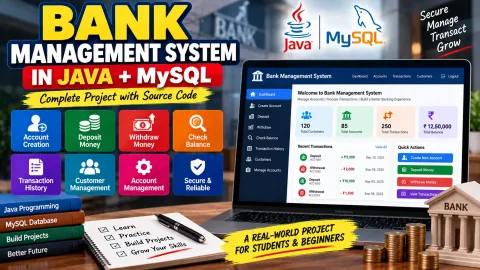
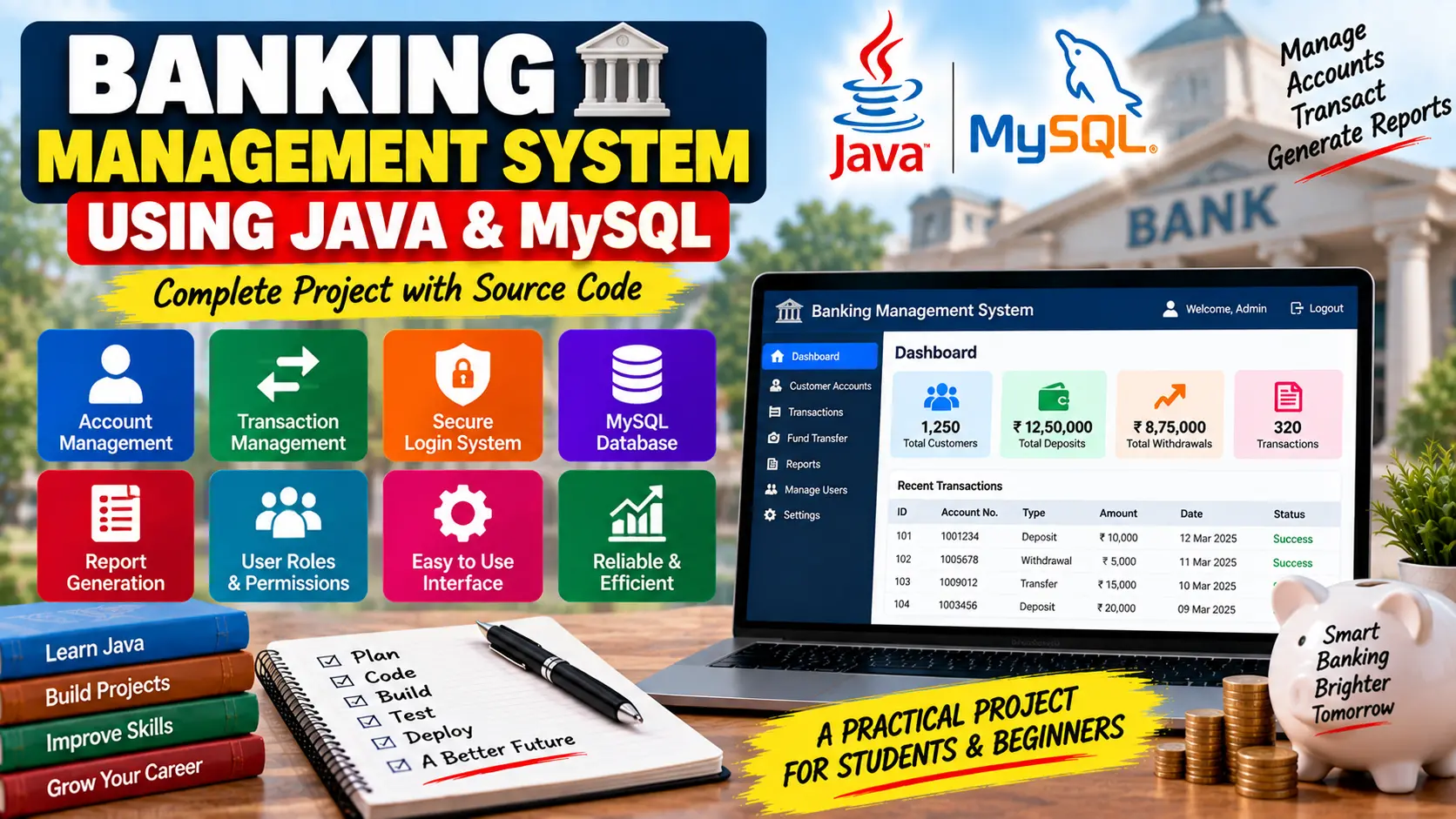
Banking Management System Using Java and MySQL is a desktop-based banking application that manages customer accounts, deposits, withdrawals, fund transfers, transaction history, security, and banking reports using Java Swing, JDBC, and MySQL.
Read more- Built with
- JavaPHPHTML/CSSJavaScript
- You get
- Source codeDatabase
- Delivery
- Instant download after payment
Banking Management System Using Java and MySQL
The Banking Management System Using Java and MySQL is a Java-based application designed to simplify common banking operations. It allows administrators to manage customer accounts, handle financial transactions, maintain banking records, and generate useful reports through an intuitive graphical interface.
Project Overview
The system uses Java for application logic and MySQL for storing and managing banking data. Java Swing provides the graphical interface, while JDBC connects the application with the MySQL database for performing database operations.
Key Features
- Open and manage customer bank accounts.
- Update customer personal and contact information.
- Close customer accounts when required.
- Deposit and withdraw funds.
- Transfer funds between accounts.
- View transaction history for individual accounts.
- Generate account statements.
- View daily, monthly, and annual transaction summaries.
- Generate customizable banking reports.
- Secure administrator login.
- Password encryption for user accounts.
- Role-based access control.
- Database backup and restore functionality.
Account Management
The account management module allows administrators to create new customer accounts, update personal and contact information, and close accounts when necessary. This keeps customer records organized and easier to maintain.
Transaction Management
The application supports essential banking transactions such as deposits, withdrawals, and transfers between accounts. Transaction records can also be reviewed through the transaction history associated with each account.
Security Features
The system includes administrator login, password encryption, and role-based access control to help protect sensitive banking information and restrict unauthorized access.
Reporting
Administrators can generate account statements and review transaction summaries for different periods, including daily, monthly, and annual activity. Customizable reports can also be used for banking analysis and decision-making.
Java Swing Interface
The graphical user interface is developed using Java Swing. Forms, buttons, menus, and other interface components provide a simple way to access banking operations.
Database Connectivity
The project uses JDBC (Java Database Connectivity) to connect the Java application with MySQL. SQL queries are used to perform CRUD operations and manage customer and transaction records efficiently.
Error Handling
Error handling mechanisms are included to manage exceptions and prevent unexpected application failures during normal operation.
Technology Stack
- Programming Language: Java
- GUI: Java Swing
- Database: MySQL
- Database Connectivity: JDBC
Software and Tools Required
- Java Development Kit (JDK)
- MySQL Server
- MySQL Workbench or MySQL Command Line
- Eclipse, IntelliJ IDEA, or NetBeans
Watch Project Demo
Watch the Banking Management System Project Demo
More Details & Full Documentation
- Account Management
- Customer Account Handling
- Deposit Management
- Withdrawal Management
- Fund Transfer
- Transaction History
- Account Statements
- Security and Access Control
- Database Management
- Reporting and Transaction Summaries
- Backup and Restore
- Java Swing User Interface
- Install the Java Development Kit (JDK) on your system.
- Install MySQL Server and MySQL Workbench or use the MySQL command line.
- Create a new MySQL database for the Banking Management System.
- Import the SQL script included with the project files to create the required tables and sample data.
- Open the Java project in Eclipse, IntelliJ IDEA, or NetBeans.
- Locate the database connection configuration and update the MySQL database URL, username, and password according to your local setup.
- Make sure the required JDBC dependency is available in the project.
- Compile the project and resolve any dependency or configuration issues.
- Run the main Java application class.
- Log in using the administrator credentials provided with the project documentation and start managing customer accounts, transactions, and reports.
Stuck while running it? Chat with us on WhatsApp for free installation help.
No reviews yet. Be the first to review this project.