 33% OFF
 Farmer Buddy Project in Java
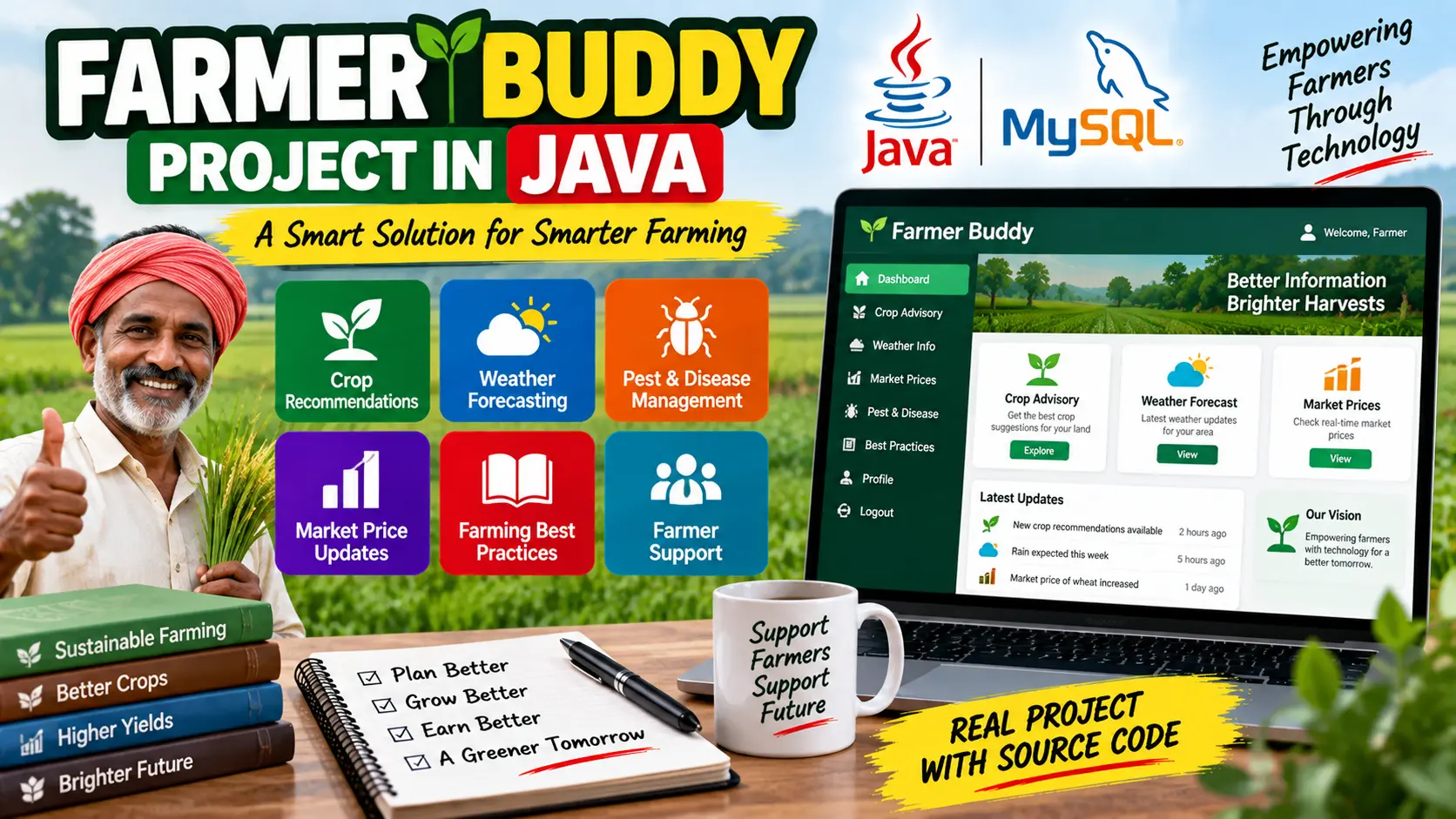
Farmer Buddy Project in Java is an agricultural support application that provides farmers with crop recommendations, weather information, pest and disease guidance, market price updates, and useful agricultural resources.
Read more- Built with
- JavaMySQLBootstrapHTML/CSSJavaScript
- You get
- Source codeDatabaseProject reportPPTSetup guide
- Delivery
- Instant download after payment
Farmer Buddy Project in Java
Project Overview
The Farmer Buddy Project in Java is a Java-based application designed to support farmers by providing useful agricultural information and decision-making tools. The project focuses on common farming challenges such as crop selection, changing weather conditions, pest and disease management, and fluctuating market prices.
Farmer Buddy works as a digital platform that brings important agricultural information together in one place. It can help farmers make better decisions regarding crops, irrigation, harvesting, fertilization, pest control, and selling their produce.
Key Features
- Crop selection and recommendations
- Soil-based crop guidance
- Weather forecasting
- Weather updates for farming decisions
- Pest and disease management information
- Pest control recommendations
- Real-time market price updates
- Agricultural best practices
- Farming tutorials and articles
- Information on crop rotation and water conservation
- Organic farming resources
Crop Selection and Recommendations
The crop recommendation feature considers factors such as soil type, weather conditions, and water availability to suggest suitable crops. This helps farmers make informed planting decisions while making better use of available resources.
Weather Forecasting
The weather forecasting feature provides farmers with timely weather information. Weather updates can help farmers plan activities such as irrigation, harvesting, and fertilization according to expected conditions.
Pest and Disease Management
Farmer Buddy provides information about common crop pests and diseases. Farmers can access guidance about pest control methods and recommendations for affordable and environmentally friendly solutions.
Market Price Updates
The application provides market price information to help farmers understand current market conditions. Farmers can use this information when deciding when and where to sell their crops.
Agricultural Best Practices
The platform provides educational resources covering useful farming practices. Tutorials and articles can help farmers learn about crop rotation, water conservation, organic farming, and other agricultural techniques.
Technology Stack
- Programming Language: Java
- Application Type: Agricultural Support Application
- Platform: Java
Software and Tools Required
- Java Development Kit (JDK)
- Java-compatible IDE
- Java Runtime Environment
Watch Project Demo
Watch Farmer Buddy Project in Java Demo
More Details & Full Documentation
- Crop Selection and Recommendation
- Soil-Based Crop Guidance
- Weather Forecasting
- Weather Information
- Pest and Disease Management
- Pest Control Guidance
- Market Price Updates
- Agricultural Best Practices
- Farming Tutorials
- Agricultural Articles
- Install the Java Development Kit (JDK).
- Install a Java-compatible IDE such as Eclipse or IntelliJ IDEA.
- Download and extract the Farmer Buddy project source code.
- Open the project in your Java IDE.
- Configure the JDK for the project.
- Check the project dependencies and add any required Java libraries.
- Configure any required data or external information sources used by the project.
- Compile the Java project.
- Resolve any compilation or dependency issues.
- Run the main Java application.
- Test the crop recommendation, weather, pest and disease, market price, and agricultural resource modules.
Stuck while running it? Chat with us on WhatsApp for free installation help.
No reviews yet. Be the first to review this project.