 25% OFF
 Vehicle Selling Purchasing Management System Using JSP
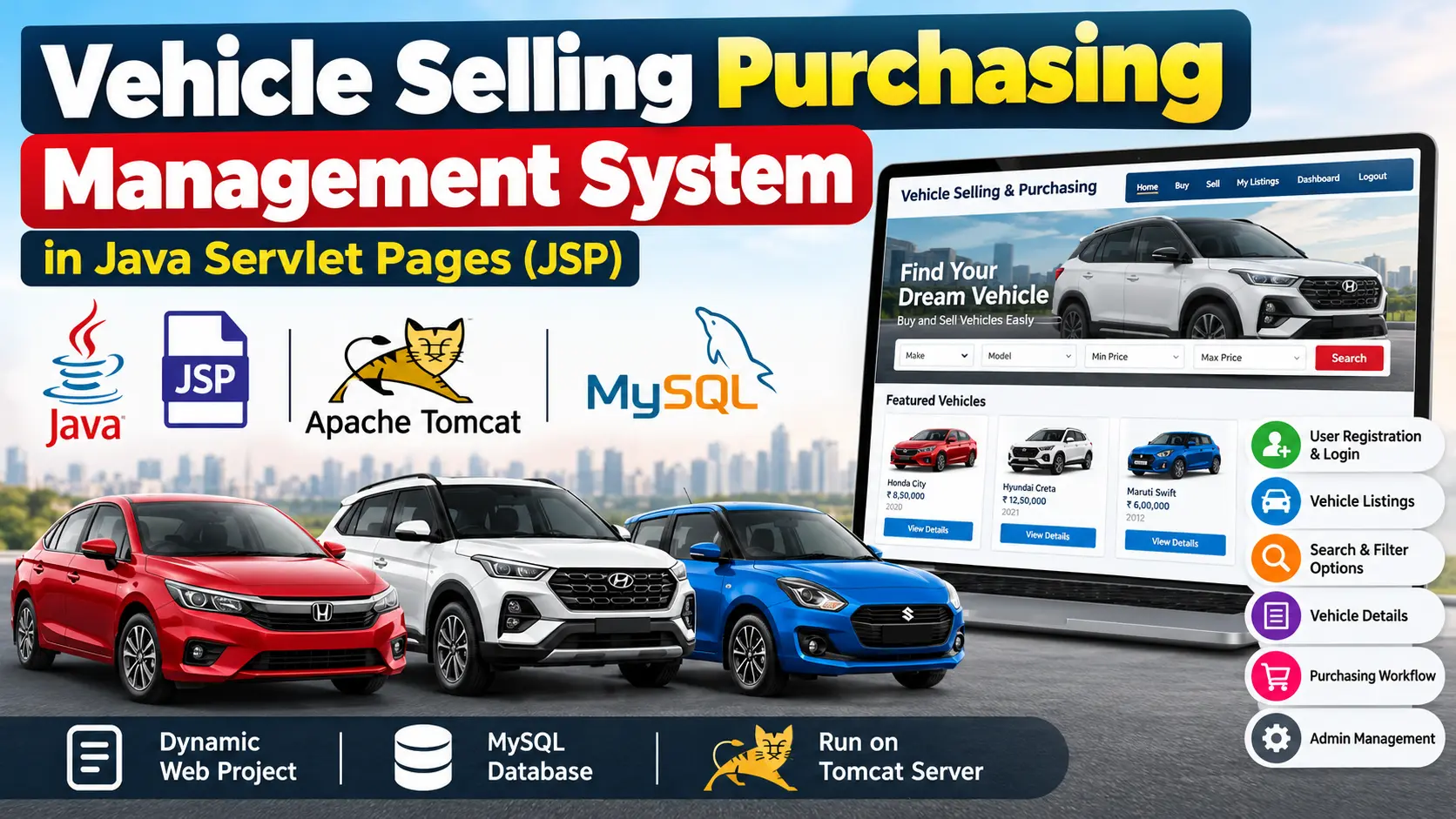
The Vehicle Selling and Purchasing Management System is a web-based project developed using Java Servlets and JSP. It helps manage vehicle listings, customer information, and transactions.
Read more- Built with
- JavaMySQLBootstrapHTML/CSSJavaScript
- You get
- Source codeDatabaseProject reportPPTSetup guide
- Delivery
- Instant download after payment
Project Overview
Buying and selling vehicles online has become common. The Vehicle Selling and Purchasing Management System is a web-based project developed using Java Servlets and JSP. It helps manage vehicle listings, customer information, and transactions.
A Vehicle Selling and Purchasing Management System allows users to post vehicles for sale, browse available vehicles, and manage purchasing activities. The project uses Java Servlets, JSP, Apache Tomcat, and MySQL.
User Roles
- Buyers: Browse vehicles, search and filter listings, view vehicle details, and proceed with purchasing steps.
- Sellers: List vehicles, edit vehicle details, delete listings, and track inquiries.
- Administrators: Manage user listings, inquiries, and transactions.
Key Features
- User Registration and Login
- Vehicle Listings with model, year, price, condition, and photos
- Search and Filter Options by make, model, year, or price range
- Vehicle Details
- Purchasing Workflow
- Admin Management
Technology Stack
- Java Servlets
- JSP
- Apache Tomcat
- MySQL
- HTML
- CSS
- JavaScript
Software and Tools Required
- Java Development Kit (JDK): Version 8 or later
- Apache Tomcat Server: Version 9 or later
- Integrated Development Environment (IDE): Eclipse, IntelliJ IDEA, or NetBeans
- MySQL Database
Watch Project Demo
Vehicle Selling Purchasing Management Project in Java Servlet Pages
More Details and Full Documentation
User Registration and Authentication
Vehicle Listing Management
Search and Filter Options
User Registration and Login
Vehicle Details
Purchasing Workflow
User Interaction Through JSP Pages
Client-Side Enhancements
- Create a Dynamic Web Project in your IDE.
- Configure Apache Tomcat as the target runtime.
- Set up the folder structure:
- WebContent: Stores JSP, HTML, CSS, and JavaScript files.
- src: Contains Java Servlets and business logic classes.
- lib: Stores third-party libraries.
- Create the Users table to store user ID, name, email, role, and encrypted password.
- Create the Vehicles table to store vehicle ID, make, model, year, price, condition, and seller ID.
- Create the Transactions table to track buyer ID, vehicle ID, and transaction status.
- Use foreign keys to link users with their vehicle listings.
- Deploy the project on Apache Tomcat using Run As > Run on Server.
- Test user registration, login, vehicle listings, and search filters.
Stuck while running it? Chat with us on WhatsApp for free installation help.
No reviews yet. Be the first to review this project.