 25% OFF
 E-Commerce Website Project in Java Servlets, JSP
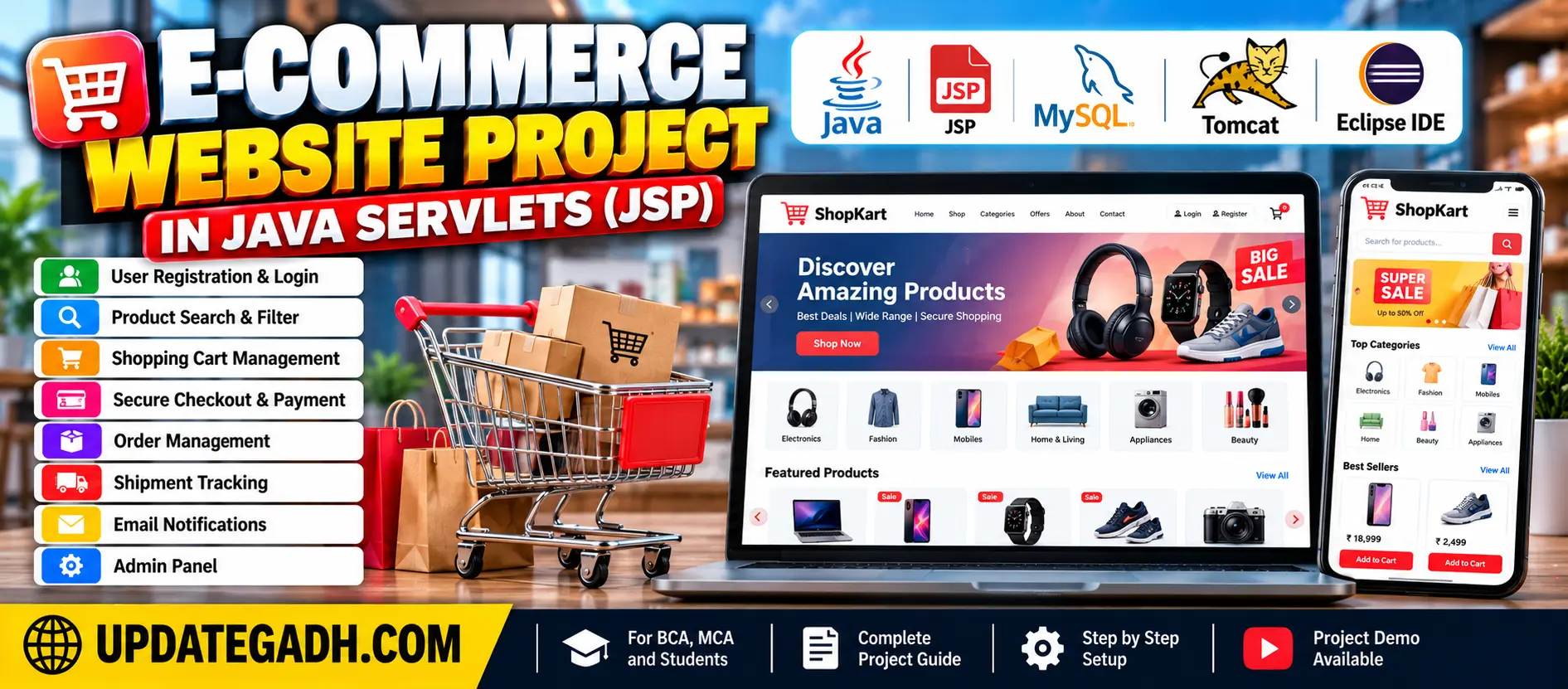
The E-Commerce Website Project in Java is a web-based application developed using Java, JDBC, Servlets, JSP, and MySQL. It supports product browsing, shopping cart management, checkout, order placement, shipment tracking, and email notifications.
Read more- Built with
- JavaMySQLBootstrapHTML/CSSJavaScript
- You get
- Source codeDatabaseProject reportPPTSetup guide
- Delivery
- Instant download after payment
Project Overview
The E-Commerce Website Project in Java Servlets and JSP is a web-based application developed using Java, JDBC, Servlets, JSP, and MySQL. It allows users to browse products, manage shopping cart items, place orders, and view order and shipment information.
Available Features
- Administrator and User Roles
- New User Registration
- Product Browsing and Search
- Product Filtering by Categories
- Add Items to Shopping Cart
- Remove Items from Shopping Cart
- Increase or Decrease Product Quantity
- Checkout and Order Placement
- Order Details and Shipment Status
- Registration Confirmation Email
- Order Confirmation Email
- Shipment Notification Email
- Back-in-Stock Email Notifications
Which Technologies Are Used in This Project?
- HTML
- CSS
- JavaScript
- Bootstrap
- Java
- JDBC
- Java Servlets
- JSP
- MySQL
More Details and Full Documentation
More Details and Full Documentation
Watch Project Demo
Administrator and User Roles
User Registration
Product Browsing and Search
Shopping Cart Management
Checkout and Order Placement
Order Details and Shipment Status
Email Notifications
- Install Java JDK.
- Install Eclipse Enterprise Edition.
- Install Apache Tomcat 8.0.
- Install MySQL.
- Install Apache Maven.
- Install XAMPP Server.
- Open Eclipse and select File → Import.
- Import the E-Commerce Website Project in Java.
- Right-click the project and select Run As → Run on Server.
- Select Tomcat and click Next → Finish.
- Check the Tomcat server port settings.
- Run the website in your browser.
Stuck while running it? Chat with us on WhatsApp for free installation help.
No reviews yet. Be the first to review this project.