 20% OFF
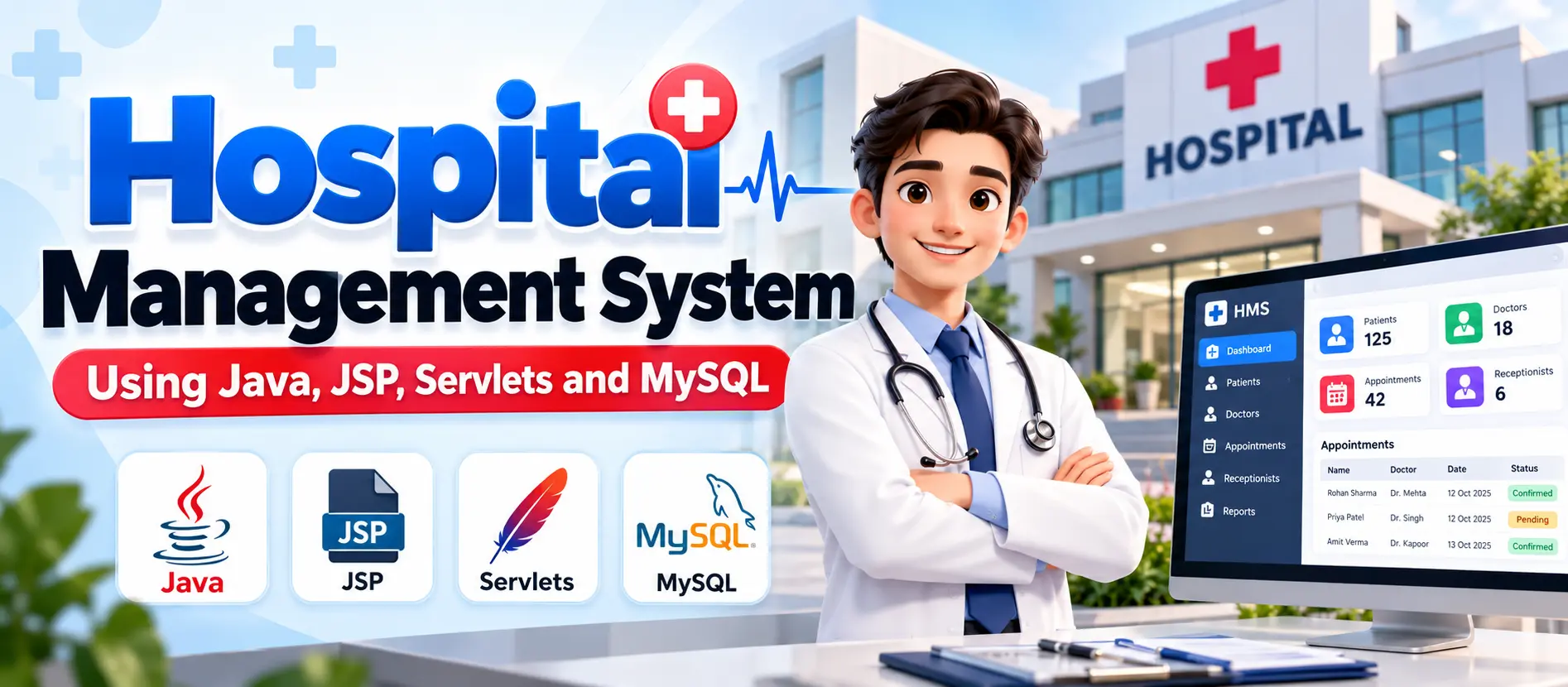
 Hospital Management System Java Using JSP, Servlets, MySQL
The Hospital Management System Java Using JSP, Servlets, MySQL is a web-based application for managing hospital staff, patients, and appointments. Administrators can manage doctors, receptionists, and patient records; doctors can view patient lists; and receptionists can manage appointments and update patient information. The project uses Java, JSP, Servlets, MySQL, and MVC architecture.
Read more- Built with
- JavaMySQLBootstrapHTML/CSSJavaScript
- You get
- Source codeDatabaseProject reportPPTSetup guide
- Delivery
- Instant download after payment
Project Overview
The Hospital Management System Java Using JSP, Servlets, MySQL is a web-based application designed to organize hospital administration, patient records, and appointment management. It provides separate functionality for administrators, doctors, and receptionists.
The system follows the Model-View-Controller (MVC) architecture. JSP is used for dynamic web pages, Java Servlets handle requests and responses, Java classes manage application data, and MySQL stores hospital records.
Available Features
- Admin Module: Manage doctor information, receptionist details, and patient records.
- Doctor Module: View the patient list.
- Receptionist Module: Add, edit, and view appointments.
- Patient Record Management: Add, edit, view, and delete patient records through administrative functions.
- Doctor Management: Add, update, delete, and view doctor information.
- Receptionist Management: Add, update, delete, and view receptionist information.
- MVC Architecture: Separate data handling, user interface, and request processing.
Which Technologies Are Used in This Project?
- Programming Language: Java
- Frontend: JSP, HTML, CSS, JavaScript
- Backend: Java Servlets
- Database: MySQL
- Architecture: Model-View-Controller (MVC)
- Build Tool: Apache Maven
- Development IDE: Eclipse IDE for Java EE Developers
- Application Server: Apache Tomcat 8.5
More Details and Full Documentation
Visit the official UPDATEGADH project page for the project overview, features, architecture, and setup instructions.
More Details and Full Documentation
Watch Project Demo
Watch the Hospital Management System project demo to understand its Java JSP and Servlet-based implementation.
- Admin Module
- Doctor Management
- Receptionist Management
- Patient Record Management
- Doctor Patient List
- Appointment Management
- MVC Architecture
- MySQL Database Management
Step 1: Install Java JDK, Eclipse IDE for Java EE Developers, MySQL, and Apache Tomcat 8.5.
Step 2: Download and extract the project package.
Step 3: Open Eclipse and import the Java web application project.
Step 4: Configure Apache Tomcat 8.5 in Eclipse.
Step 5: Create a MySQL database for hospital records.
Step 6: Create the required database tables for doctors, receptionists, patients, and appointments.
Step 7: Configure the application's database connection settings.
Step 8: Implement or configure the MVC components using JSP, Servlets, and Java model classes as required by the supplied project.
Step 9: Deploy the application to Apache Tomcat.
Step 10: Start the server and open the application using its configured localhost URL and context path.
Stuck while running it? Chat with us on WhatsApp for free installation help.
No reviews yet. Be the first to review this project.
Related projects



 28% OFF
 25% OFF