 25% OFF
 Vehicle Parking Management System Project in Java JSP Servlets and MySQL
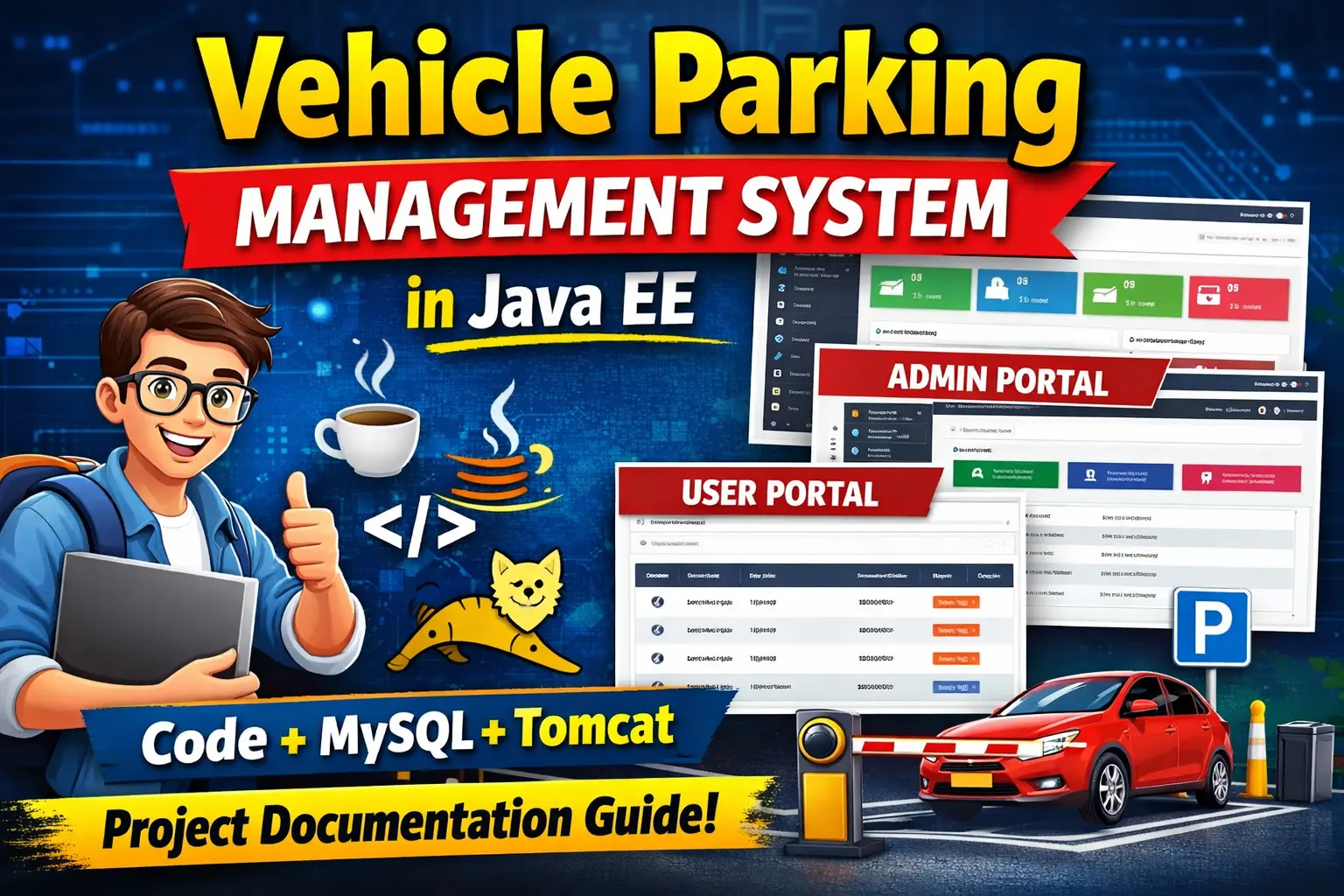
Vehicle Parking Management System Project in Java is a web-based parking application developed using JSP, Servlets, MySQL, Bootstrap, and Apache Tomcat to manage vehicles, parking categories, parking slots, vehicle entry and exit, parking history, charges, and reports.
Read more- Built with
- JavaMySQLBootstrapHTML/CSSJavaScript
- You get
- Source codeDatabaseProject reportPPTSetup guide
- Delivery
- Instant download after payment
Vehicle Parking Management System Project in Java JSP Servlets and MySQL
The Vehicle Parking Management System Project is a Java web application designed to manage parking operations efficiently. The system allows administrators and registered users to manage vehicle parking, monitor incoming and outgoing vehicles, manage vehicle categories, maintain parking history, and generate reports.
Project Overview
The application provides separate modules for administrators and registered users. Administrators can manage vehicles, vehicle categories, parking capacity, and reports, while registered users can park their vehicles, view parking history, manage vehicle details, and update their profiles.
Admin Module
- Admin login
- Dashboard with parking statistics
- Add and manage vehicle categories
- Add vehicles to parking
- View incoming vehicles
- Check-out vehicles
- Search vehicles using registration number
- Generate date-wise parking reports
- Configure parking slot capacity
- Update profile and password
User Module
- User registration and login
- Add own vehicle to parking
- View parking history
- Check-out parked vehicles
- View vehicle details
- Change password
Vehicle Entry and Exit
The system records vehicle parking information and allows administrators to manage incoming and outgoing vehicles. Vehicle records can be searched using the registration number, making it easier to locate parking information.
Parking Charge Management
Parking charges are calculated automatically according to the vehicle category and total parking duration. The system supports different rates for six-wheelers, four-wheelers, two-wheelers, and bicycles.
Parking History
The parking history module maintains records of previous parking activities. Administrators can review parking information, while registered users can view their own parking history and vehicle details.
Parking Reports
Administrators can generate parking reports based on selected date ranges. These reports help review vehicle parking activity and maintain organized parking records.
Parking Slot Capacity
The system allows administrators to configure the total parking slot capacity. This information is maintained in the database and can be used while managing parking operations.
Database
The project uses a MySQL database named vpmsdb. The database contains tables for administrator accounts, registered users, vehicles, vehicle categories, and parking slot capacity.
Technology Stack
- Programming Language: Java
- Web Technologies: JSP and Servlets
- Server: Apache Tomcat
- Database: MySQL
- Frontend: HTML, CSS, Bootstrap, JavaScript
- Database Connectivity: JDBC
- Connection Pool: Apache Commons DBCP
Software and Tools Required
- Java JDK 8 or above
- Apache Tomcat 9
- MySQL Server
- Eclipse IDE
Watch Project Demo
Watch Vehicle Parking Management System Project Demo
More Details and Full Documentation
View complete Vehicle Parking Management System project details
- Admin Login
- Admin Dashboard
- User Registration and Login
- Vehicle Category Management
- Vehicle Entry Management
- Vehicle Exit Management
- Parking Charge Management
- Parking History
- Vehicle Search
- Parking Slot Capacity
- Parking Reports
- Profile Management
- Password Management
- MySQL Database Management
- Install Java JDK 8 or above on your computer.
- Install Apache Tomcat 9.
- Install MySQL Server and MySQL Workbench.
- Install Eclipse IDE if required.
- Extract the Vehicle Parking Management System project files.
- Open Eclipse and import the project into the workspace.
- Create a MySQL database named vpmsdb.
- Import the vpmsdb.sql file into the vpmsdb database.
- Open the DatabaseConnection.java file.
- Update the MySQL username and password according to your local configuration.
- Make sure the required MySQL JDBC driver is available in the project.
- Configure Apache Tomcat 9 with Eclipse.
- Add the project to the configured Tomcat server.
- Compile the project and resolve any missing dependencies.
- Start the Apache Tomcat server.
- Open the application in your browser using the Tomcat application URL.
- Log in using the available administrator or user credentials.
- Test vehicle entry, vehicle exit, parking charges, parking history, vehicle search, parking capacity, and reports.
Stuck while running it? Chat with us on WhatsApp for free installation help.
No reviews yet. Be the first to review this project.