 20% OFF
 Online Railway Reservation System in JSP
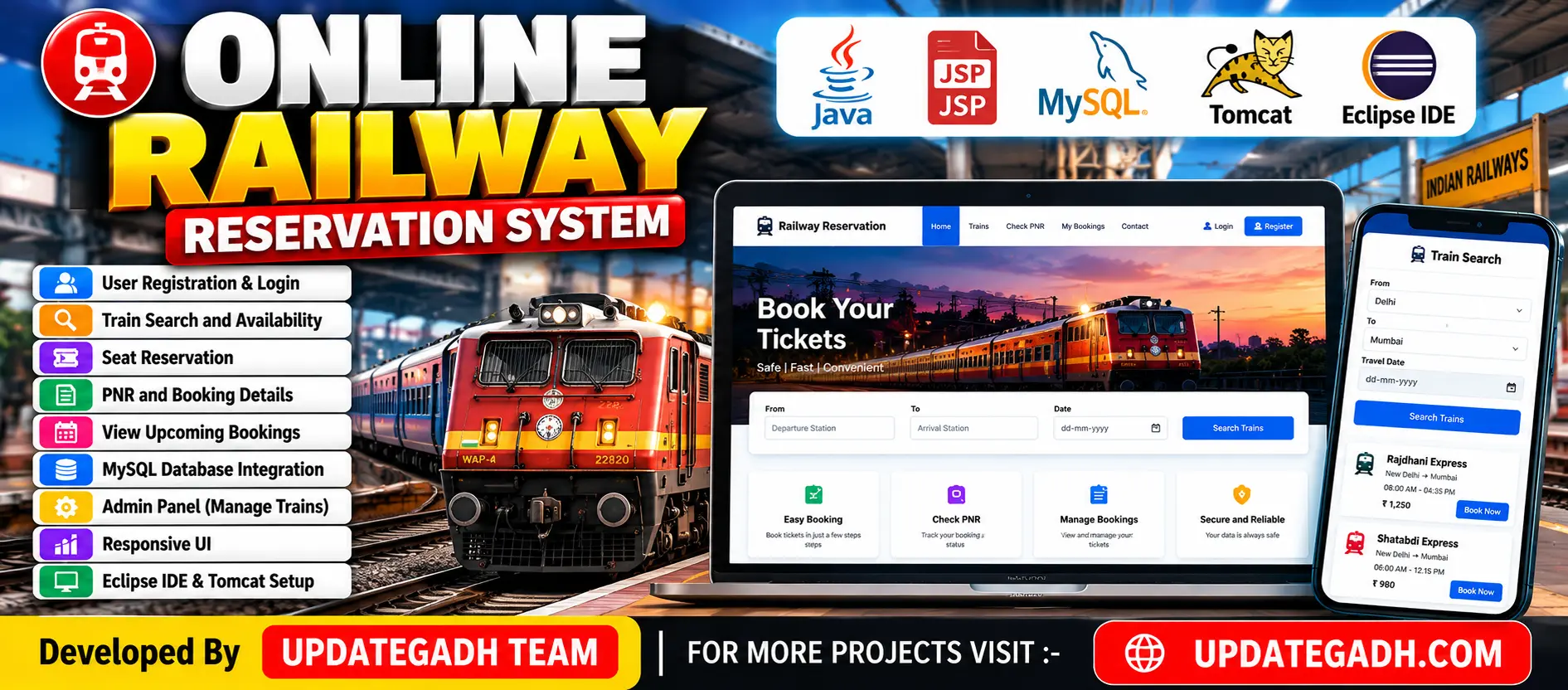
Online Railway Reservation System is a Java web application developed using JSP, Java Servlets, and MySQL. It allows users to search trains, check seat availability, enquire about fares, book tickets, and view booking history. It also includes an admin panel for managing train records.
Read more- Built with
- JavaMySQLBootstrapHTML/CSSJavaScript
- You get
- Source codeDatabaseProject reportPPTSetup guide
- Delivery
- Instant download after payment
Project Overview
The Online Railway Reservation System in JSP is a Java-based web application built using JSP, Java Servlets, MySQL, and Apache Tomcat. It allows users to search for trains, check seat availability, view fares, and book railway tickets online. The system also provides an admin panel for managing train information.
Available Features
- User Registration and Login
- Secure Login and Logout
- Train Schedule and Search
- Real-Time Seat Availability
- Fare Enquiry
- Trains Between Stations
- Online Seat Booking with Payment Gateway
- Booking History
- Profile Viewing and Updating
- Password Change
- Admin Login and Logout
- Add, Update, View, Remove, and Cancel Trains
- Edit Admin Profile
Which Technologies Are Used in This Project?
- Java
- JSP (JavaServer Pages)
- Java Servlets
- HTML
- CSS
- JavaScript
- Bootstrap
- MySQL
- JDBC
- Apache Tomcat
- Eclipse Neon IDE
- J2EE Architecture
More Details and Full Documentation
More Details and Full Documentation
Watch Project Demo
User Registration and Login
Train Search and Schedule
Seat Availability
Fare Enquiry
Ticket Booking
Booking History
User Profile Management
Admin Authentication
Train Management
Admin Profile Management
- Install Java JDK.
- Install Apache Tomcat.
- Install MySQL Server.
- Install Eclipse IDE.
- Create the project database in MySQL.
- Import the project into Eclipse.
- Configure the database connection.
- Configure Tomcat in Eclipse.
- Run the project using Run As → Run on Server.
Stuck while running it? Chat with us on WhatsApp for free installation help.
No reviews yet. Be the first to review this project.