 35% OFF
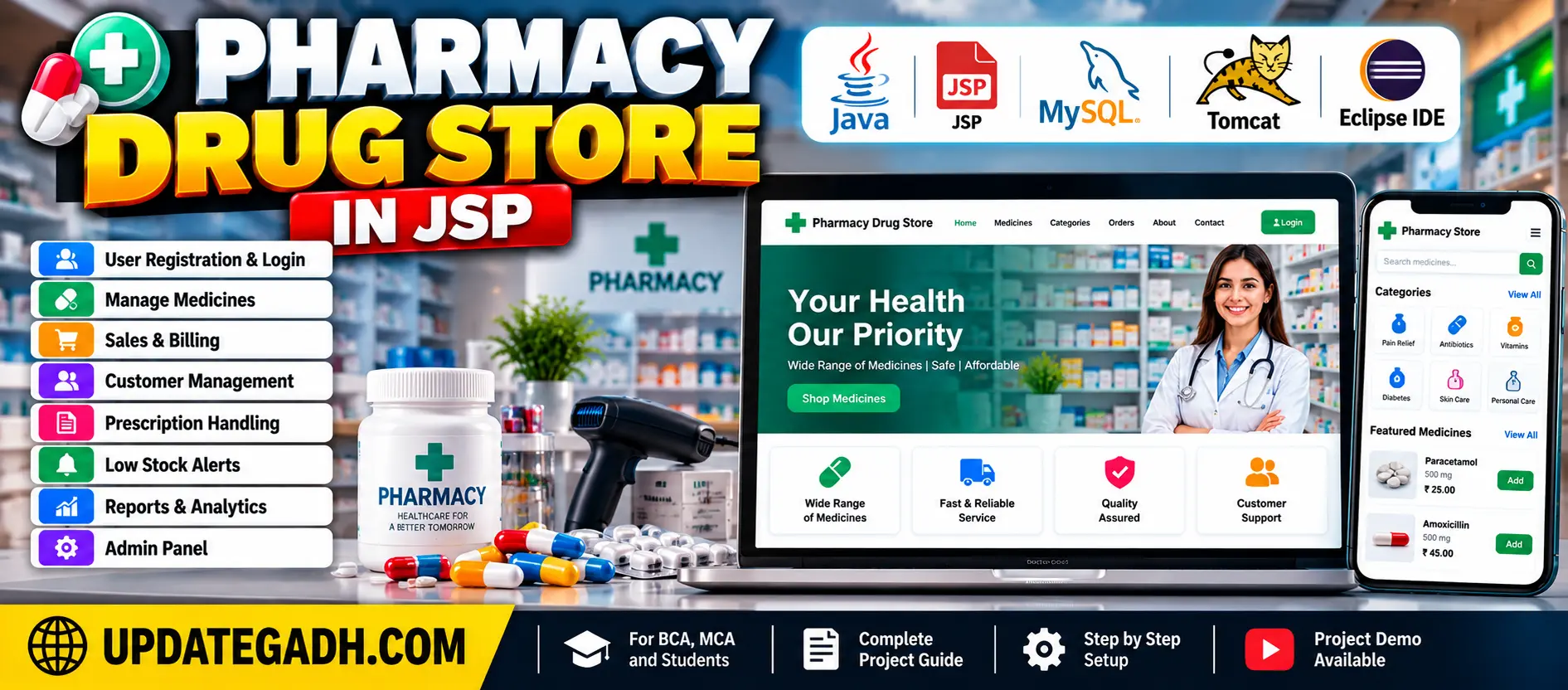
 Pharmacy Drug Store in JSP
The Pharmacy Drug Store in JSP is a web-based application developed using Java, JSP, Servlets, JDBC, and MySQL. It manages drug inventory, sales, billing, customer information, prescription records, alerts, and reports.
Read more- Built with
- JavaMySQLBootstrapHTML/CSSJavaScript
- You get
- Source codeDatabaseProject reportPPTSetup guide
- Delivery
- Instant download after payment
Project Overview
The Pharmacy Drug Store in JSP is a web-based application developed using Java, JavaServer Pages (JSP), Servlets, JDBC, and MySQL. It simplifies pharmacy operations by managing drug inventory, sales, billing, customer information, and prescription records.
Available Features
- User Authentication with Role-Based Permissions
- Drug Inventory Management
- Add, Update, and Remove Drugs
- Sales and Billing
- Invoice and Receipt Generation
- Customer Management
- Customer Purchase History
- Prescription Handling
- Prescription Transaction History
- Low-Stock Alerts
- Medicine Expiration Alerts
- Prescription Refill Notifications
- Sales and Inventory Reports
- Graphical Data Representation
- Responsive User Interface
Which Technologies Are Used in This Project?
- Java
- JSP (JavaServer Pages)
- Java Servlets
- JavaBeans
- JDBC
- MySQL
- HTML
- CSS
- JavaScript
- Bootstrap
- Eclipse Neon IDE
More Details and Full Documentation
More Details and Full Documentation
Watch Project Demo
User Authentication
Drug Inventory Management
Sales and Billing
Customer Management
Prescription Handling
Alerts and Notifications
Reporting System
User Interface
- Download and install MySQL Community Server.
- Execute the provided SQL file.
- Download and install Eclipse IDE.
- Install JDK 1.8 or above.
- Install Apache Tomcat 8.5 or above.
- Import the Pharmacy-Drug-Management-System project into Eclipse IDE.
- Right-click the project and select Run As, then Run on Server.
- Select the configured Tomcat server and click Next, then Finish.
- Check the Tomcat server port settings.
- Open the application using its local URL in your browser.
Stuck while running it? Chat with us on WhatsApp for free installation help.
No reviews yet. Be the first to review this project.