 40% OFF
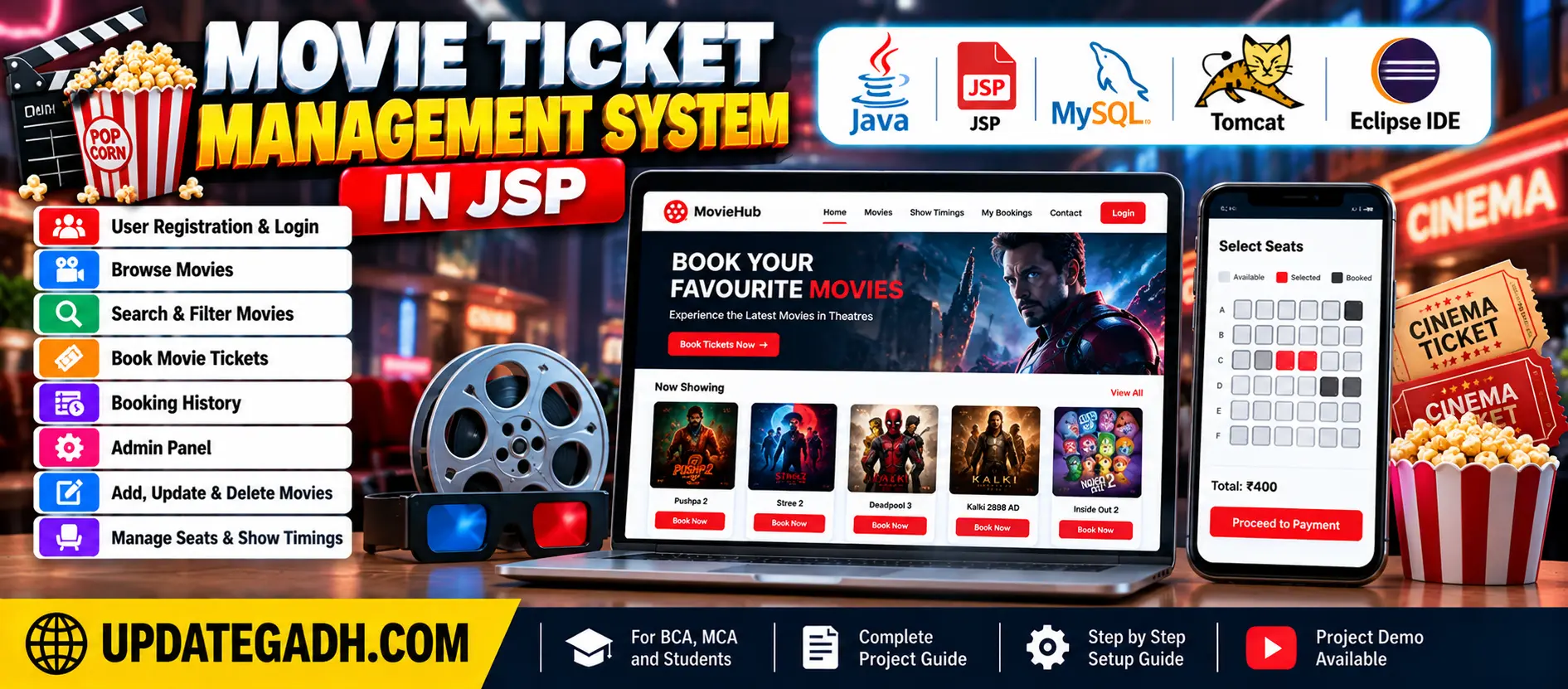
 Movie Ticket Management System in JSP
The Movie Ticket Management System in JSP is a web-based application developed using Java, JDBC, Servlets, JSP, and database technologies. It allows users to browse movies, search movie details, book tickets, and view booking history. Administrators can add, update, and delete movie records.
Read more- Built with
- JavaMySQLBootstrapHTML/CSSJavaScript
- You get
- Source codeDatabaseProject reportPPTSetup guide
- Delivery
- Instant download after payment
Project Overview
The Movie Ticket Management System in JSP is a web-based application developed using Java, JDBC, Servlets, JSP, and database technologies. It allows customers to browse movies, search for movie details, book tickets, and view their booking history. Administrators can add new movies, update existing records, and delete movies when required.
Available Features
- Browse Movies
- Search and Filter Movies by Title, Date, Location, Genre, and Movie ID
- View Movie Details
- View Ticket Prices and Seat Availability
- Book Movie Tickets
- Calculate Total Ticket Price
- View Booking History
- Add New Movies
- Update Movie Information
- Delete Movie Records
Which Technologies Are Used in This Project?
- Java
- JSP (JavaServer Pages)
- Java Servlets
- JavaBeans
- JDBC
- MySQL
- HTML
- CSS
- JavaScript
- Bootstrap
More Details and Full Documentation
More Details and Full Documentation
Watch Project Demo
Movie Browsing and Search
Movie Details
Ticket Booking
Booking History
Movie Management
- Install JDK/JRE 11 or above.
- Install Eclipse Enterprise Edition.
- Install Apache Tomcat Server 9.0.x.
- Set up the database server and required JDBC driver.
- Open Eclipse and select File → Import.
- Import the project ZIP file.
- Right-click the imported project and select Run As → Run on Server.
- Select the configured Tomcat server and click Next, then Finish.
- Check the Tomcat server port configuration.
- Open the application using the configured localhost URL.
Stuck while running it? Chat with us on WhatsApp for free installation help.
No reviews yet. Be the first to review this project.
Related projects
 28% OFF
 25% OFF