 33% OFF
 Shopping Cart using Spring Boot
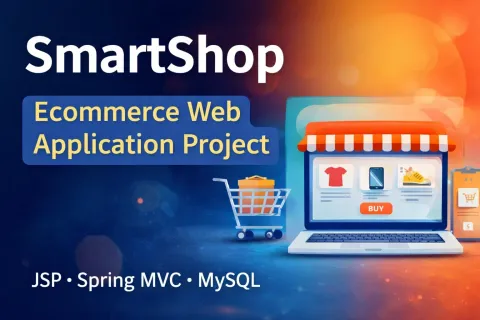
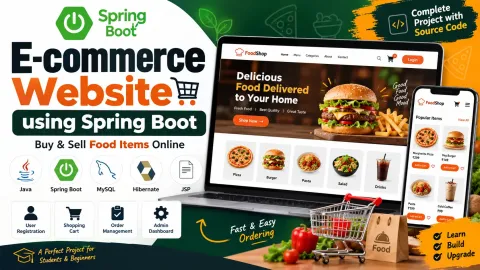
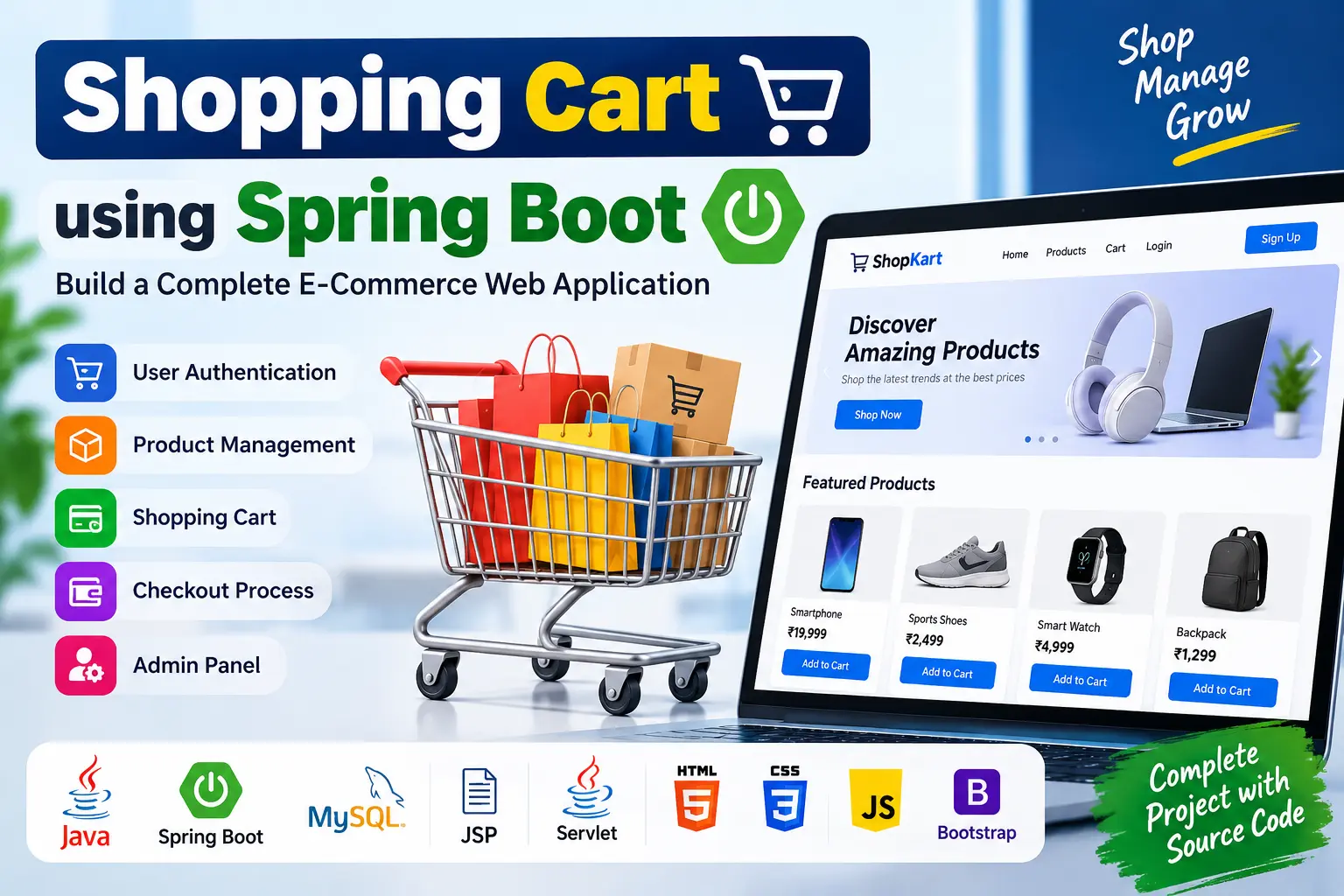
Shopping Cart using Spring Boot is a web-based e-commerce application built with Java, Spring Boot, JSP, Servlets, HTML, CSS, JavaScript, Bootstrap, and MySQL. The project includes user authentication, product management, shopping cart operations, checkout, database interaction, and Spring Boot with embedded Tomcat.
Read more- Built with
- JavaMySQLBootstrapHTML/CSSJavaScript
- You get
- Source codeDatabaseProject reportPPTSetup guide
- Delivery
- Instant download after payment
Shopping Cart using Spring Boot
The Shopping Cart using Spring Boot is a web-based e-commerce application designed to provide users with a convenient online shopping experience. The project combines Spring Boot with JSP, Servlets, HTML, CSS, JavaScript, Bootstrap, and MySQL to implement essential shopping cart and product management functionality.
The application includes user authentication, product management, shopping cart operations, checkout functionality, database interaction, and Spring Boot configuration. It is suitable for students and developers who want to learn how a Java-based shopping cart application can be developed using Spring Boot and related technologies.
Project Overview
This shopping cart application provides functionality for both customers and administrators. Users can register and log in, browse products, add products to their cart, remove items, adjust quantities, and proceed through the checkout process.
The product management functionality supports CRUD operations, while JDBC is used for inserting and retrieving application data from the database. Spring Boot provides project bootstrapping and an embedded Tomcat server for running the application.
Key Features
- User registration, login, and logout
- Authentication integration with Auth0
- Social login support including Google, GitHub, and Facebook
- Product catalog management
- Add, update, and delete products
- Add products to the shopping cart
- Remove products from the shopping cart
- Adjust product quantities in the cart
- Checkout process
- Address input during checkout
- Secure payment processing
- JSP, Servlets, and HTML5 based user interface
- Database operations using JDBC
- Spring Boot project configuration
- Embedded Tomcat server
- Spring Boot logging
- Exception handling and error messages
Technology Stack
- Programming Language: Java
- Backend: Spring Boot, Servlets
- Frontend: JSP, HTML, CSS, JavaScript, Bootstrap
- Database: MySQL
- Database Connectivity: JDBC
- Server: Embedded Tomcat / Tomcat 9.0.x
- IDE: Eclipse Neon
- JDK: Java 11+
User Authentication
The authentication module allows users to register, log in, and log out. The source project also specifies Auth0 integration and social login options such as Google, GitHub, and Facebook.
Product Management
The product management module manages the catalog of products available for purchase. It provides CRUD operations for adding, updating, and deleting products and uses the Java Collections Framework for data management.
Shopping Cart Operations
The shopping cart module allows users to interact with products before completing their purchase. Users can add products to the cart, remove products, and adjust the quantity of items.
Checkout Process
The checkout module guides users through the purchase process. It includes an address input interface and payment processing functionality for completing transactions.
Database Interaction
JDBC is used to communicate with the database for inserting and retrieving information. The application stores and retrieves user, product, and transaction-related data using the database layer.
Spring Boot Configuration
Spring Boot is used to bootstrap and configure the application. The project uses an embedded Tomcat server for deployment and execution. Spring Boot build systems can be used to manage dependencies and create deployable project artifacts.
Logging and Exception Handling
The project includes Spring Boot logging mechanisms for tracking application behavior and storing log messages. Exception handling is also implemented to manage application errors and provide appropriate error messages.
Why Choose This Project?
- Practical Java-based e-commerce application
- Built with Spring Boot
- Includes complete shopping cart operations
- Demonstrates product CRUD functionality
- Uses JSP and Servlets for dynamic web pages
- Includes JDBC database interaction
- Uses MySQL for data storage
- Demonstrates Spring Boot embedded Tomcat deployment
- Suitable for academic projects and Java learning
System Requirements
- JDK/JRE 11 or higher
- Tomcat Server 9.0.x
- MySQL Database Server
- Eclipse IDE or compatible Java IDE
- Modern Web Browser
Academic Use
The Shopping Cart using Spring Boot project can be used as an educational Java web application for learning Spring Boot, JSP, Servlets, JDBC, MySQL, authentication, product management, shopping cart functionality, checkout workflows, logging, and exception handling.
Conclusion
The Shopping Cart using Spring Boot provides a practical example of an e-commerce web application developed using Java and Spring Boot. With features such as authentication, product management, cart operations, checkout, JDBC database interaction, and embedded Tomcat, the project demonstrates the core concepts required to build a Java-based online shopping application.
- User Registration
- User Login
- User Logout
- Auth0 Authentication
- Social Login
- Product Management
- Add Product
- Update Product
- Delete Product
- Shopping Cart
- Add Items to Cart
- Remove Items from Cart
- Update Cart Quantity
- Checkout
- Address Management During Checkout
- Payment Processing
- JDBC Database Interaction
- User Data Management
- Product Data Management
- Transaction Data Management
- Spring Boot Configuration
- Embedded Tomcat
- Logging
- Exception Handling
- Install JDK/JRE 11 or higher.
- Install Eclipse IDE or another compatible Java development environment.
- Install MySQL Server and configure the database server.
- Install/configure Tomcat Server 9.0.x if required by the project setup.
- Import the Shopping Cart using Spring Boot project into Eclipse.
- Configure the MySQL database connection used by the application.
- Create/import the required database tables and project data.
- Configure the required authentication settings, including Auth0 if enabled.
- Make sure all required Java dependencies are available.
- Build the project using the configured Spring Boot build system.
- Run the Spring Boot application using the IDE.
- The application can run using Spring Boot's embedded Tomcat server.
- Open the application in a web browser using the configured local server address.
- Register or log in as a user.
- Test product management, shopping cart operations, checkout, and database functionality.
Stuck while running it? Chat with us on WhatsApp for free installation help.
No reviews yet. Be the first to review this project.