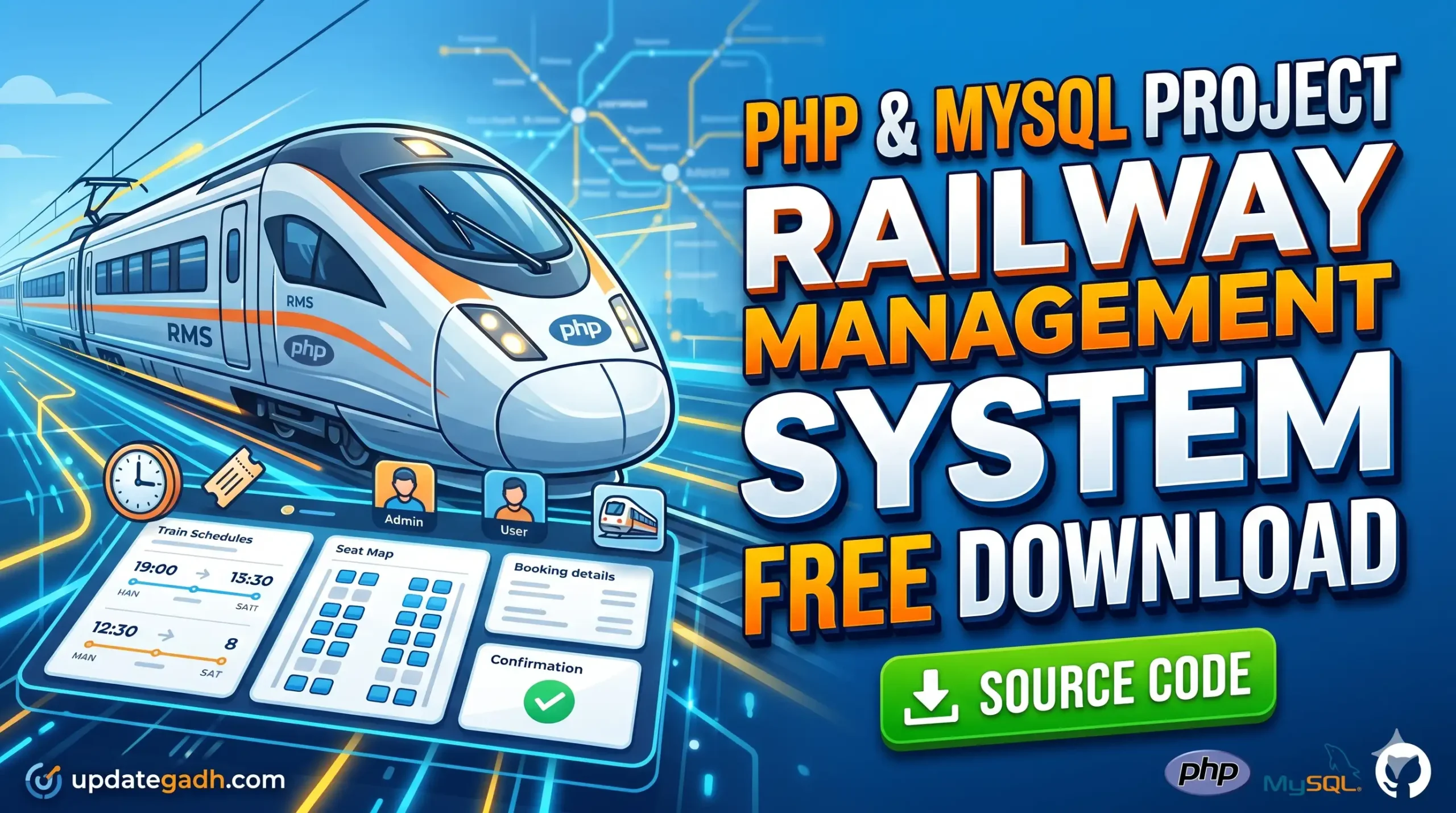

Demo Video
Railway Management System in PHP and MySQL
Are you a computer science student looking for an impressive, hands-on final-year project? Or perhaps a budding developer eager to sharpen their backend web skills? Building or implementing a <strong>Railway Management System in PHP and MySQL</strong> is one of the best ways to master real-world CRUD (Create, Read, Update, Delete) applications and web development fundamentals.
What You Will Get
Railway Management System in PHP and MySQL
Are you a computer science student looking for an impressive, hands-on final-year project? Or perhaps a budding developer eager to sharpen their backend web skills? Building or implementing a Railway Management System in PHP and MySQL is one of the best ways to master real-world CRUD (Create, Read, Update, Delete) applications and web development fundamentals.
In this comprehensive guide, we are breaking down a highly reliable and responsive Railway Management System open-source repository hosted on GitHub by bit-page. We will look into its features, the tech stack used, and give you a step-by-step setup guide to run it on your local server (XAMPP/WAMP).
Download Project
Complete Demo Video
Link:-
Related Posts You Should Read:
What is the Railway Management System in PHP?
The Railway Management System is a lightweight, web-based platform tailored to automate and streamline train ticket reservations, schedule tracking, and database administration.
Designed natively with PHP and powered by a MySQL backend, the application separates actions into two distinct dashboards: Admin Control Panel and User Account Dashboard. This role-based authentication ensures data security while delivering an intuitive experience to the regular commuter.
Check Out more Videos: click here
Core Features of the Project
Unlike overly complex corporate systems, this PHP project is engineered keeping readability and academic presentation in mind. Here is what it brings to the table:
- Role-Based Authentication: Secure, individual login portals for both Administrators and general Users.
- Dynamic Train Scheduling: Admins can effortlessly create, edit, or remove train routes, timings, and capacity constraints directly from the dashboard.
- Ticket Booking Engine: Users can check train availability, request seat reservations, and view booking history.
- PDF Ticket Generation: Built-in integration with the
dompdflibrary allows users to download and print formal reservation slips cleanly. - Responsive User Interface: Built using Bootstrap 5 and modern CSS, ensuring the portal works flawlessly on smartphones, tablets, and desktops.
Technical Stack Used
For student presentations, viva-voce, or project documentation files, you can copy this neat tech breakdown:
- Frontend: HTML5, CSS3, JavaScript, and Bootstrap 5
- Backend: Native PHP (Procedural/Object-Oriented approaches for easy editing)
- Database: MySQL (Structured Relational Database)
- Additional Libraries:
dompdf(For automated PDF generation)
Step-by-Step Installation Guide (XAMPP/WAMP)
Follow these exact steps to successfully set up this project on your local machine without facing database connection errors.
Step 1: Check System Requirements
Ensure your local web server environment has the following active versions:
- PHP Version: 7.2 or higher
- MySQL Version: 5.6 or higher
- Local Server: XAMPP, WAMP, or MAMP installed
Step 2: Download the Project Source Code
Download a .zip file. Extract the contents on your machine.
Step 3: Move Code to Server Directory
- If you are using XAMPP, move the extracted folder into the
C:\xampp\htdocs\folder. - If you are using WAMP, move the folder into the
C:\wamp\www\folder.
(Tip: Rename the folder to something simple and short, like railway)
Step 4: Create and Import the MySQL Database
- Open your web browser and navigate to
. - Click on the Databases tab, type a name for your database (e.g.,
railway_management), and click Create. - Select your newly created database from the left-hand sidebar menu.
- Go to the Import tab on the top menu.
- Click Choose File and locate the
.sqldatabase backup file provided inside your extracted project folder. - Click Go / Import at the bottom. Your database tables will be generated automatically.
Step 5: Configure Database Connection
Open the project folder inside your preferred text editor (VS Code, Notepad++, etc.). Locate the database configuration file (commonly named connect.php or located inside an assets/db/ directory). Ensure the connection parameters match your local setup database credentials:
$servername = "localhost";
$username = "root"; // Default XAMPP username
$password = "";     // Default XAMPP password is empty
$dbname = "railway_management"; // Match your database name
Step 6: Run the Project Live
Open your browser and enter the following path into the URL bar:
(Be sure to replace railway with whatever you named your project folder in htdocs. Your Railway Management System is officially live on your localhost!
Common Troubleshooting Tips
If you experience any deployment errors, check these common configurations:
- Database Connection Error: Verify your database name inside your connection script exactly matches what you typed in phpMyAdmin.
- Page Not Found (404): Ensure your Apache and MySQL modules inside your local control panel are running turned on.
- PDF Generation Errors: Ensure your local server folder permissions permit file creation for execution scripts.
Conclusion & Academic Verdict
The Railway Management System in PHP by bit-page provides a stellar foundation for university minor and major projects. It avoids convoluted framework architecture, giving students a crisp understanding of how frontend templates communicate with MySQL relational tables using native backend loops.
Feel free to modify the Bootstrap stylesheets to add your custom branding, and you'll have a unique project ready for your final evaluations!
For more free student projects, tech updates, and deployment blueprints, keep browsing UpdateGadh.com! Drop your installation queries in the comment box below, and our tech team will assist you.
railway management system in php and mysql pdf
railway management system in php and mysql github
railway reservation system in php demo
railway-management-system github
railway reservation system project with source code pdf
code for railway reservation system
online railway reservation system project
railway-reservation-system project in python github
Project Modules
Module details will be added soon.
Installation Guide
After purchase, we will provide installation support on WhatsApp.
FAQ for this project coming soon.
No reviews yet. Be the first to review!
Write a Review
Related Projects
 50% OFF
Featured
50% OFF
Featured
 53% OFF
Hot
53% OFF
Hot