Demo Video
Insurance Management System Using ASP.NET Core 8 and SQLite
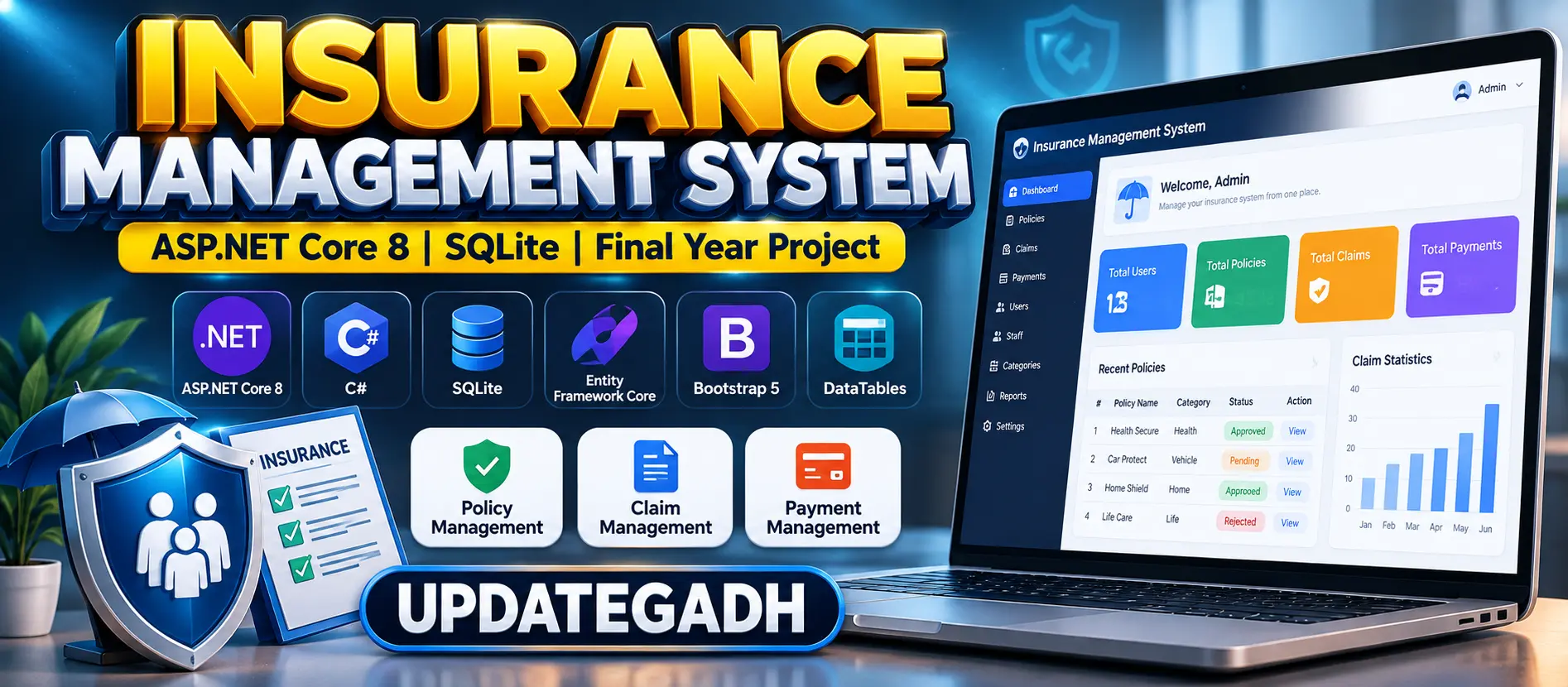
Insurance Management System built with ASP.NET Core 8 MVC, C#, Entity Framework Core, and SQLite for managing insurance policies, users, claims, payments, staff operations, and role-based dashboards.
What You Will Get
Project Overview
The Insurance Management System is a web-based application developed using ASP.NET Core 8 MVC, C#, Entity Framework Core, SQLite, Bootstrap 5, JavaScript, DataTables, and FluentValidation. The system provides a structured platform for managing insurance policies, customers, claims, payments, staff activities, and policy operations.
The application provides different access levels for Admin, Staff, and User roles. Each role has its own set of features for handling insurance-related activities through a responsive web interface.
Key Features
- Role-based access for Admin, Staff, and Users
- Admin dashboard with system statistics
- Staff management
- User management
- Insurance category management
- Insurance policy management
- Policy approval and rejection
- Insurance claim management
- Claim processing by staff
- Payment management
- User policy management
- User claim management
- User payment history
- Responsive Bootstrap-based interface
- DataTables for organized data management
- FluentValidation for input validation
- SQLite database integration
- Automatic database creation and seed data
Admin Module
The Admin module provides centralized control over the insurance system. Administrators can manage staff members, users, insurance categories, policies, claims, and payments.
The administrator can review policy applications, approve or reject policies, manage claims, monitor payment information, and view system statistics from the dashboard.
Staff Module
The Staff module is designed for employees handling day-to-day insurance operations. Staff members can process submitted claims and participate in policy approval or rejection activities according to their assigned permissions.
A dedicated staff dashboard provides access to the information and operations required for their responsibilities without giving complete administrative control.
User Module
The User module provides a self-service interface for customers. Users can browse available insurance policies and apply for policies based on their requirements.
Users can also submit insurance claims, make payments, and view their own policy, claim, and payment records from their dashboard.
Policy Management
The system allows insurance categories and policies to be managed through the application. Policy applications can be reviewed by authorized users, with approval and rejection functionality available for processing applications.
Claim Management
Insurance claims can be submitted and processed through the system. Staff members can handle submitted claims, while administrators can manage claim-related operations from the administrative interface.
Payment Management
The application provides payment management functionality along with user payment history. Users can make payments and view their payment records from their dashboard.
Dashboard and Data Management
The Admin dashboard provides statistics for monitoring application activities. DataTables are used to organize records and make data management easier, while FluentValidation is used for input validation.
Technology Stack
- Programming Language: C#
- Framework: ASP.NET Core 8 MVC
- Database: SQLite
- ORM: Entity Framework Core
- Frontend: HTML, CSS, Bootstrap 5, JavaScript
- Data Management: DataTables
- Validation: FluentValidation
Software and Tools Required
- .NET 8 SDK
- Visual Studio or Visual Studio Code
- Modern Web Browser
Database
The project uses SQLite with Entity Framework Core for database operations. The application is configured to automatically create and seed the database when it starts, reducing the need for manual database configuration during the initial setup.
Watch Project Demo
Watch Insurance Management System Demo
More Details and Full Documentation
Project Modules
Staff Module
User Module
Staff Management
User Management
Insurance Category Management
Insurance Policy Management
Policy Approval and Rejection
Insurance Claim Management
Claim Processing
Payment Management
User Policy Management
User Claim Management
Payment History
Dashboard Statistics
DataTables Management
Input Validation
SQLite Database
Installation Guide
1. Install the .NET 8 SDK on your computer.
2. Verify the installation using: dotnet --version
3. Extract the project files.
4. Open the project folder in Visual Studio or Visual Studio Code.
5. Open the terminal inside the project folder.
6. Restore project dependencies using: dotnet restore
7. Start the application using: dotnet run
8. The SQLite database will be automatically created and seeded when the application starts.
9. You can also run the project directly from Visual Studio using the Run or Debug option.
10. Open the local application URL displayed in the terminal.
11. Use the provided administrator credentials to access the Admin dashboard.
12. Admin Email: admin@insurance.com
13. Admin Password: Admin@123456!
14. Access the features according to the selected user role.
FAQ for this project coming soon.
No reviews yet. Be the first to review!